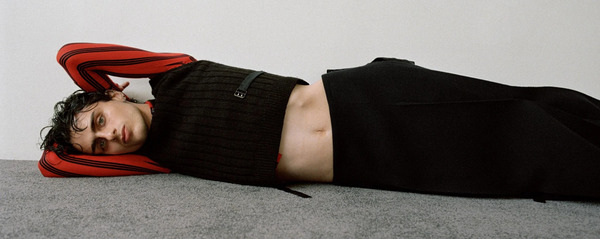
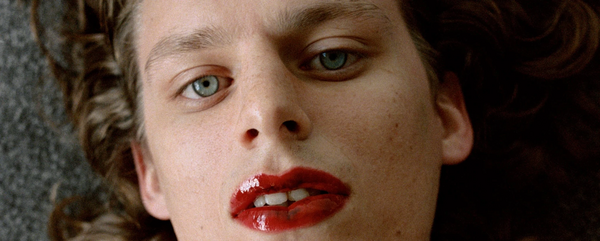
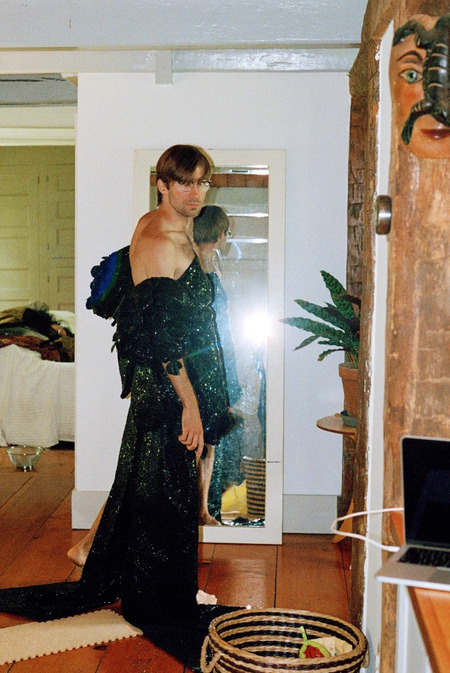
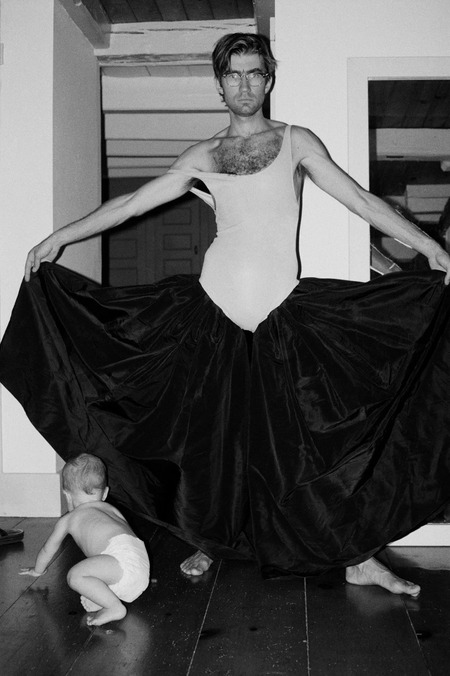
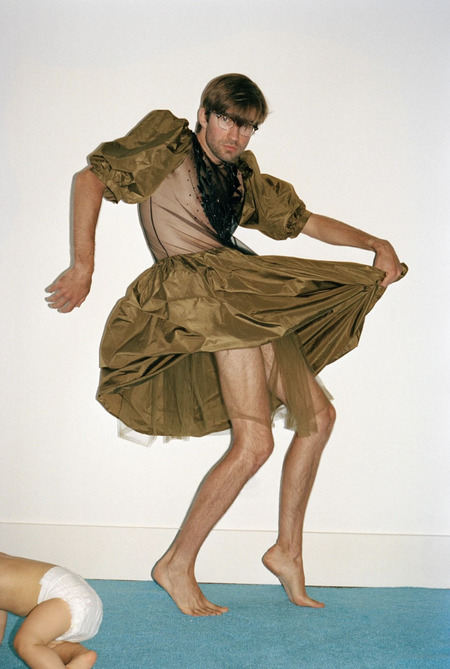
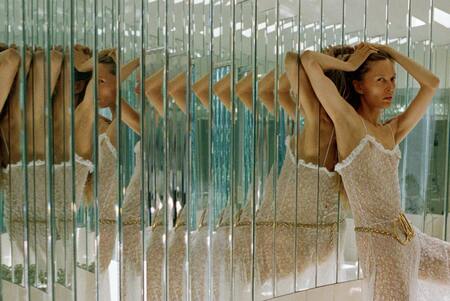
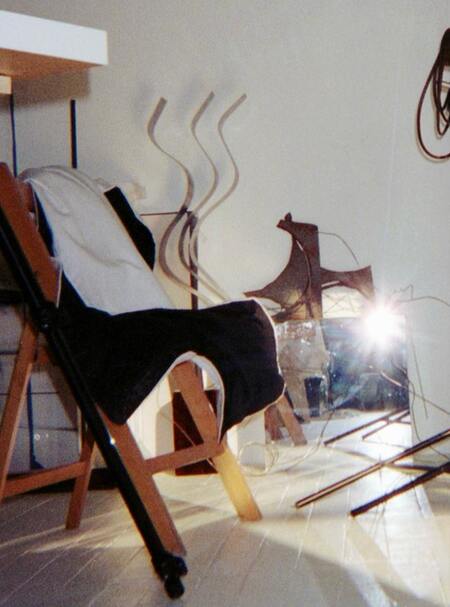
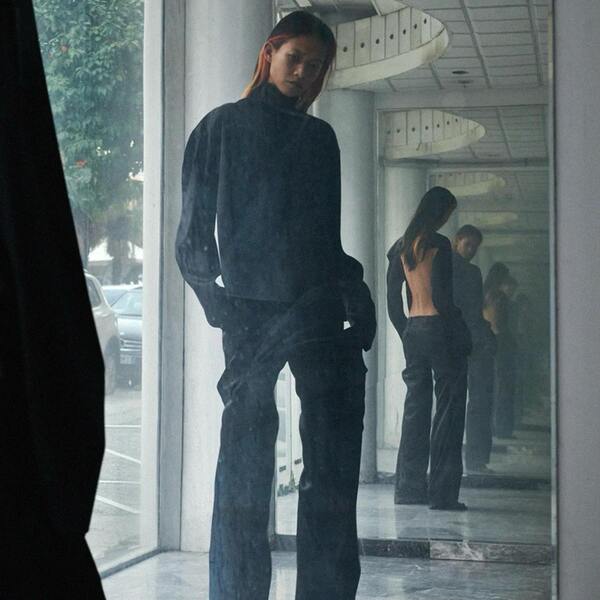
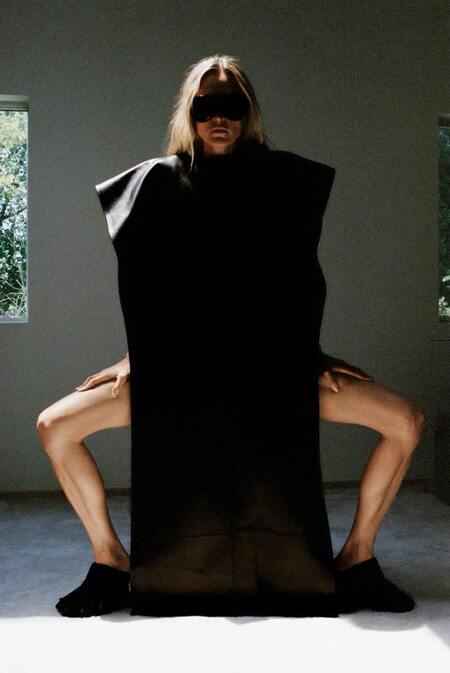
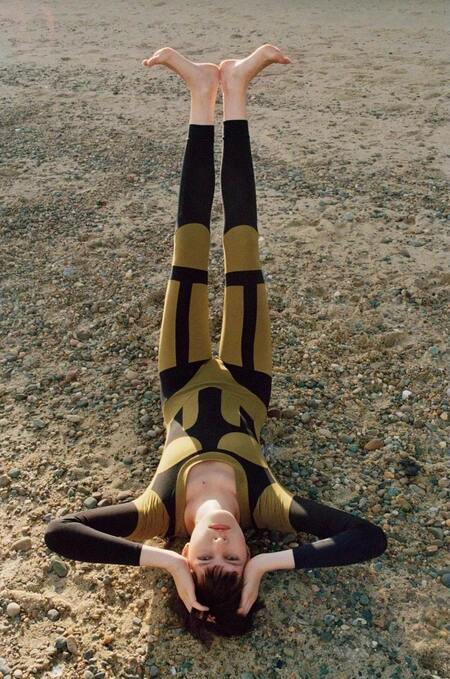
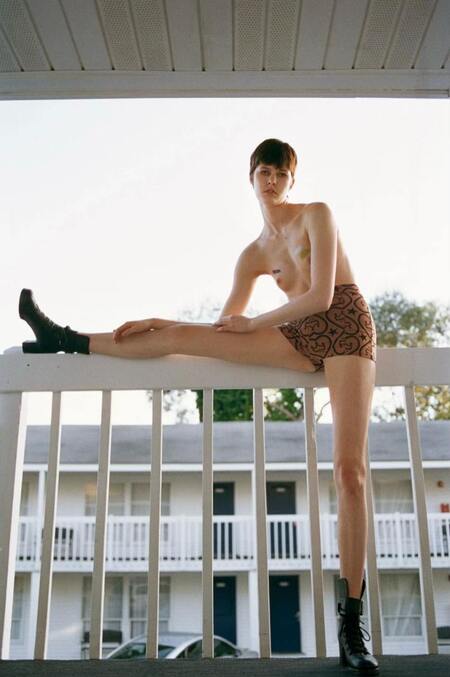
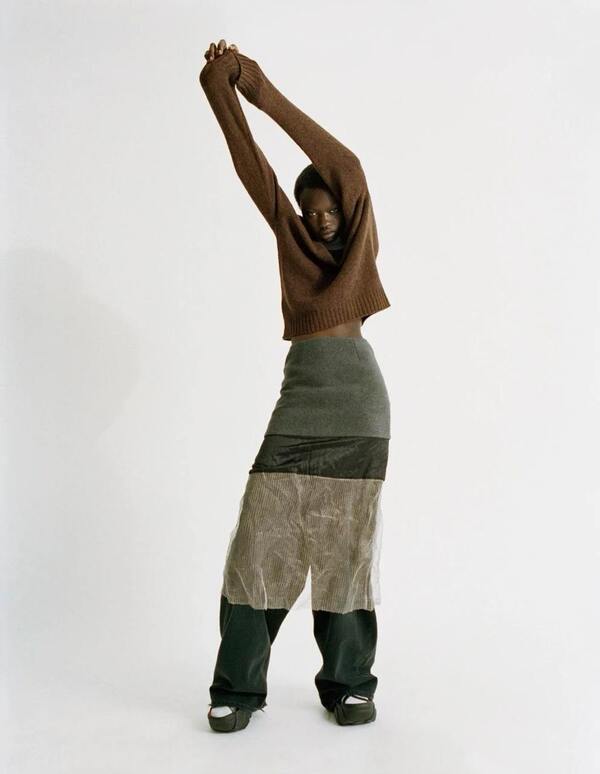
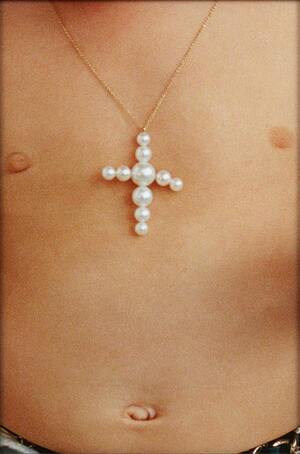
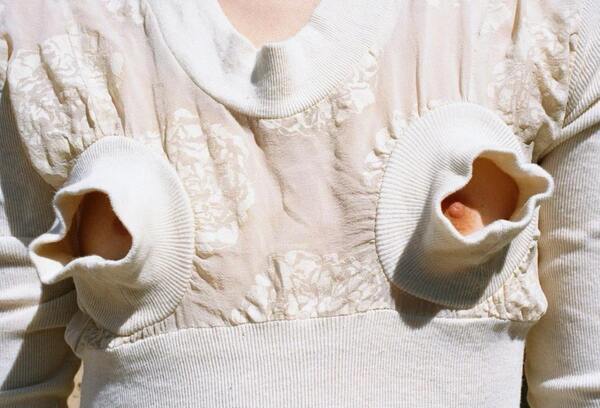
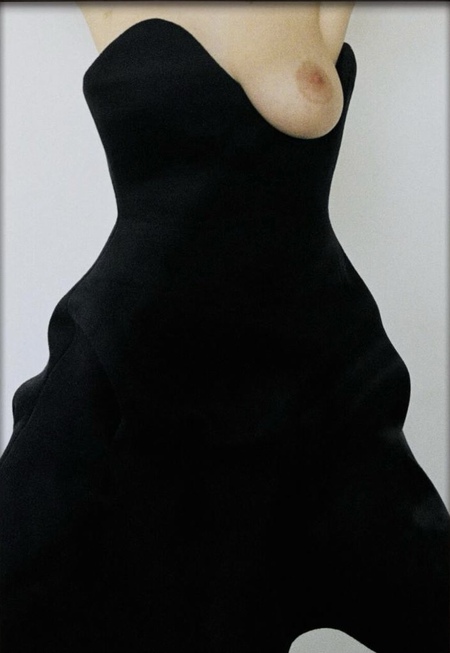
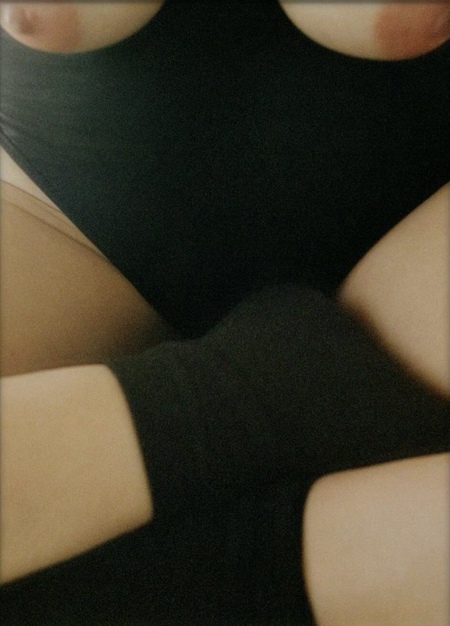
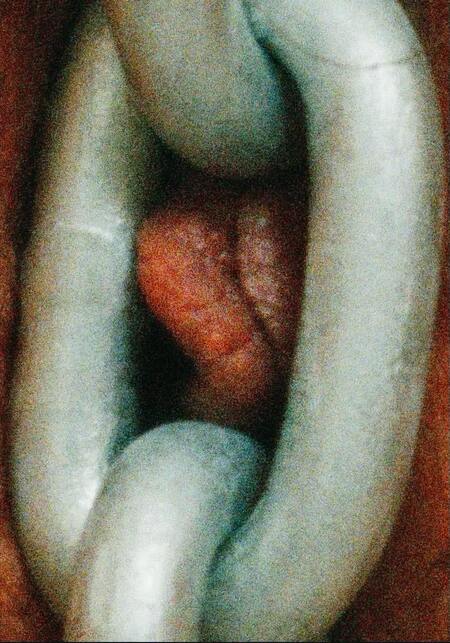
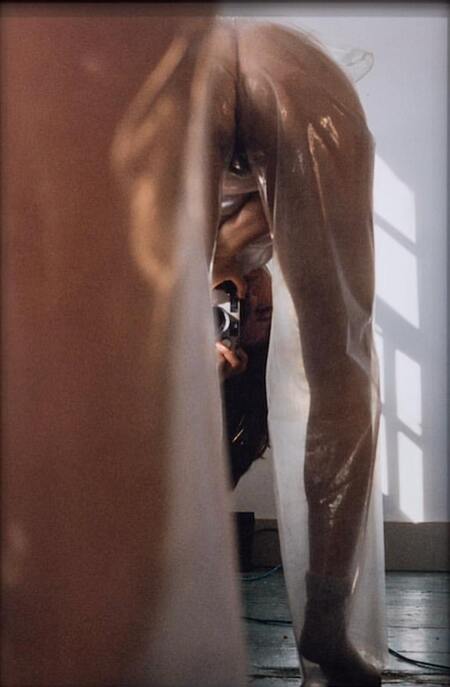
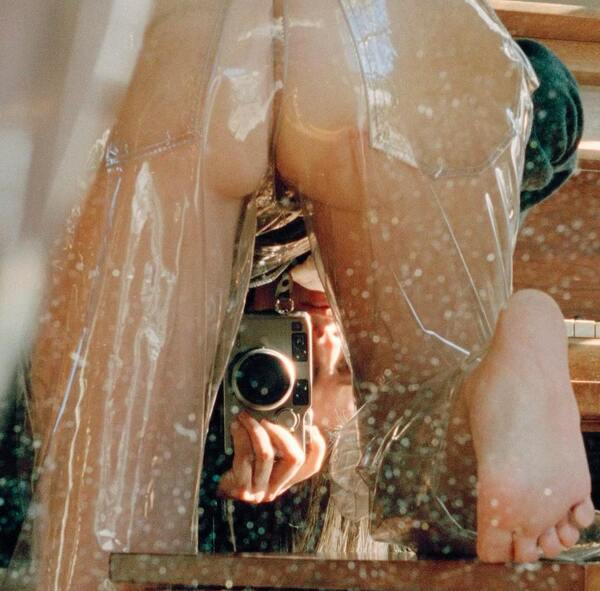
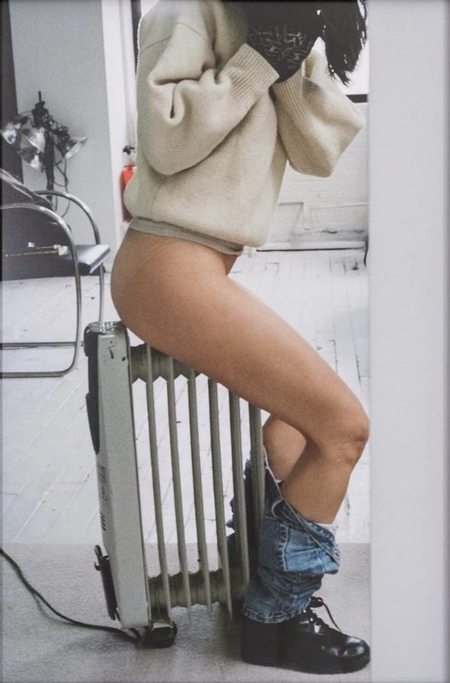
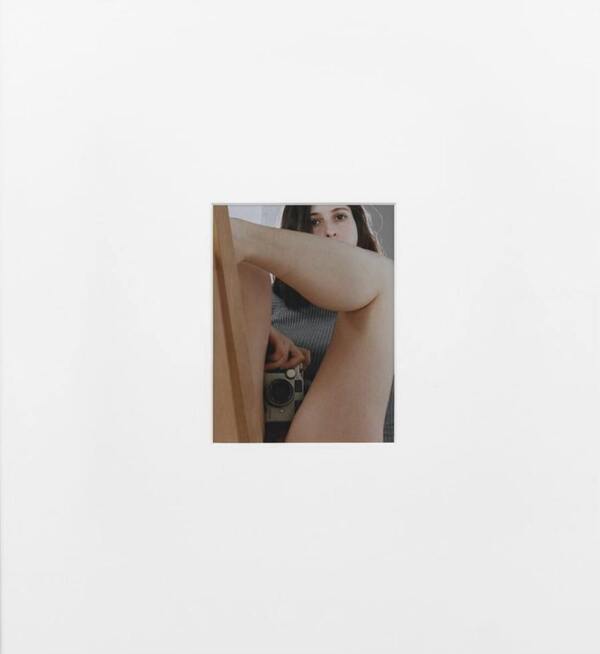
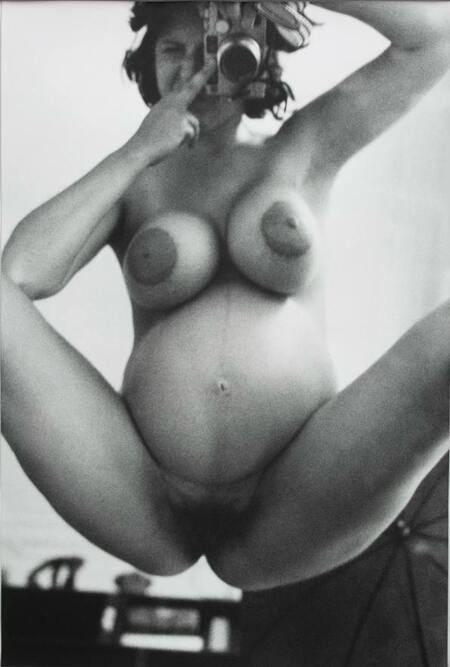
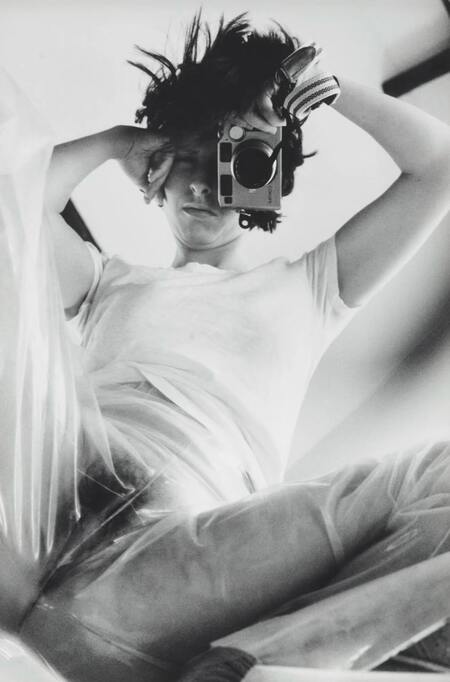
Талия Четрит — американский фотограф. Ее работы известны своими натюрмортами, портретами обнаженной натуры и использованием в своих работах скрытых аспектов и техник фотографической практики.
Калимат Гапизова подготовила визуальное исследование Талии Четрит. Проект включает тексты, посвящённые гендерной дуальности, геометрии, кропу и другим аспектам её фотографической практики.
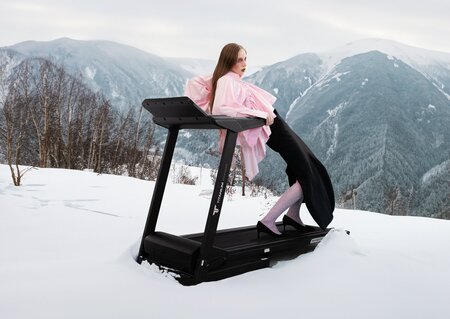
Мария Нехвядович подготовила исследование фотографа SARAH BLAIS, охватывающее её творческие подходы и профессиональные достижения. Особенностью проекта является акцент на сюрреализме и эмоциональной связи в её фотографиях, а также участие в престижных изданиях и брендах моды.
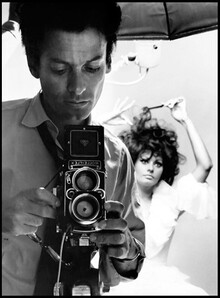
Анастасия Смирнова подготовила текст о фотографе Ричард Аведон, описывающий его подход к портретной и модной съёмке. Проект включает детали о его использовании черно-белого формата и работе с естественным светом в портретах обычных людей.
Хава Исаева подготовила исследование фотографа Charlie Gates, в котором анализируются его работы и стиль съемки. Особенностью проекта является выявление приемов, таких как цветной фон, гармония с природой и акцент на теле.
Авторы Анзор Канкулов, Оксана Дворянкина и Дмитрий Бирюков создали профиль «Арт-дирекшн в моде» для обучения визуальным коммуникациям в индустрии моды. Программа включает работу с кейсами из актуального контекста моды и сотрудничество с мировыми брендами в рамках учебного процесса.
Несколько авторов
Профиль «Арт-дирекшн в моде» предназначен для тех, кто любит моду и хочет заниматься визуальными коммуникациями, развитием фэшн-марок, магазинов и онлайн-площадок.
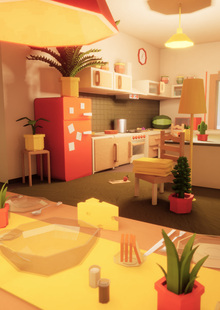
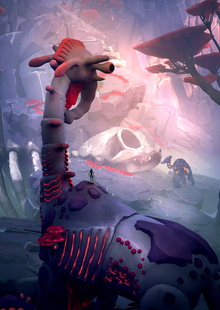
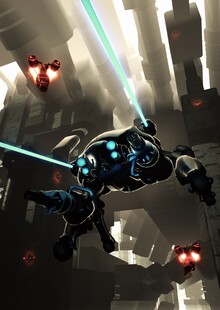
game.deziiign
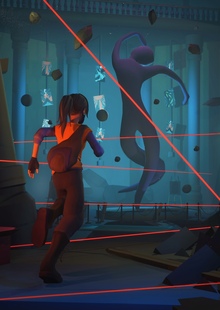
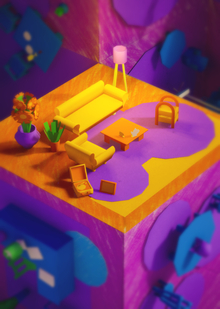
Платформа для тех, кто играет в игры и тех, кто игры создает. Здесь можно опробовать новые идеи, найти художника или гейм-дизайнера для собственного проекта, и узнать об играх что-то новое и неожиданное.
Press space bar to start a drag.
When dragging you can use the arrow keys to move the item around and escape to cancel.
Some screen readers may require you to be in focus mode or to use your pass through key
Press space bar to start a drag.
When dragging you can use the arrow keys to move the item around and escape to cancel.
Some screen readers may require you to be in focus mode or to use your pass through key
Press space bar to start a drag.
When dragging you can use the arrow keys to move the item around and escape to cancel.
Some screen readers may require you to be in focus mode or to use your pass through key
Press space bar to start a drag.
When dragging you can use the arrow keys to move the item around and escape to cancel.
Some screen readers may require you to be in focus mode or to use your pass through key
Press space bar to start a drag.
When dragging you can use the arrow keys to move the item around and escape to cancel.
Some screen readers may require you to be in focus mode or to use your pass through key
Press space bar to start a drag.
When dragging you can use the arrow keys to move the item around and escape to cancel.
Some screen readers may require you to be in focus mode or to use your pass through key
Press space bar to start a drag.
When dragging you can use the arrow keys to move the item around and escape to cancel.
Some screen readers may require you to be in focus mode or to use your pass through key
Press space bar to start a drag.
When dragging you can use the arrow keys to move the item around and escape to cancel.
Some screen readers may require you to be in focus mode or to use your pass through key
Press space bar to start a drag.
When dragging you can use the arrow keys to move the item around and escape to cancel.
Some screen readers may require you to be in focus mode or to use your pass through key
Press space bar to start a drag.
When dragging you can use the arrow keys to move the item around and escape to cancel.
Some screen readers may require you to be in focus mode or to use your pass through key
Press space bar to start a drag.
When dragging you can use the arrow keys to move the item around and escape to cancel.
Some screen readers may require you to be in focus mode or to use your pass through key
Press space bar to start a drag.
When dragging you can use the arrow keys to move the item around and escape to cancel.
Some screen readers may require you to be in focus mode or to use your pass through key
Press space bar to start a drag.
When dragging you can use the arrow keys to move the item around and escape to cancel.
Some screen readers may require you to be in focus mode or to use your pass through key
Press space bar to start a drag.
When dragging you can use the arrow keys to move the item around and escape to cancel.
Some screen readers may require you to be in focus mode or to use your pass through key
Press space bar to start a drag.
When dragging you can use the arrow keys to move the item around and escape to cancel.
Some screen readers may require you to be in focus mode or to use your pass through key
Press space bar to start a drag.
When dragging you can use the arrow keys to move the item around and escape to cancel.
Some screen readers may require you to be in focus mode or to use your pass through key
Press space bar to start a drag.
When dragging you can use the arrow keys to move the item around and escape to cancel.
Some screen readers may require you to be in focus mode or to use your pass through key
Press space bar to start a drag.
When dragging you can use the arrow keys to move the item around and escape to cancel.
Some screen readers may require you to be in focus mode or to use your pass through key
Press space bar to start a drag.
When dragging you can use the arrow keys to move the item around and escape to cancel.
Some screen readers may require you to be in focus mode or to use your pass through key
Press space bar to start a drag.
When dragging you can use the arrow keys to move the item around and escape to cancel.
Some screen readers may require you to be in focus mode or to use your pass through key