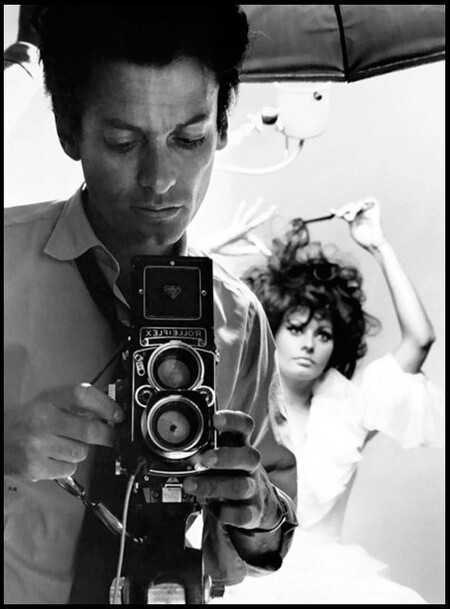
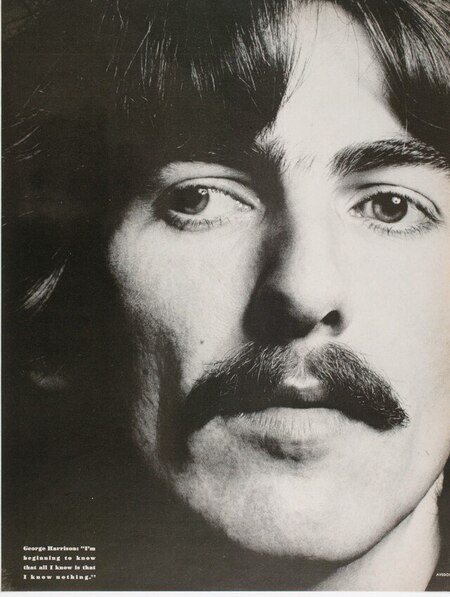
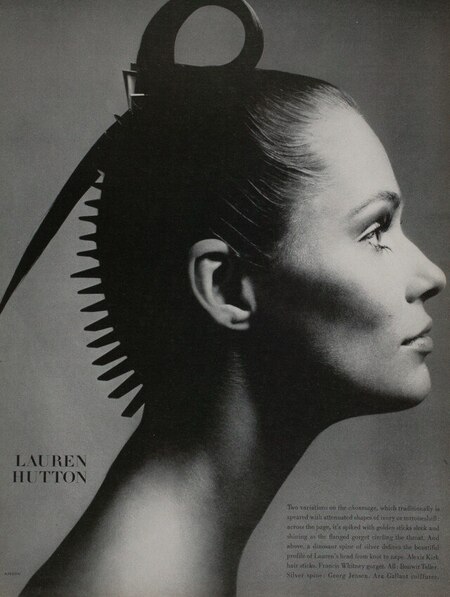
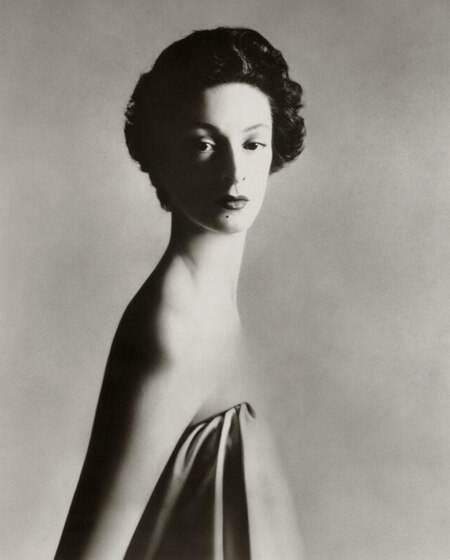
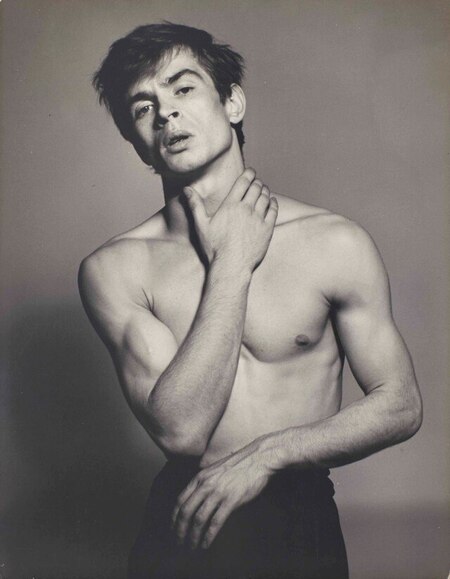
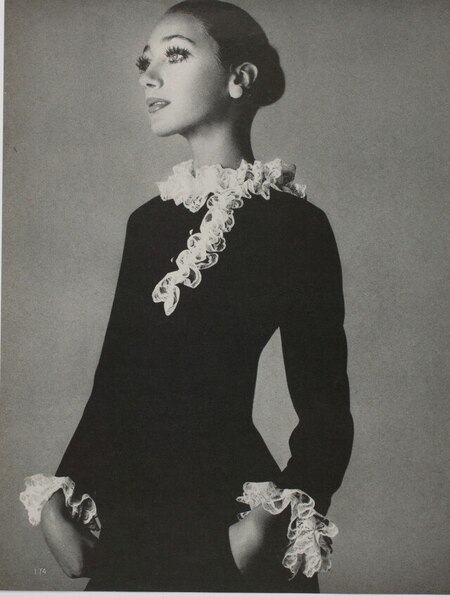
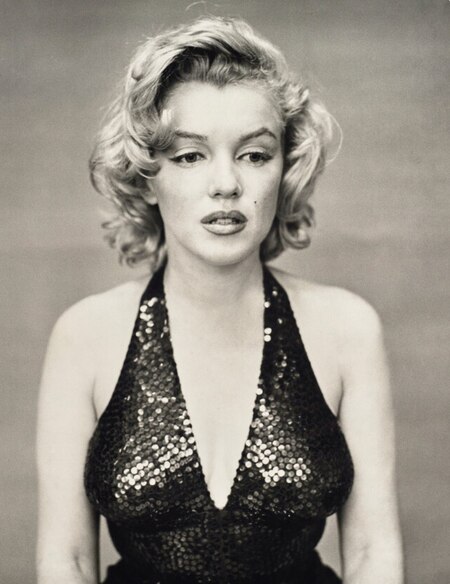
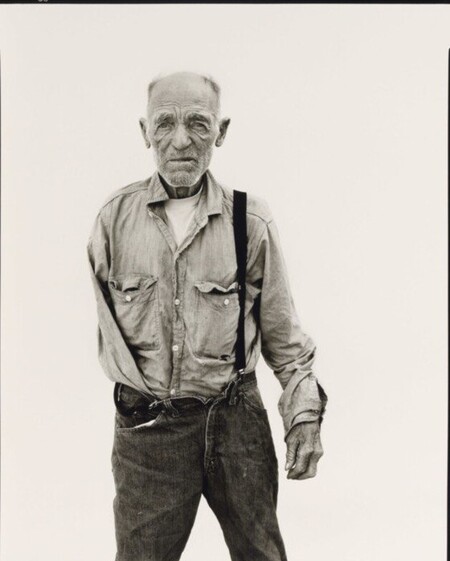
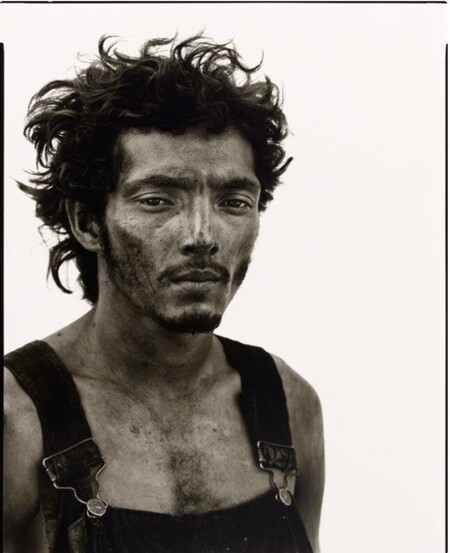
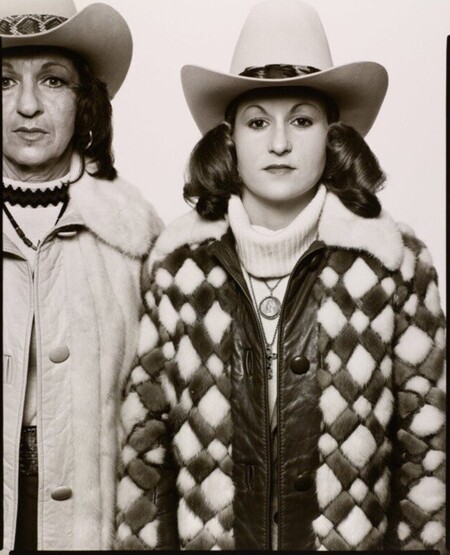
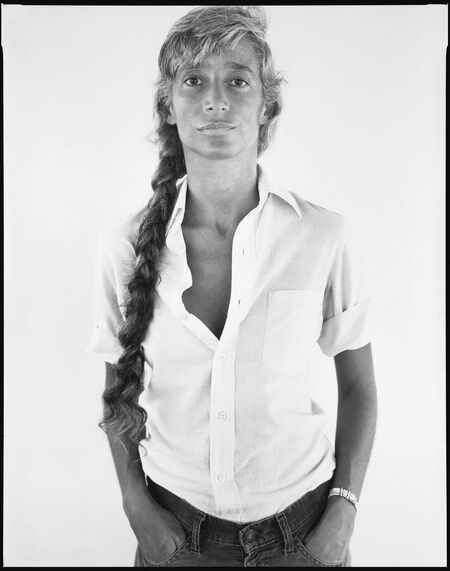
Ричард Аведон в первые десятилетия своей карьеры оставался сторонником черно-белых снимков, даже когда цветная фотография уже стала популярной. Фотограф любил четкость, выраженность, истинное лицо, в чём графичный двухцветный кадр был ему союзником.
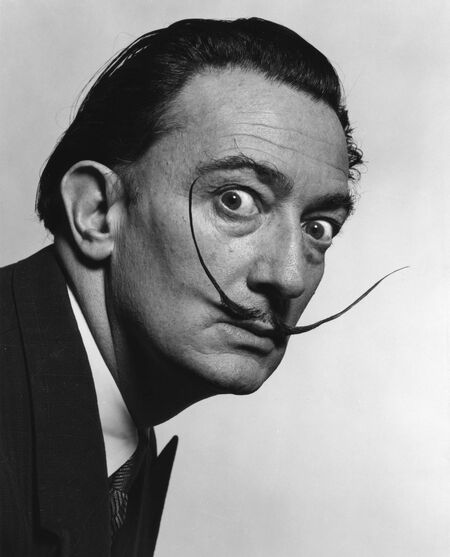
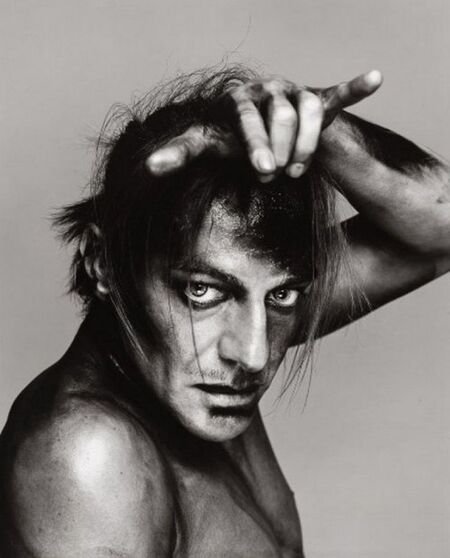
Портрет. Черно-белый.
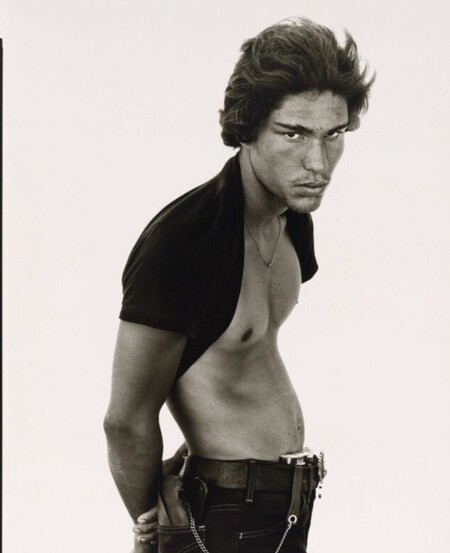
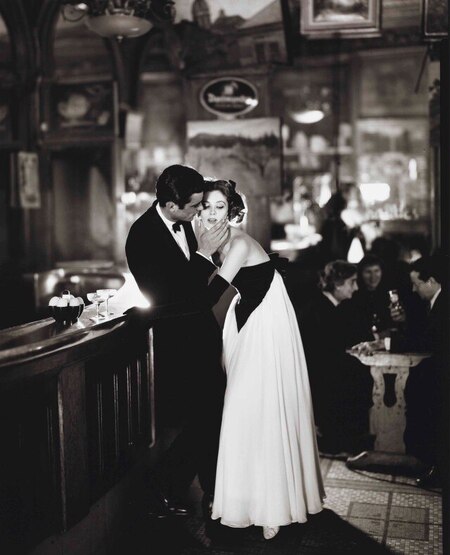
*Боковой свет. жесткие тени
*Верхний свет, резкие тени
*Мягкие тени
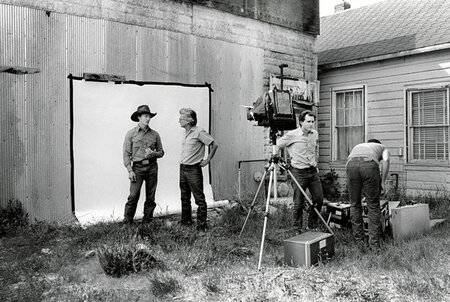
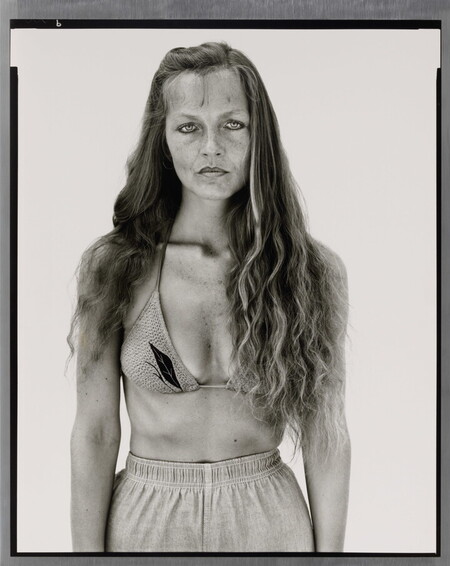
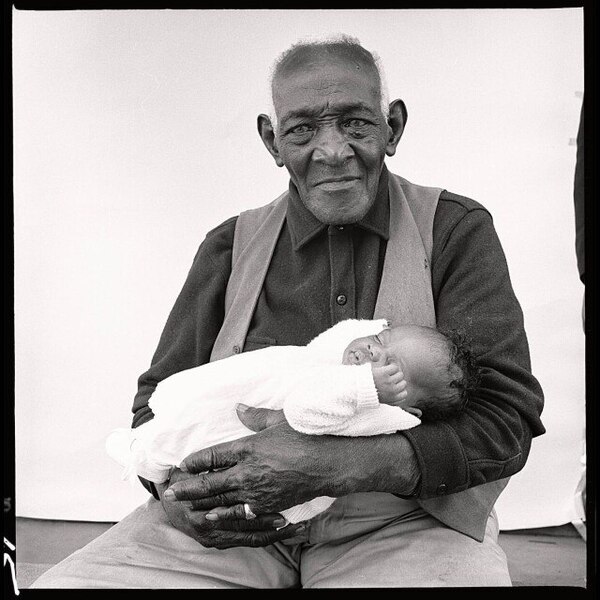
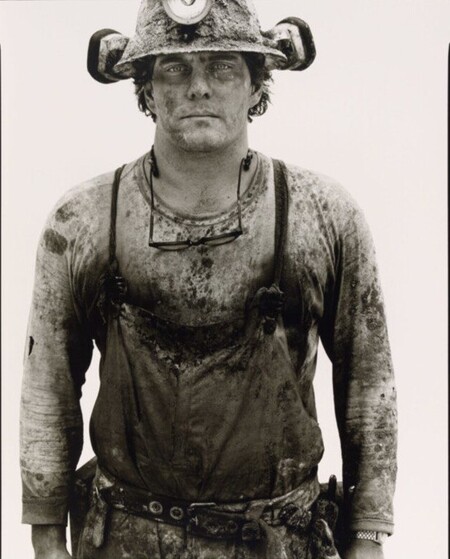
С 1979 года, имея высококлассный опыт модной и портретной съёмки звёзд и лучших моделей, фотограф решает делать кадры обычных людей. Серия «Американский запад» запечатлена 762 человека: обычных американцев, в ежедневных, не стилизованных обличиях. Героями стали и продавщицы, и учительницы, и последний афроамериканец, родившийся в рабстве, и уранодобыдчики, и даже бродяги. Критики не оценили его труд в своё время, но в нём он показал свою истинную миссию — запечатлеть реальных, настоящих людей. Излюбленный белый фон, который автор использует для отсечения лишнего, ставился в абсолютно разных местах, там, где герой жил.
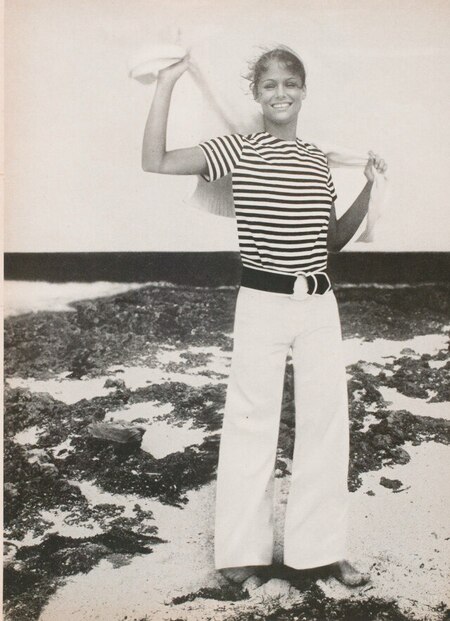
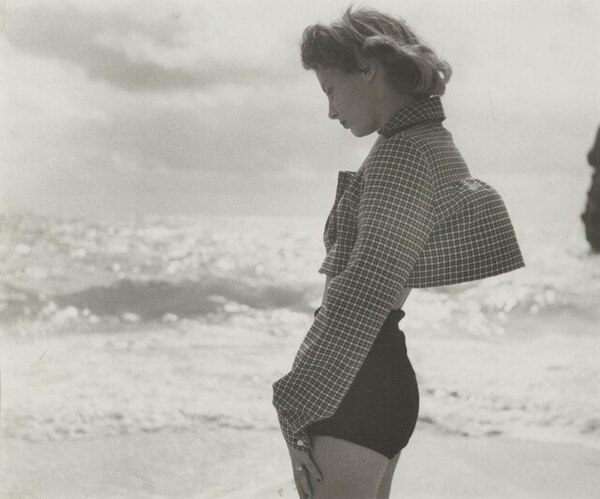
*Естественный свет
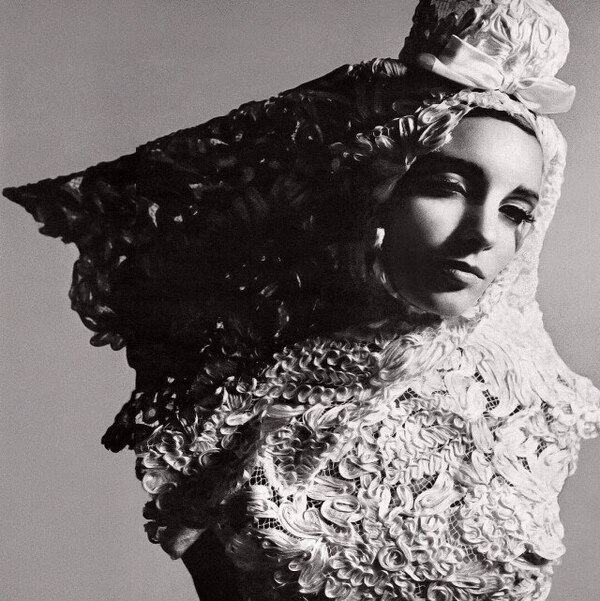
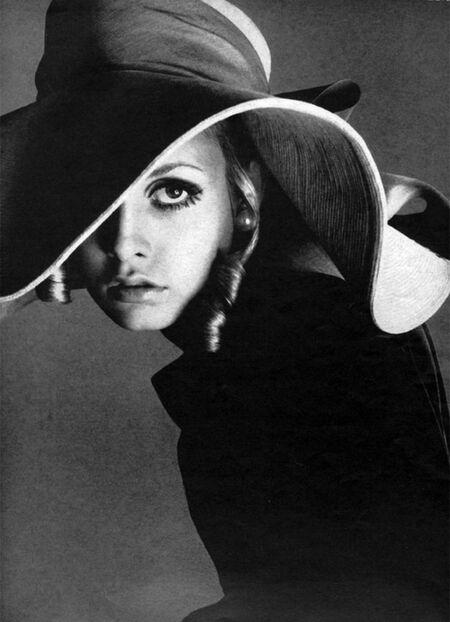
Модная съёмка
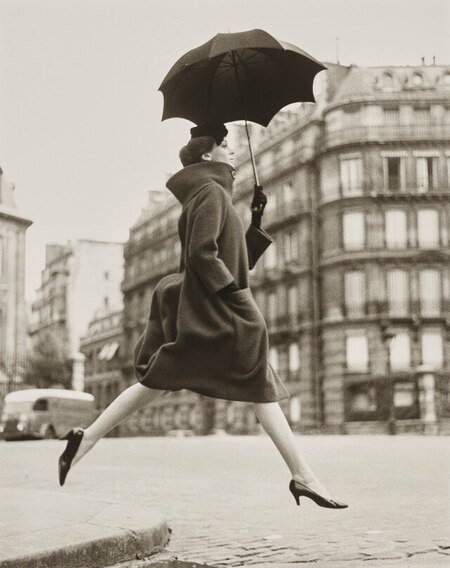
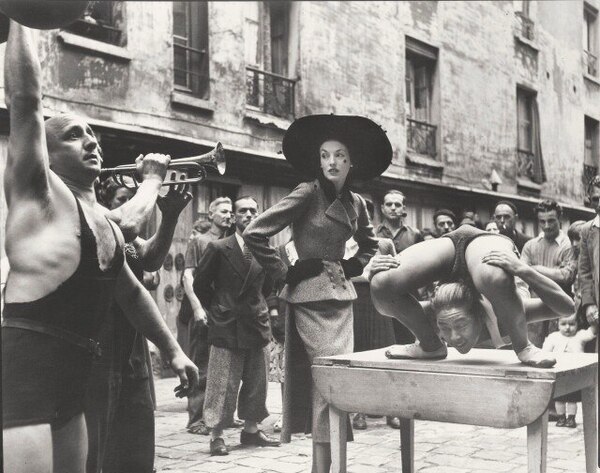
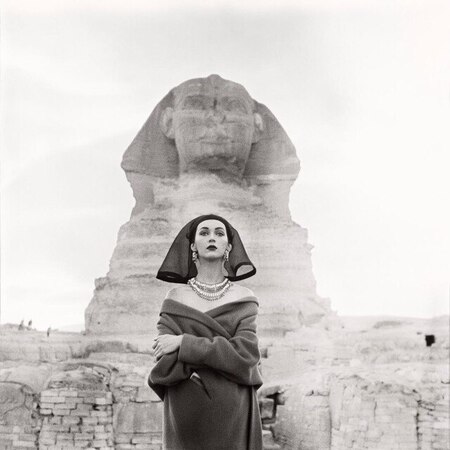
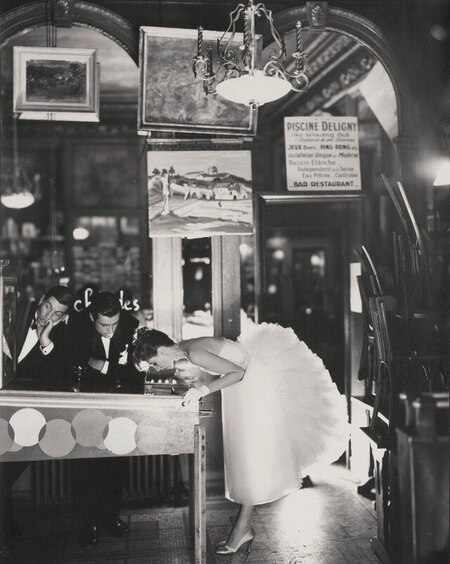
*Модная съёмка вне студии
Фотографу была дана большая свобода главным редактором журнала Harper’s Bazaar Алексеем Бродовичем. Он выводил моделей специально на улицу, чтобы уйти от наскучивших студийных композиций. Старался поймать их в естественном движении, чтобы сделать кадр более живым и интересным.
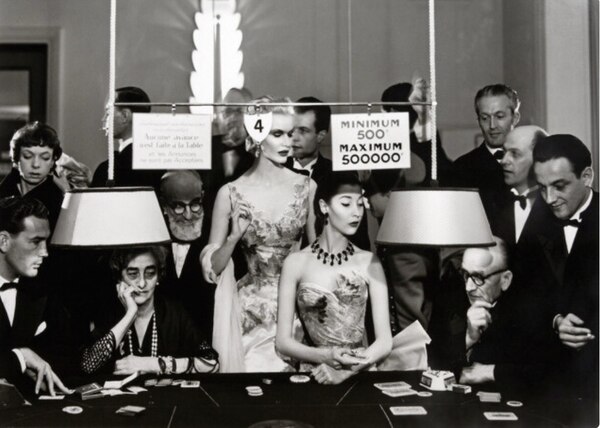
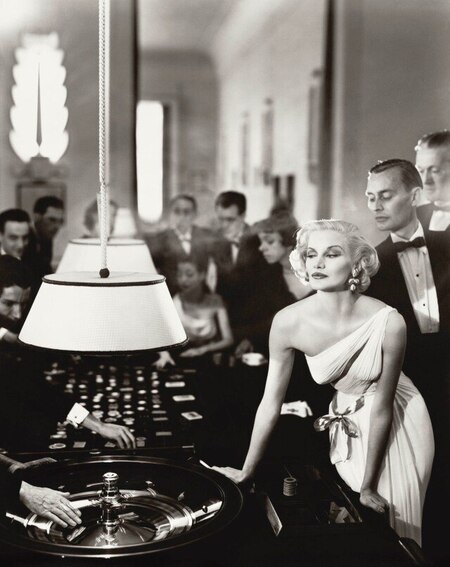
*модная съёмка в уместном моде антураже.
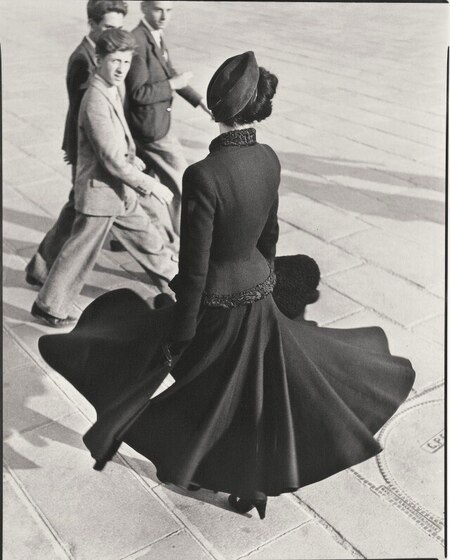
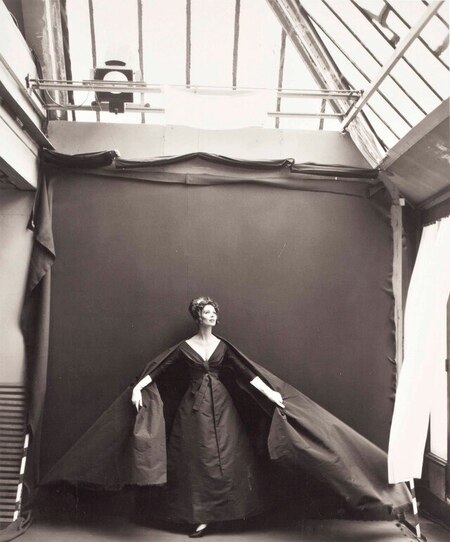
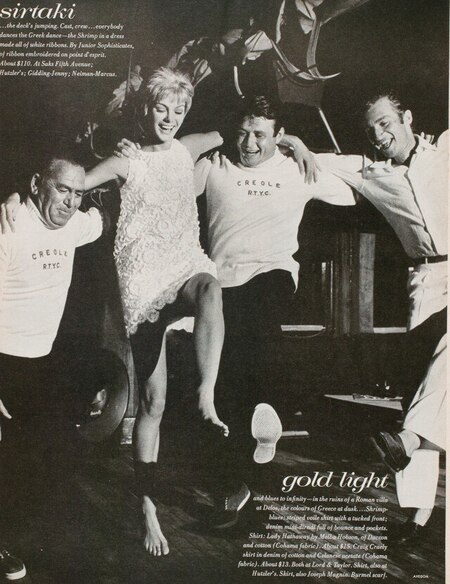
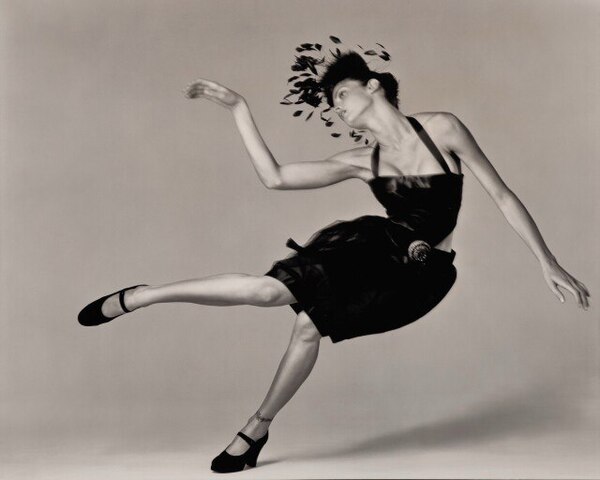
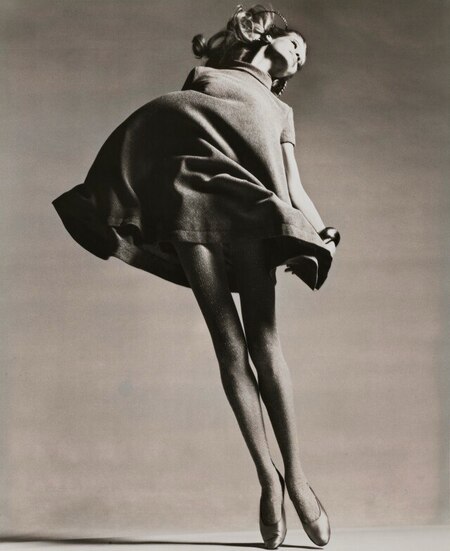
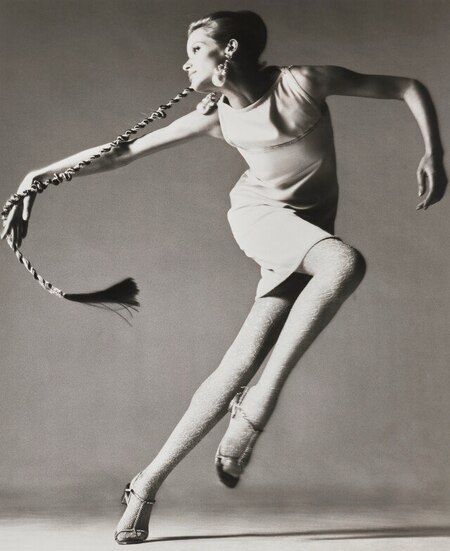
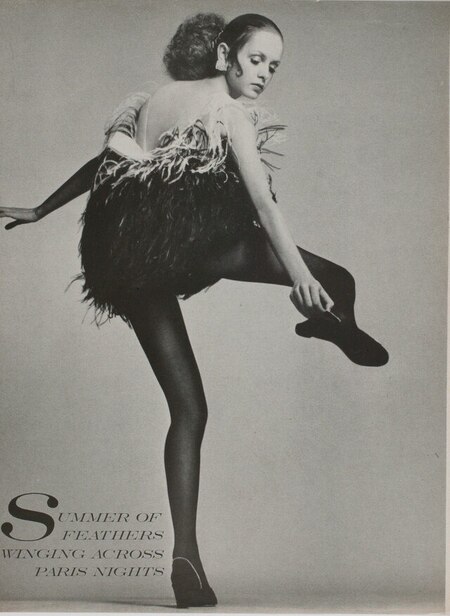
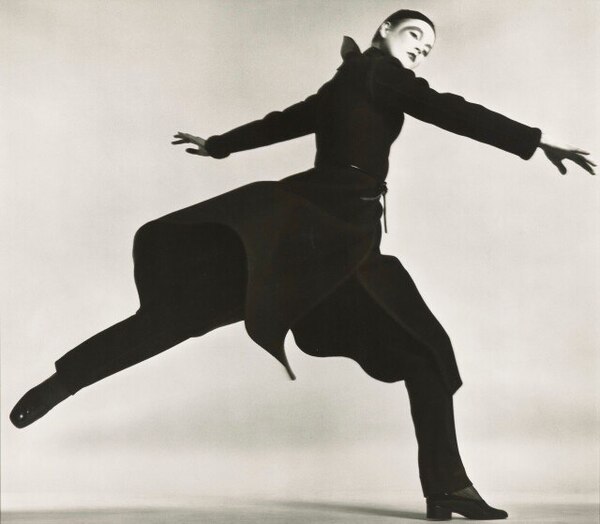
*Студийная съёмка, в движении
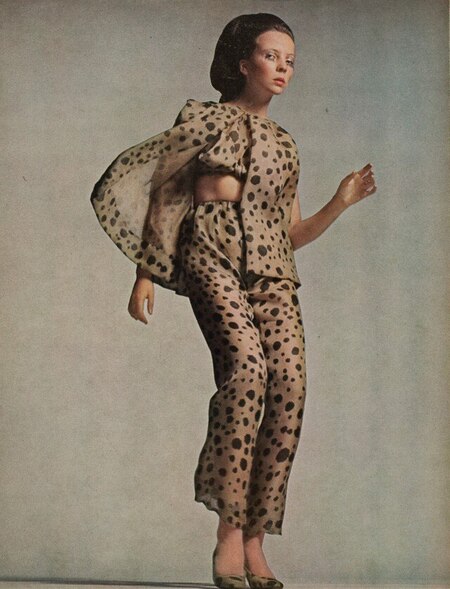
Многие студийные снимки показывают летящие модели в модных платьях. Так автор оживлял кадр, делал его более заментным и экстравагантным. Также, для большей выраженности и игры черно-белого цвета, в костюмах смешаны контрастные цвета и интересные фактуры.
Анастасия Смирнова подготовила текст о фотографе Ричард Аведон, описывающий его подход к портретной и модной съёмке. Проект включает детали о его использовании черно-белого формата и работе с естественным светом в портретах обычных людей.
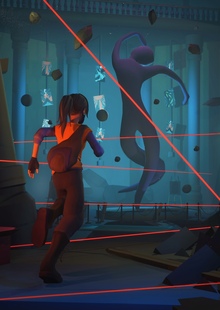
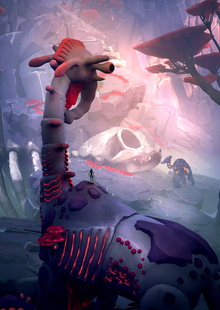
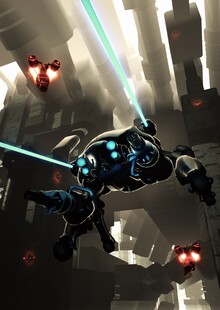
Ангелина Галеева подготовила исследование фотографа Джека Бриджленда. Проект включает анализ его использования драматичного света и ассоциаций с видеоиграми.
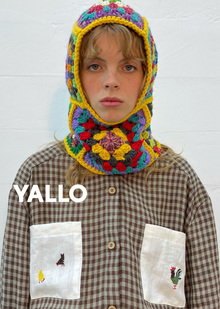
Yallo Fashion brand представила профайл, описывающий развитие нижегородского проекта с 2016 года. Проект известен индивидуальным подходом к пошиву одежды и отказом от сотрудничества с фабриками.
MUUS Fashion brand представил профайл бренда, в котором описаны особенности дизайна и история создания московского модного дома. Проект включает информацию о культурном наследии северных народов, используемом в коллекциях, и уникальных деталях в одежде.
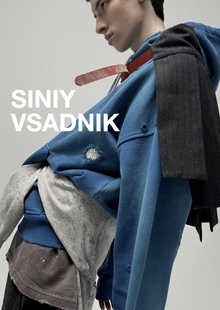
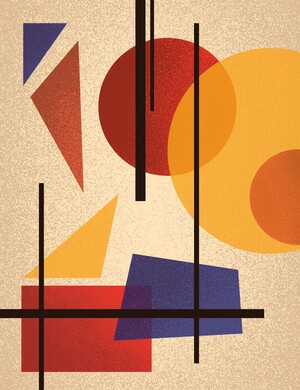
Siniy Vsadnik Fashion brand представил профайл бренда, вдохновлённого авангардным искусством и творческим объединением «Синий всадник» начала XX века. Проект включает ограниченные тиражи одежды с ручной покраской и авторской вышивкой, созданные в Москве с поддержкой локального производства.
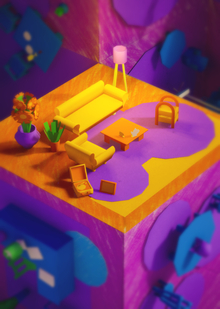
game.deziiign
Платформа для тех, кто играет в игры и тех, кто игры создает. Здесь можно опробовать новые идеи, найти художника или гейм-дизайнера для собственного проекта, и узнать об играх что-то новое и неожиданное.
Press space bar to start a drag.
When dragging you can use the arrow keys to move the item around and escape to cancel.
Some screen readers may require you to be in focus mode or to use your pass through key
Press space bar to start a drag.
When dragging you can use the arrow keys to move the item around and escape to cancel.
Some screen readers may require you to be in focus mode or to use your pass through key
Press space bar to start a drag.
When dragging you can use the arrow keys to move the item around and escape to cancel.
Some screen readers may require you to be in focus mode or to use your pass through key
Press space bar to start a drag.
When dragging you can use the arrow keys to move the item around and escape to cancel.
Some screen readers may require you to be in focus mode or to use your pass through key
Press space bar to start a drag.
When dragging you can use the arrow keys to move the item around and escape to cancel.
Some screen readers may require you to be in focus mode or to use your pass through key
Press space bar to start a drag.
When dragging you can use the arrow keys to move the item around and escape to cancel.
Some screen readers may require you to be in focus mode or to use your pass through key
Press space bar to start a drag.
When dragging you can use the arrow keys to move the item around and escape to cancel.
Some screen readers may require you to be in focus mode or to use your pass through key
Press space bar to start a drag.
When dragging you can use the arrow keys to move the item around and escape to cancel.
Some screen readers may require you to be in focus mode or to use your pass through key
Press space bar to start a drag.
When dragging you can use the arrow keys to move the item around and escape to cancel.
Some screen readers may require you to be in focus mode or to use your pass through key
Press space bar to start a drag.
When dragging you can use the arrow keys to move the item around and escape to cancel.
Some screen readers may require you to be in focus mode or to use your pass through key
Press space bar to start a drag.
When dragging you can use the arrow keys to move the item around and escape to cancel.
Some screen readers may require you to be in focus mode or to use your pass through key
Press space bar to start a drag.
When dragging you can use the arrow keys to move the item around and escape to cancel.
Some screen readers may require you to be in focus mode or to use your pass through key
Press space bar to start a drag.
When dragging you can use the arrow keys to move the item around and escape to cancel.
Some screen readers may require you to be in focus mode or to use your pass through key
Press space bar to start a drag.
When dragging you can use the arrow keys to move the item around and escape to cancel.
Some screen readers may require you to be in focus mode or to use your pass through key
Press space bar to start a drag.
When dragging you can use the arrow keys to move the item around and escape to cancel.
Some screen readers may require you to be in focus mode or to use your pass through key
Press space bar to start a drag.
When dragging you can use the arrow keys to move the item around and escape to cancel.
Some screen readers may require you to be in focus mode or to use your pass through key
Press space bar to start a drag.
When dragging you can use the arrow keys to move the item around and escape to cancel.
Some screen readers may require you to be in focus mode or to use your pass through key
Press space bar to start a drag.
When dragging you can use the arrow keys to move the item around and escape to cancel.
Some screen readers may require you to be in focus mode or to use your pass through key
Press space bar to start a drag.
When dragging you can use the arrow keys to move the item around and escape to cancel.
Some screen readers may require you to be in focus mode or to use your pass through key