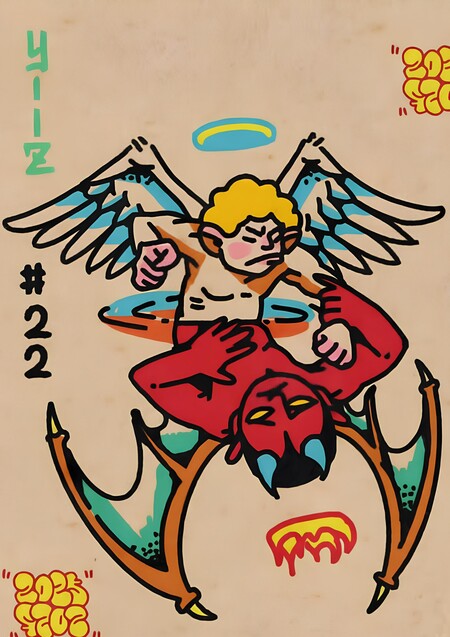
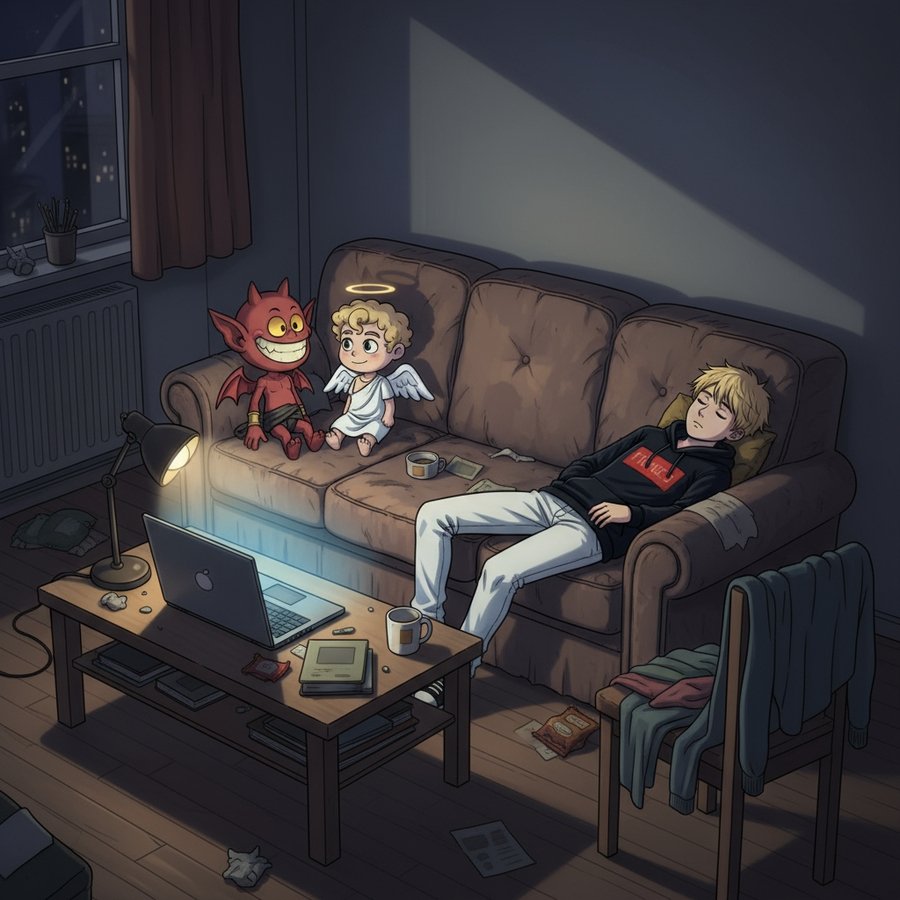
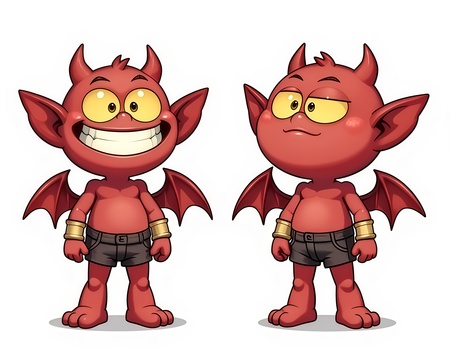
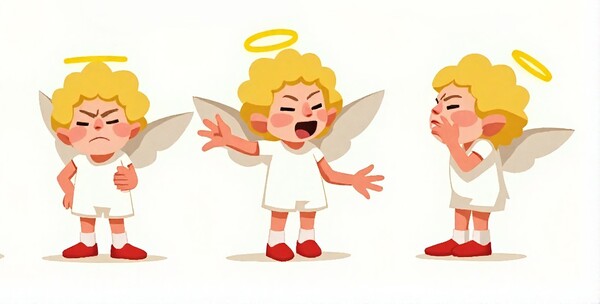
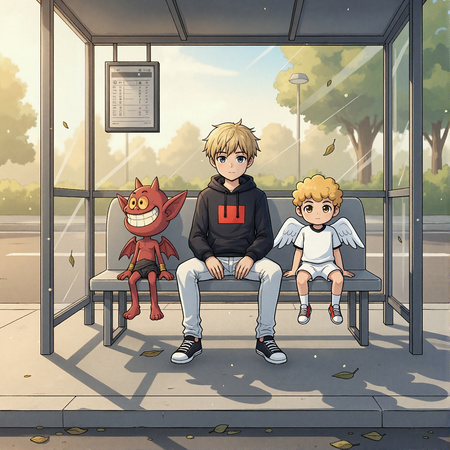
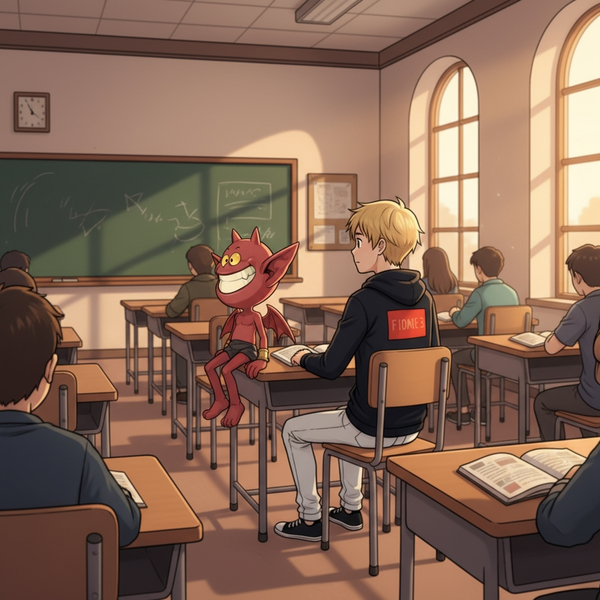
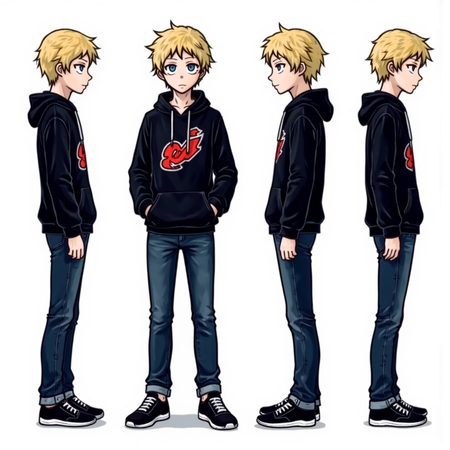
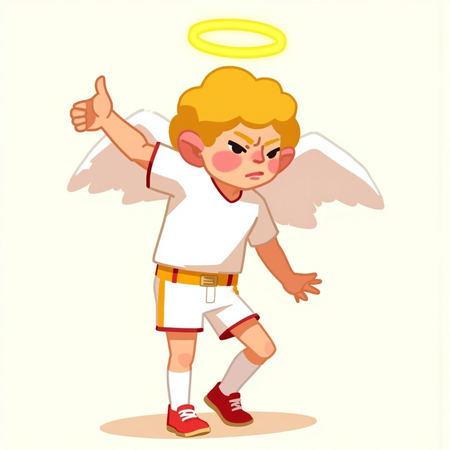
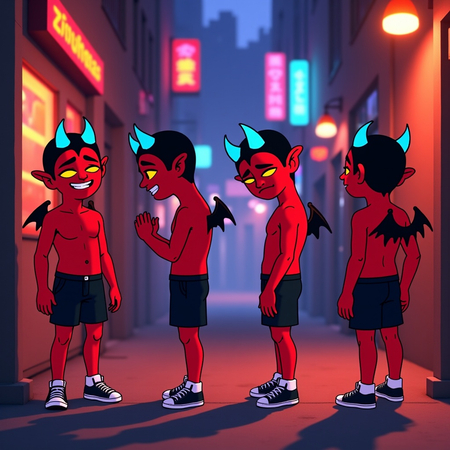
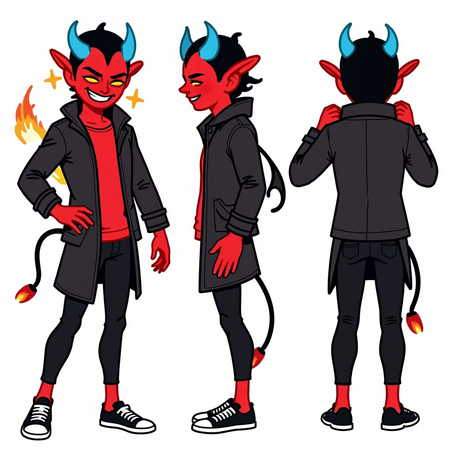
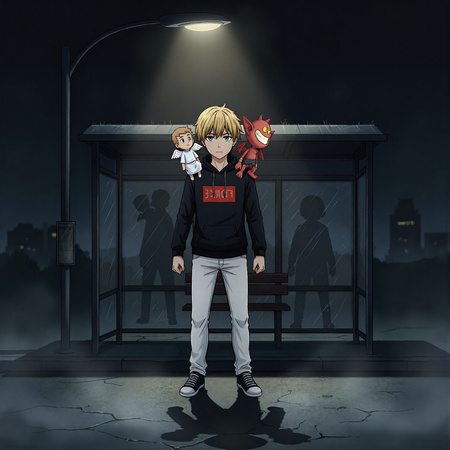
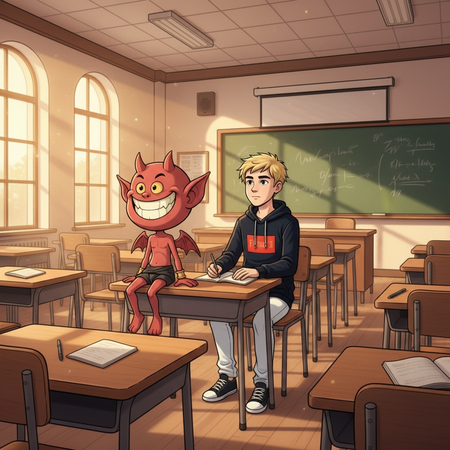
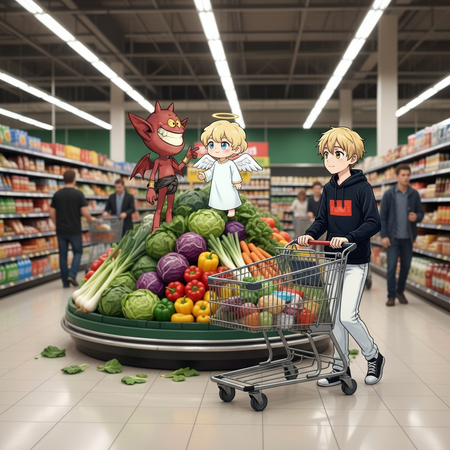
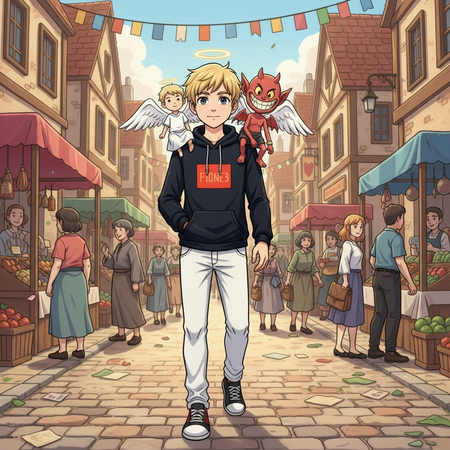
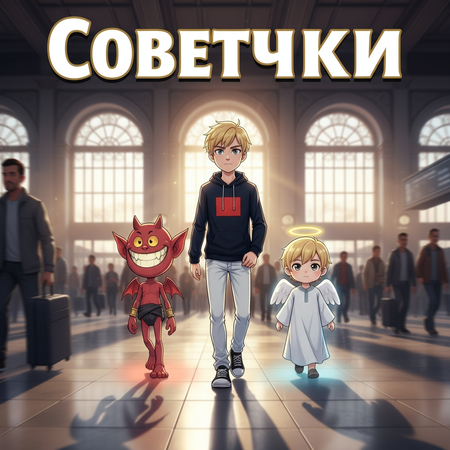
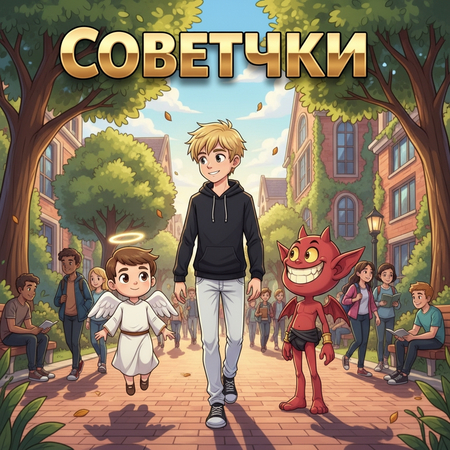
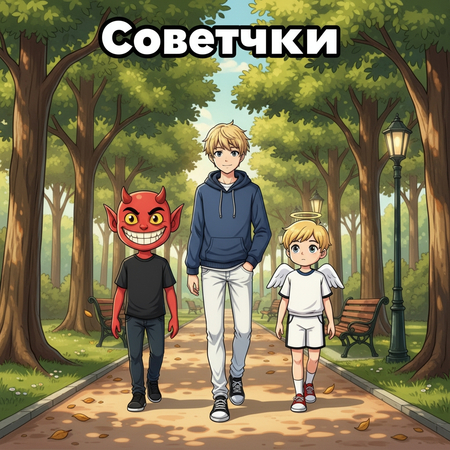
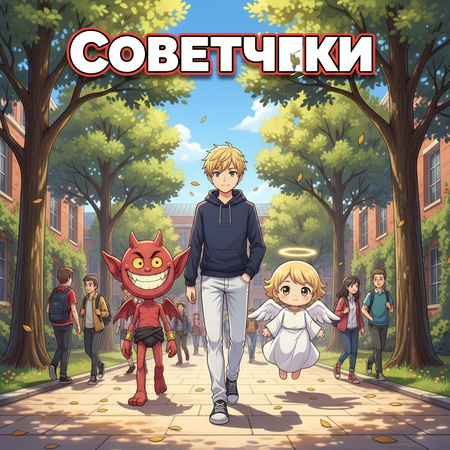
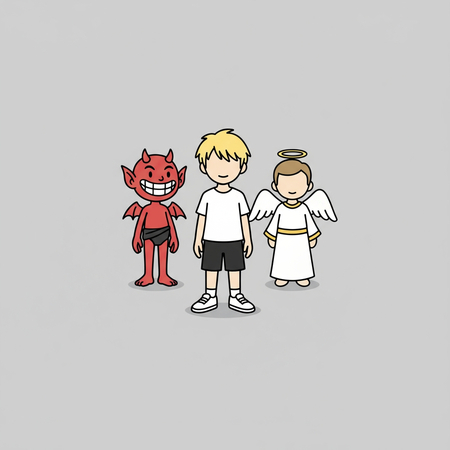
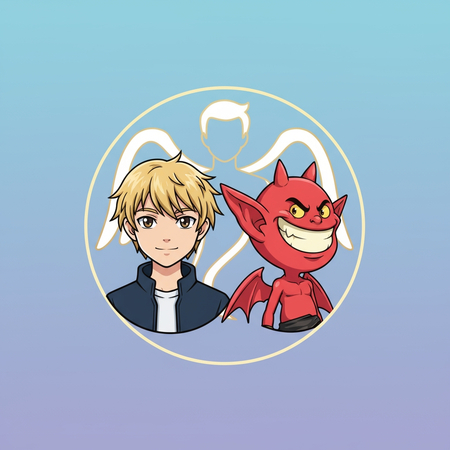
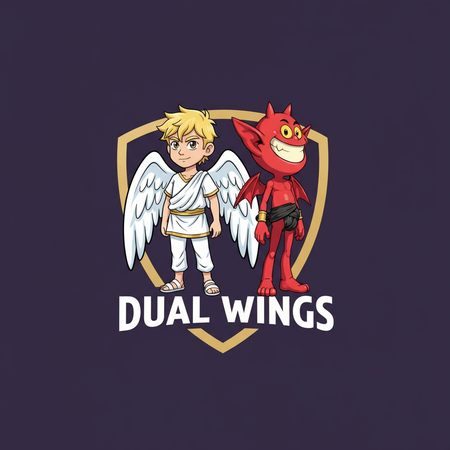
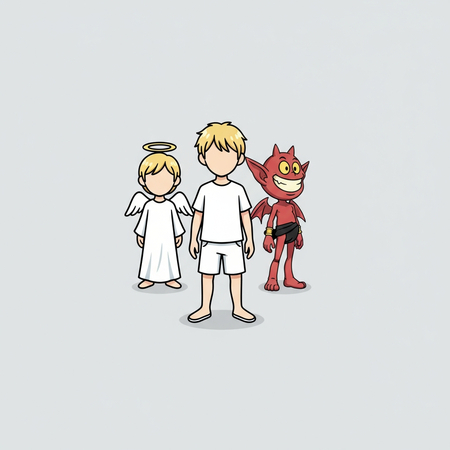
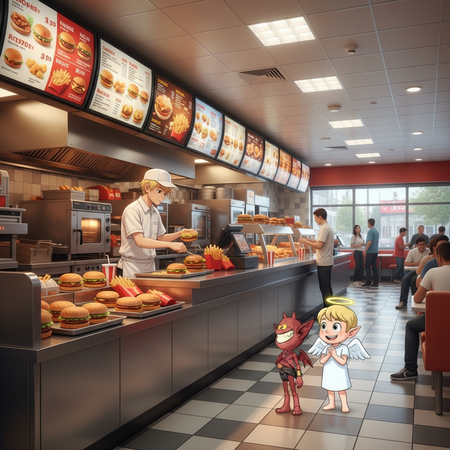
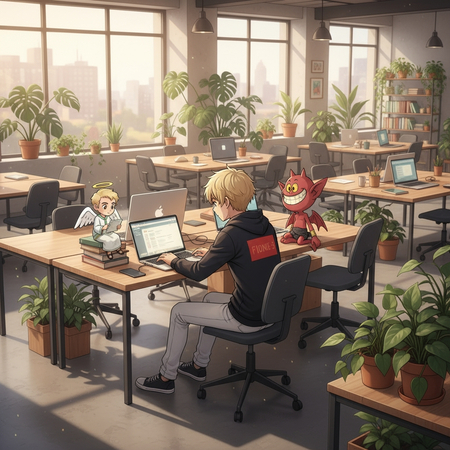
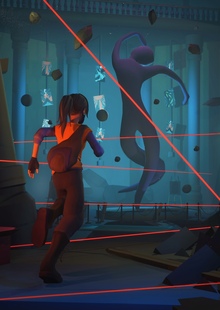
Советчики — это проект, который создается при помощи генеративной анимации в формате коротких вертикальных роликов. Эта повседневная комедия рассказывает о молодом человеке, в голове которого поселились ангел и демон. Эти два персонажа становятся его внутренними голосами, спорящими по каждому поводу, от банальной прогулки до вопросов совести. Каждая серия представляет собой короткий комедийный скетч, где даже повседневные ситуации превращаются в абсурдную битву добра и зла.
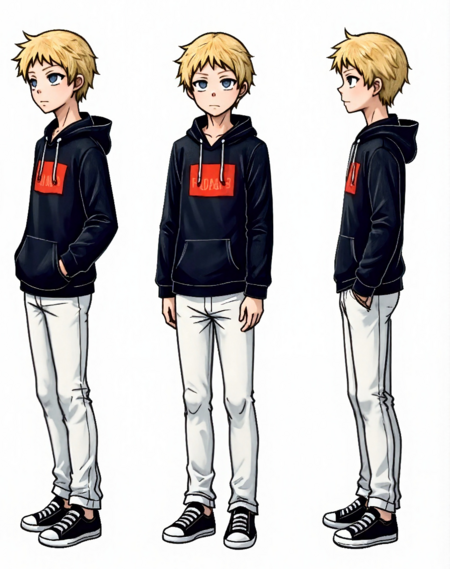
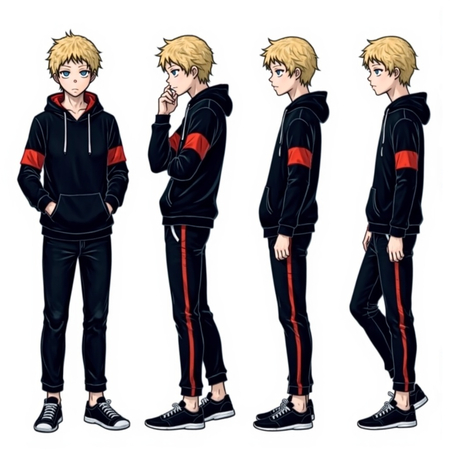
Я выгрузил в нейросеть референсы персонажей, для того, чтобы она «понимала», каких персонажей надо генерировать, после чего, при помощи развернутых промптов (по ссылке) сгенерировал изображения с тремя главными героями. Тоже сделал с постерами и логотипами.
Матвей Куц создал анимационный проект «Советчики» в формате коротких вертикальных роликов. Проект использует генеративную анимацию для создания абсурдных скетчей о внутренней битве добра и зла в голове молодого человека.
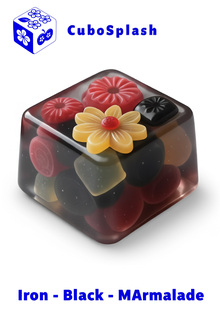
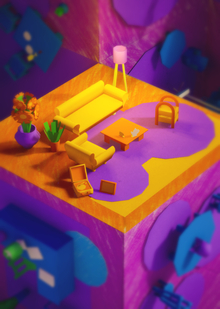
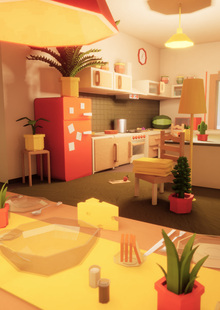
Дмитрий Глазков создал проект CuboSplash, представляющий кубические мармелады с разнообразными вкусами и визуальными элементами. Проект включает в себя генерацию реалистичных изображений, логотипа и рекламных материалов для бренда с акцентом на минималистичный дизайн и яркие цвета.
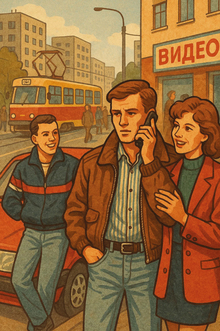
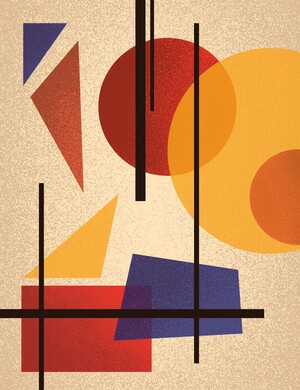
Елизавета Симахина создала подкаст «Громкие годы», посвящённый культуре и жизни 90-х годов в СССР и России. Проект включает в себя анимацию плакатов, сгенерированных с помощью нейросетей Sora и ImagineArt, в стиле ретро-советской эстетики.
Мария Крылова создала проект «Говнобок: стартап», представляющий собой историю о монстре, рожденном болью и отвержением. Проект включает в себя артефакты для коллективного переживания травмы, такие как футболки, сумки и кеды с принтом «Говнобок» в стиле манги.
game.deziiign
Платформа для тех, кто играет в игры и тех, кто игры создает. Здесь можно опробовать новые идеи, найти художника или гейм-дизайнера для собственного проекта, и узнать об играх что-то новое и неожиданное.
Press space bar to start a drag.
When dragging you can use the arrow keys to move the item around and escape to cancel.
Some screen readers may require you to be in focus mode or to use your pass through key
Press space bar to start a drag.
When dragging you can use the arrow keys to move the item around and escape to cancel.
Some screen readers may require you to be in focus mode or to use your pass through key
Press space bar to start a drag.
When dragging you can use the arrow keys to move the item around and escape to cancel.
Some screen readers may require you to be in focus mode or to use your pass through key
Press space bar to start a drag.
When dragging you can use the arrow keys to move the item around and escape to cancel.
Some screen readers may require you to be in focus mode or to use your pass through key
Press space bar to start a drag.
When dragging you can use the arrow keys to move the item around and escape to cancel.
Some screen readers may require you to be in focus mode or to use your pass through key
Press space bar to start a drag.
When dragging you can use the arrow keys to move the item around and escape to cancel.
Some screen readers may require you to be in focus mode or to use your pass through key
Press space bar to start a drag.
When dragging you can use the arrow keys to move the item around and escape to cancel.
Some screen readers may require you to be in focus mode or to use your pass through key
Press space bar to start a drag.
When dragging you can use the arrow keys to move the item around and escape to cancel.
Some screen readers may require you to be in focus mode or to use your pass through key
Press space bar to start a drag.
When dragging you can use the arrow keys to move the item around and escape to cancel.
Some screen readers may require you to be in focus mode or to use your pass through key
Press space bar to start a drag.
When dragging you can use the arrow keys to move the item around and escape to cancel.
Some screen readers may require you to be in focus mode or to use your pass through key
Press space bar to start a drag.
When dragging you can use the arrow keys to move the item around and escape to cancel.
Some screen readers may require you to be in focus mode or to use your pass through key
Press space bar to start a drag.
When dragging you can use the arrow keys to move the item around and escape to cancel.
Some screen readers may require you to be in focus mode or to use your pass through key
Press space bar to start a drag.
When dragging you can use the arrow keys to move the item around and escape to cancel.
Some screen readers may require you to be in focus mode or to use your pass through key