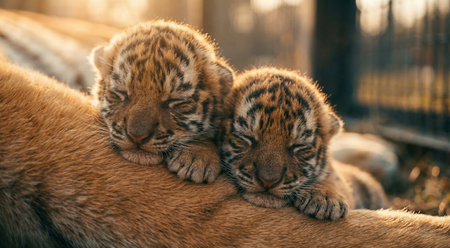
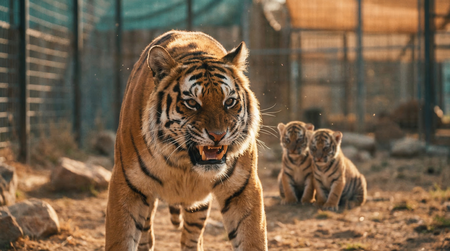
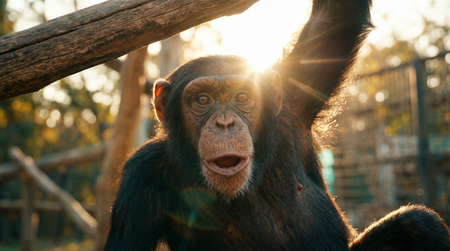
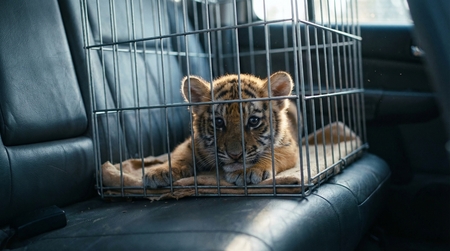
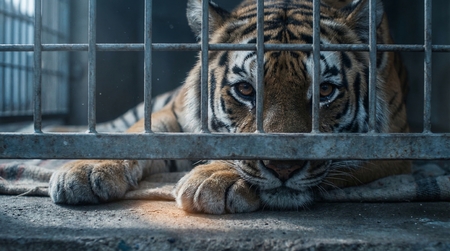
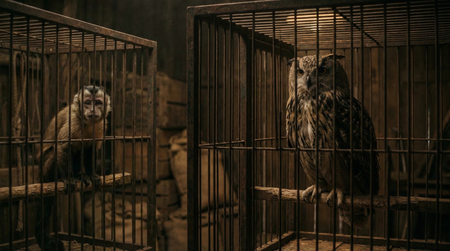
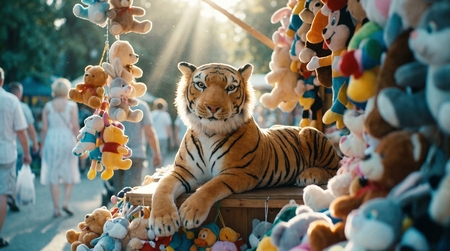
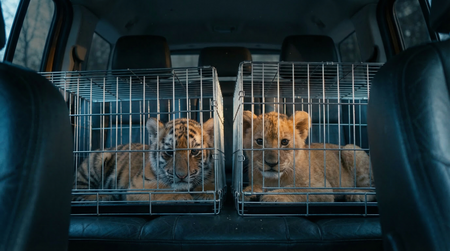
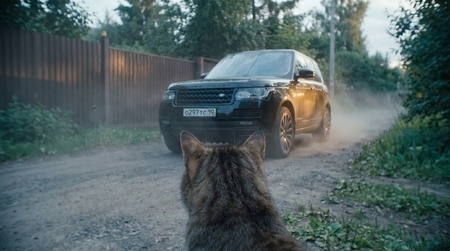
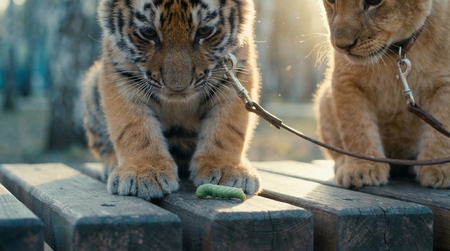
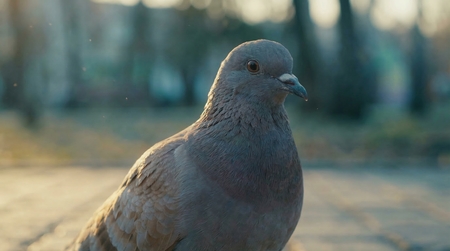
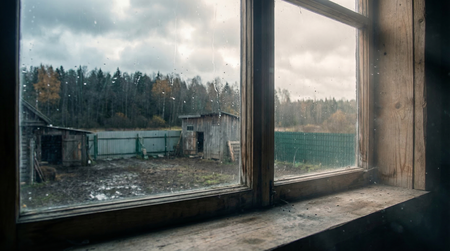
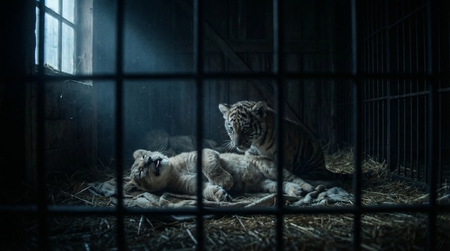
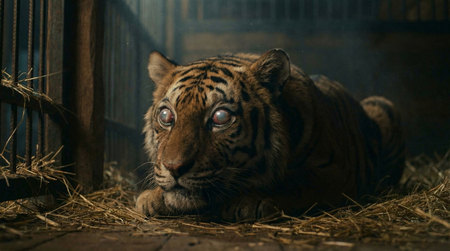
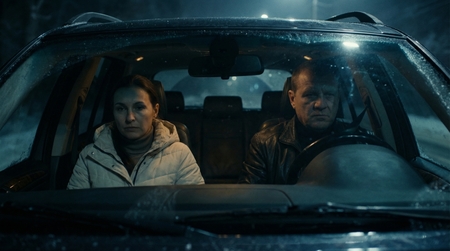
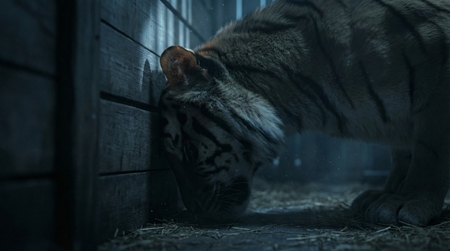
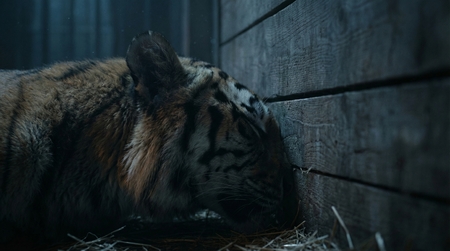
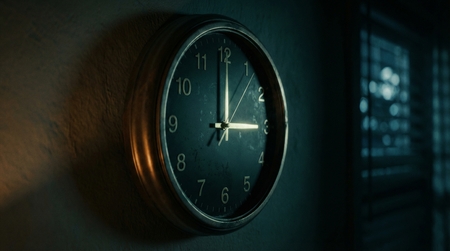
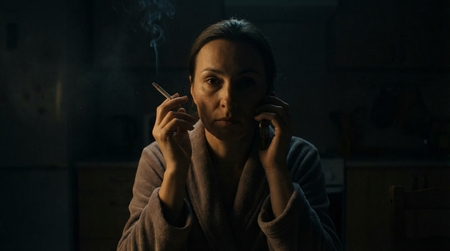
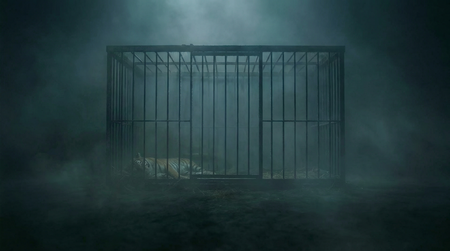
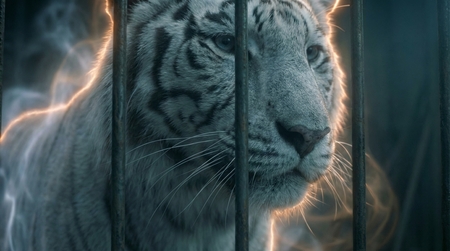
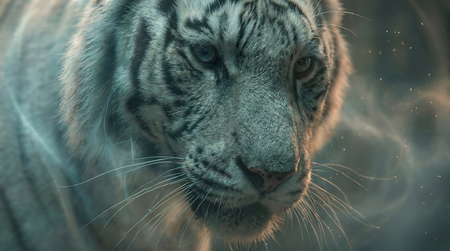
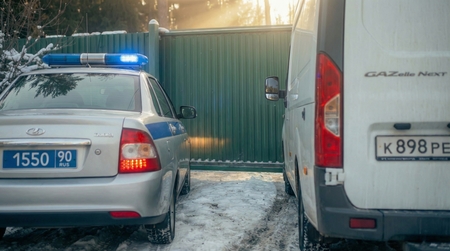
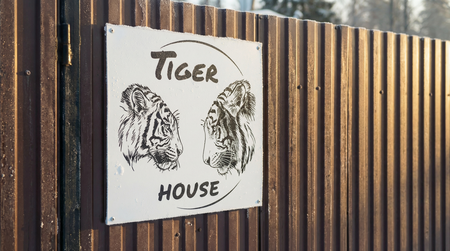
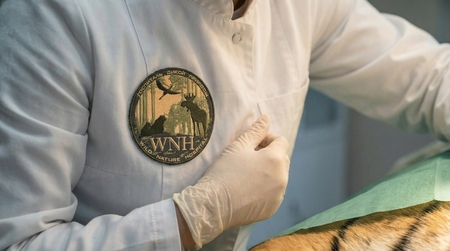
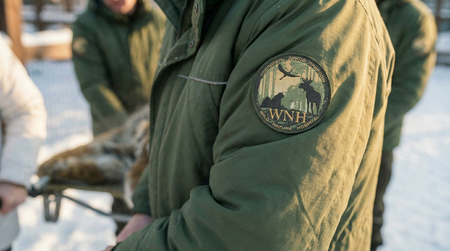
Фильм, основанный на реальных событиях, затрагивает глобальную проблему эксплуатации диких животных в индустрии развлечений.
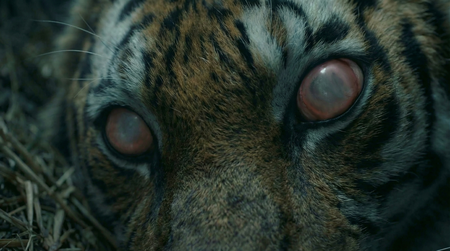
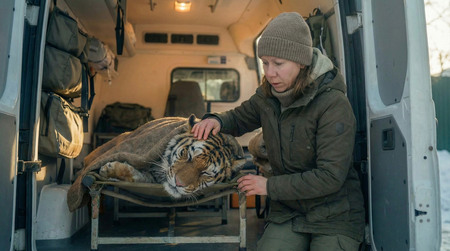
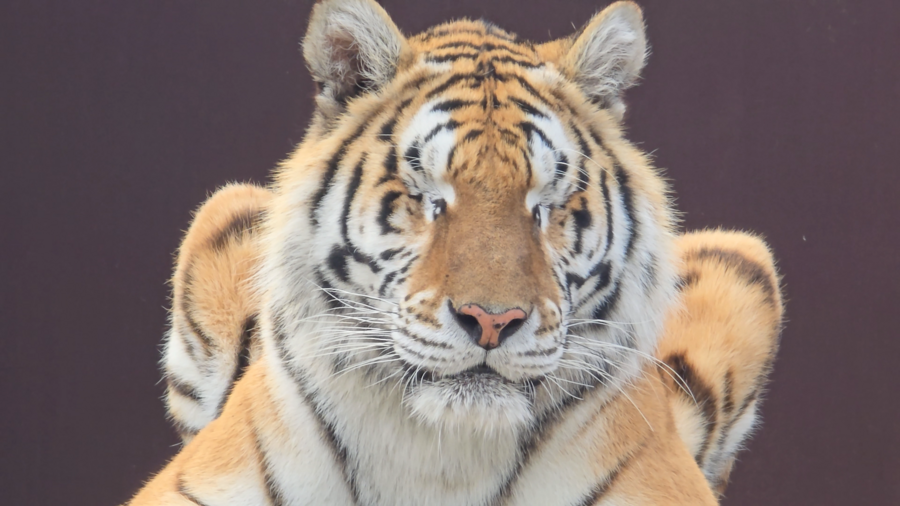
Через судьбу реальной тигрицы Авроры история говорит о жестоком обращении, жизни в неволе, равнодушии к страданию живого существа и о том, как использование диких животных ради прибыли постепенно разрушает их здоровье, природные инстинкты и само право на достойную жизнь.
Это история не только о физической боли, но и о глубоком одиночестве живого существа, лишённого свободы, заботы и естественной среды обитания.
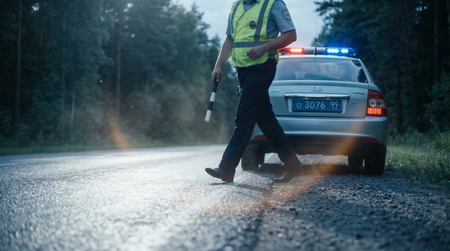
В то же время фильм поднимает не только этическую, но и социальную проблему: подобные истории становятся возможны там, где жестокость поддерживается молчанием, бездействием и привычкой не замечать чужую боль.
Роман Новиков создал документальный фильм «АВРОРА», основанный на реальных событиях о тигрице, ставшей жертвой эксплуатации в индустрии развлечений. Проект раскрывает социальную и этическую проблему жестокого обращения с дикими животными через историю жизни и страданий тигрицы Авроры.
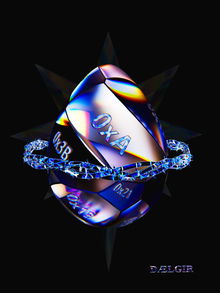
Автор Дельгир Эрендженова создала текст «The One», который рассказывает о современной интерпретации Воскресения Иисуса Христа. Произведение подчёркивает победу мягкой силы над агрессивной средой и раскрывает идею предопределённости судьбы.
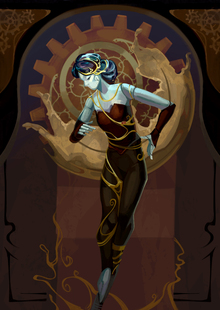
Анна Кирина и её соавторы создали метафорическую историю о самовыражении в формате короткого метра, где танцовщица из музыкальной шкатулки учится танцевать для себя, а не для одобрения толпы. Проект включает в себя анимацию танца, сочетающую пластичность и механизированность движений, а также визуальные решения, основанные на стиле стимпанка и ар-нуво.
game.deziiign
Платформа для тех, кто играет в игры и тех, кто игры создает. Здесь можно опробовать новые идеи, найти художника или гейм-дизайнера для собственного проекта, и узнать об играх что-то новое и неожиданное.
Press space bar to start a drag.
When dragging you can use the arrow keys to move the item around and escape to cancel.
Some screen readers may require you to be in focus mode or to use your pass through key
Press space bar to start a drag.
When dragging you can use the arrow keys to move the item around and escape to cancel.
Some screen readers may require you to be in focus mode or to use your pass through key
Press space bar to start a drag.
When dragging you can use the arrow keys to move the item around and escape to cancel.
Some screen readers may require you to be in focus mode or to use your pass through key
Press space bar to start a drag.
When dragging you can use the arrow keys to move the item around and escape to cancel.
Some screen readers may require you to be in focus mode or to use your pass through key
Press space bar to start a drag.
When dragging you can use the arrow keys to move the item around and escape to cancel.
Some screen readers may require you to be in focus mode or to use your pass through key
Press space bar to start a drag.
When dragging you can use the arrow keys to move the item around and escape to cancel.
Some screen readers may require you to be in focus mode or to use your pass through key
Press space bar to start a drag.
When dragging you can use the arrow keys to move the item around and escape to cancel.
Some screen readers may require you to be in focus mode or to use your pass through key
Press space bar to start a drag.
When dragging you can use the arrow keys to move the item around and escape to cancel.
Some screen readers may require you to be in focus mode or to use your pass through key
Press space bar to start a drag.
When dragging you can use the arrow keys to move the item around and escape to cancel.
Some screen readers may require you to be in focus mode or to use your pass through key
Press space bar to start a drag.
When dragging you can use the arrow keys to move the item around and escape to cancel.
Some screen readers may require you to be in focus mode or to use your pass through key
Press space bar to start a drag.
When dragging you can use the arrow keys to move the item around and escape to cancel.
Some screen readers may require you to be in focus mode or to use your pass through key
Press space bar to start a drag.
When dragging you can use the arrow keys to move the item around and escape to cancel.
Some screen readers may require you to be in focus mode or to use your pass through key
Press space bar to start a drag.
When dragging you can use the arrow keys to move the item around and escape to cancel.
Some screen readers may require you to be in focus mode or to use your pass through key
Press space bar to start a drag.
When dragging you can use the arrow keys to move the item around and escape to cancel.
Some screen readers may require you to be in focus mode or to use your pass through key
Press space bar to start a drag.
When dragging you can use the arrow keys to move the item around and escape to cancel.
Some screen readers may require you to be in focus mode or to use your pass through key
Press space bar to start a drag.
When dragging you can use the arrow keys to move the item around and escape to cancel.
Some screen readers may require you to be in focus mode or to use your pass through key
Press space bar to start a drag.
When dragging you can use the arrow keys to move the item around and escape to cancel.
Some screen readers may require you to be in focus mode or to use your pass through key
Press space bar to start a drag.
When dragging you can use the arrow keys to move the item around and escape to cancel.
Some screen readers may require you to be in focus mode or to use your pass through key
Press space bar to start a drag.
When dragging you can use the arrow keys to move the item around and escape to cancel.
Some screen readers may require you to be in focus mode or to use your pass through key
Press space bar to start a drag.
When dragging you can use the arrow keys to move the item around and escape to cancel.
Some screen readers may require you to be in focus mode or to use your pass through key