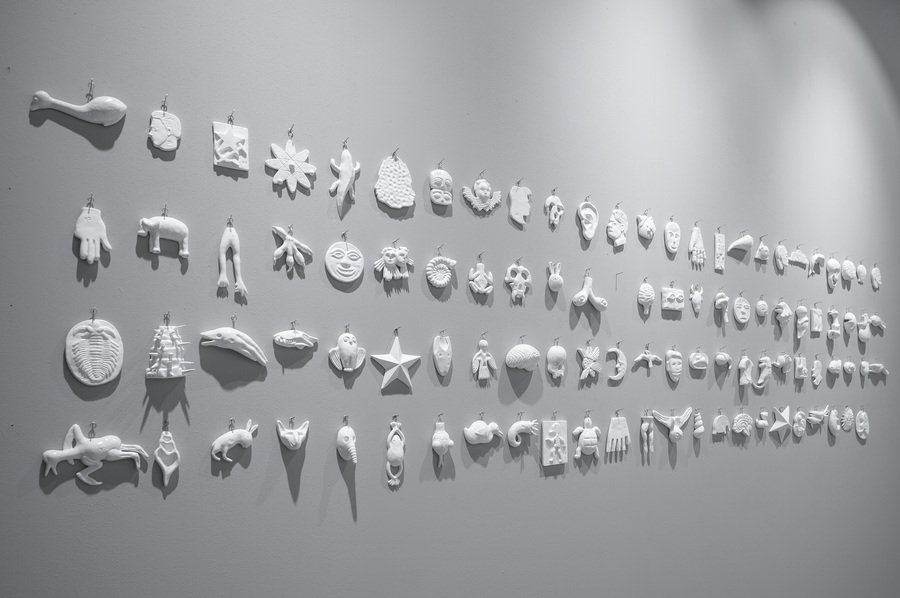
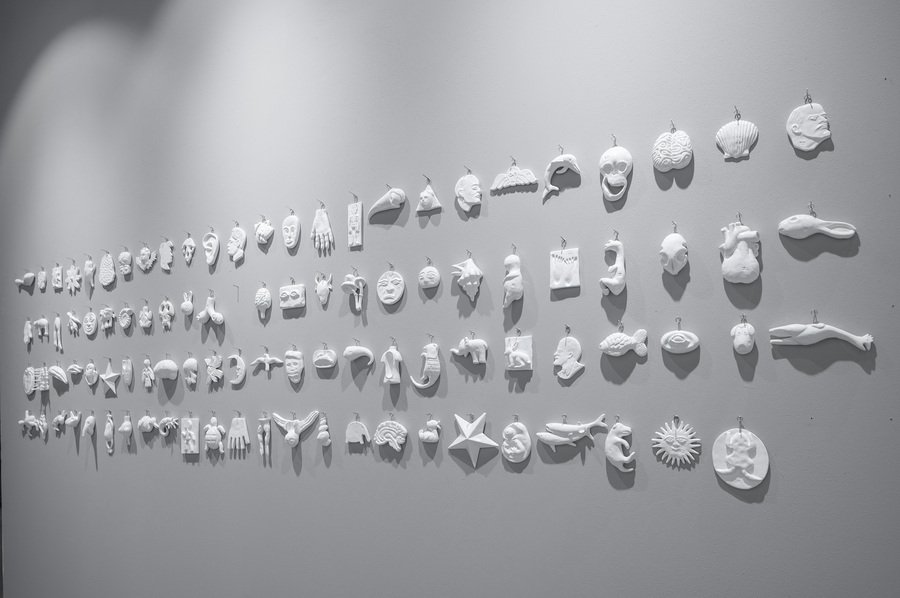
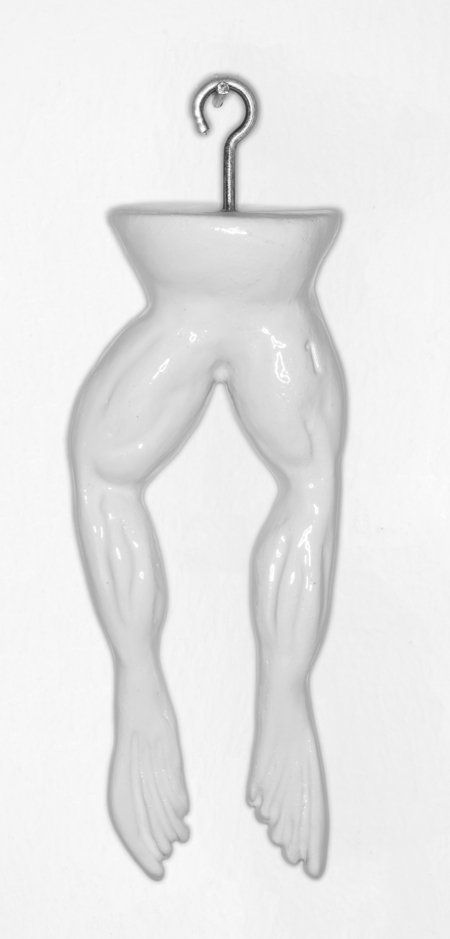
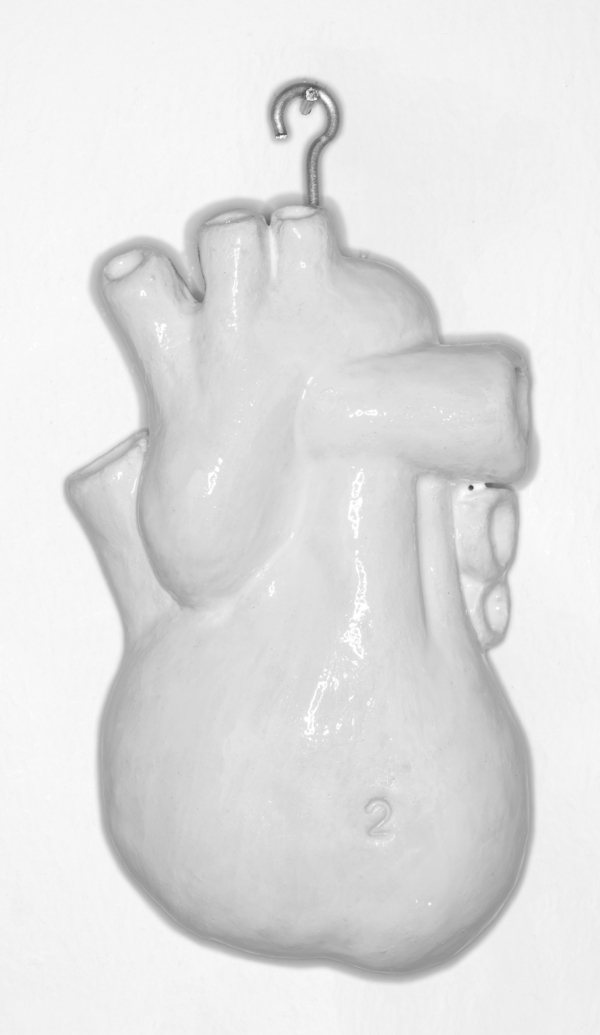
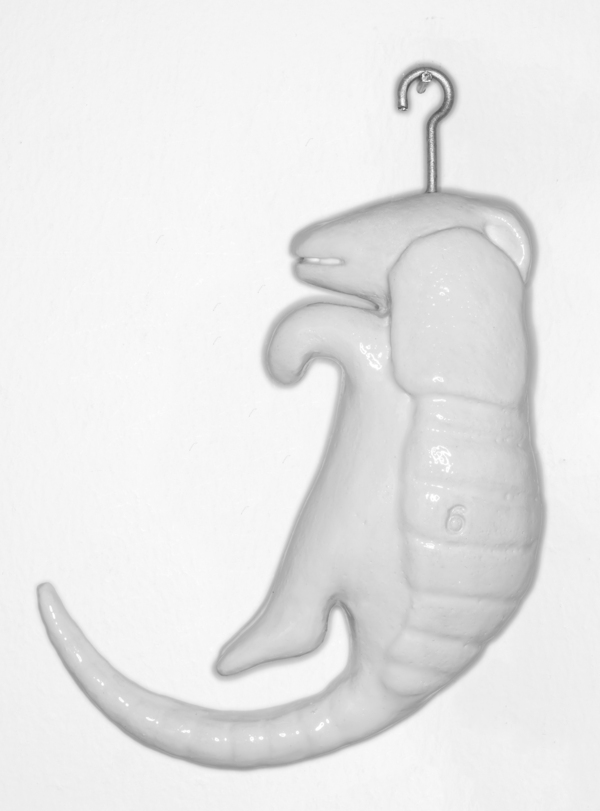
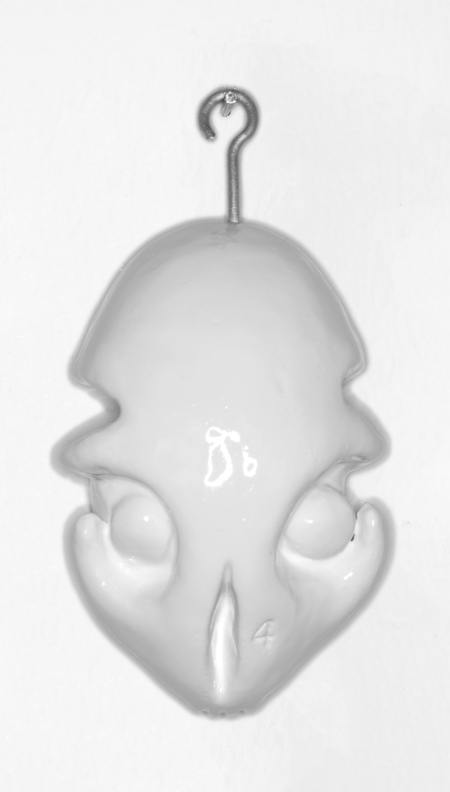
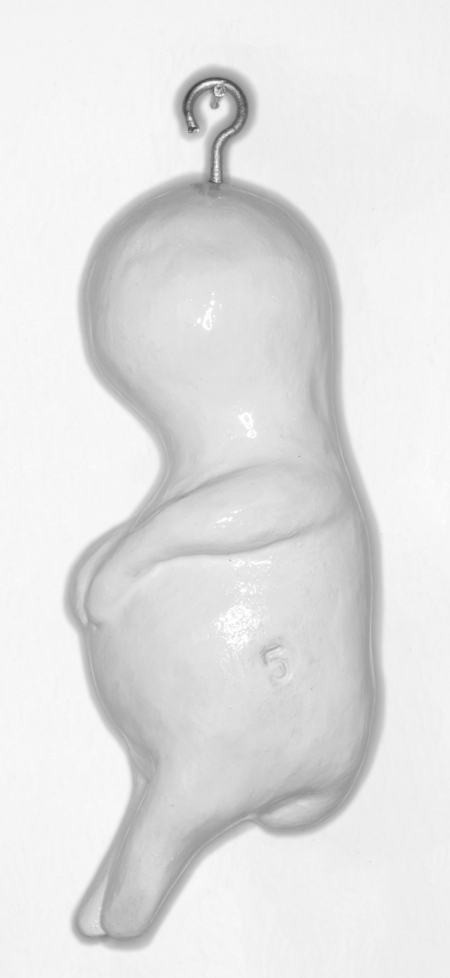
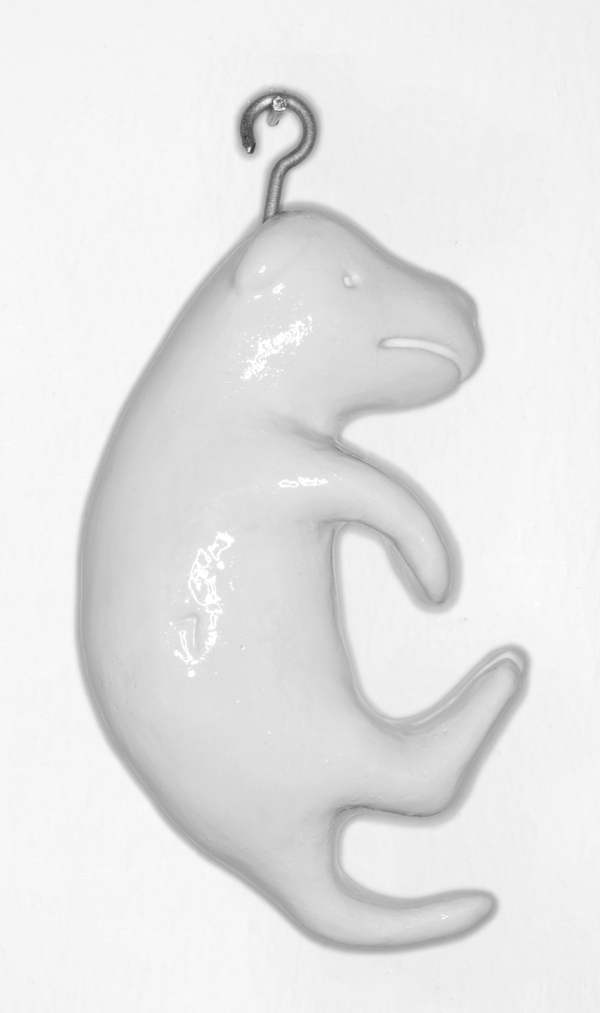
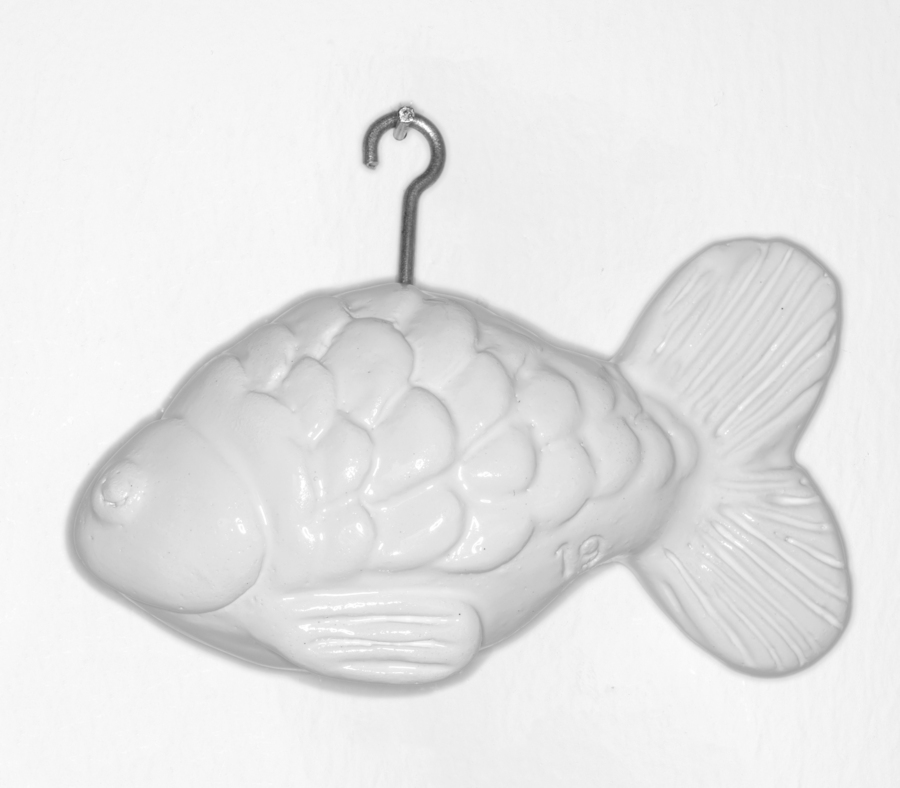
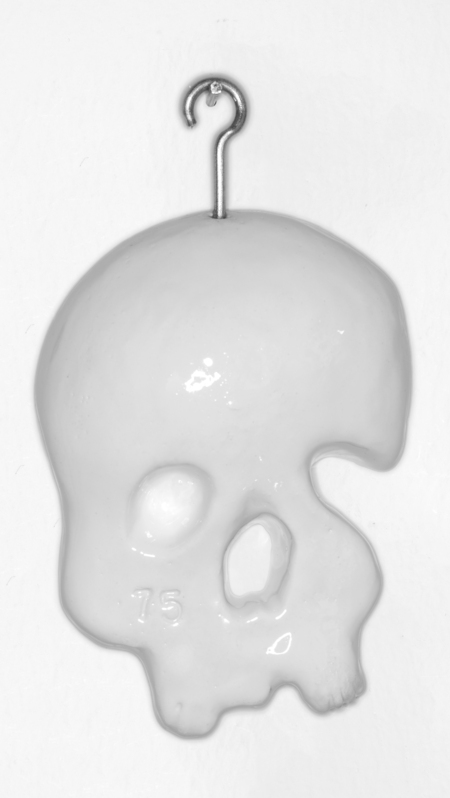
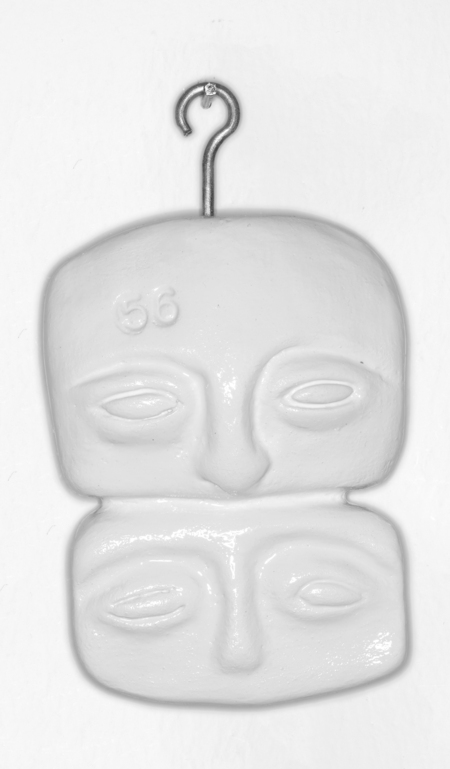
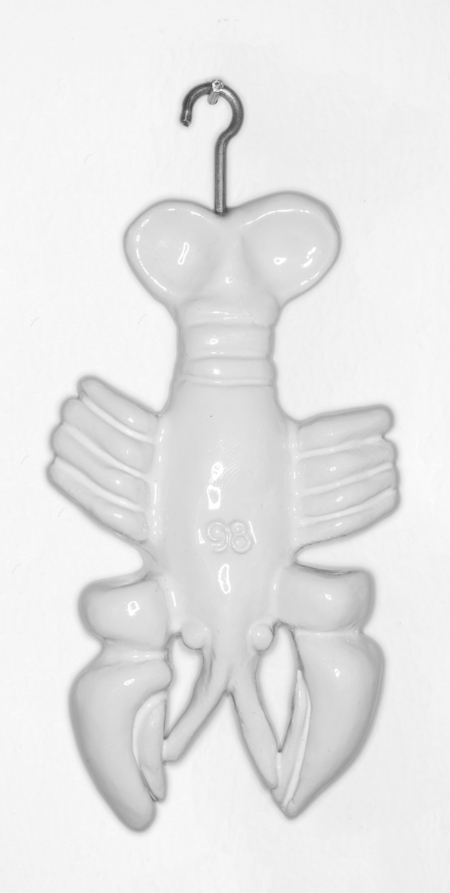
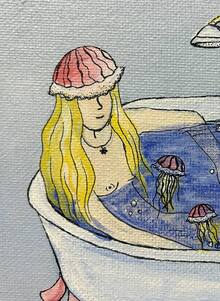
Автор Дарья Груненкова рассказывает историю о детстве и воспоминаниях о медузах в ванной. Проект представляет собой текст, в котором размышляется о восприятии реальности и невидимом мире через призму детского воображения.
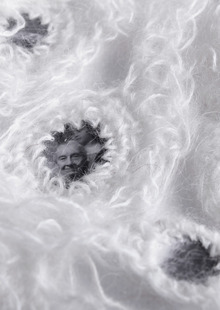
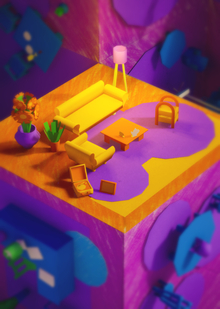
Автор Ева Михайлова создала текст «Теряя себя», описывающий эмоциональный опыт наблюдения за развитием деменции у близкого человека. Проект включает в себя личные размышления о потере памяти и связи между человеком и его окружением в условиях болезни.
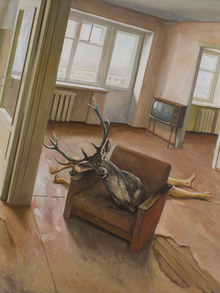
Антон Кузнецов создал проект «Натуральная История», представляющий серию живописных работ, посвящённых квартирам и их обитателям. Каждая из 14 работ исследует интерьеры советских хрущевок как продолжение личности жильцов, отражающих их повседневные ритуалы и несбывшиеся мечты.
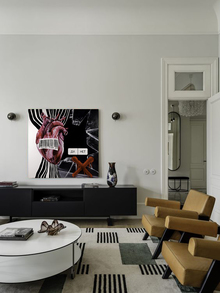
Автор создал картину «SAY YES TO LOVE», в которой сердце пересекается с штрихкодом и цифровой эпохой. Работа выполнена на холсте маслом, акрилом и аэрозолем и включает символы хрупкости и бинарного выбора.
game.deziiign
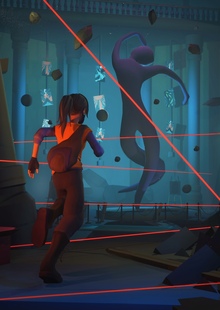
Платформа для тех, кто играет в игры и тех, кто игры создает. Здесь можно опробовать новые идеи, найти художника или гейм-дизайнера для собственного проекта, и узнать об играх что-то новое и неожиданное.
Press space bar to start a drag.
When dragging you can use the arrow keys to move the item around and escape to cancel.
Some screen readers may require you to be in focus mode or to use your pass through key
Press space bar to start a drag.
When dragging you can use the arrow keys to move the item around and escape to cancel.
Some screen readers may require you to be in focus mode or to use your pass through key
Press space bar to start a drag.
When dragging you can use the arrow keys to move the item around and escape to cancel.
Some screen readers may require you to be in focus mode or to use your pass through key
Press space bar to start a drag.
When dragging you can use the arrow keys to move the item around and escape to cancel.
Some screen readers may require you to be in focus mode or to use your pass through key
Press space bar to start a drag.
When dragging you can use the arrow keys to move the item around and escape to cancel.
Some screen readers may require you to be in focus mode or to use your pass through key
Press space bar to start a drag.
When dragging you can use the arrow keys to move the item around and escape to cancel.
Some screen readers may require you to be in focus mode or to use your pass through key
Press space bar to start a drag.
When dragging you can use the arrow keys to move the item around and escape to cancel.
Some screen readers may require you to be in focus mode or to use your pass through key
Press space bar to start a drag.
When dragging you can use the arrow keys to move the item around and escape to cancel.
Some screen readers may require you to be in focus mode or to use your pass through key
Press space bar to start a drag.
When dragging you can use the arrow keys to move the item around and escape to cancel.
Some screen readers may require you to be in focus mode or to use your pass through key
Press space bar to start a drag.
When dragging you can use the arrow keys to move the item around and escape to cancel.
Some screen readers may require you to be in focus mode or to use your pass through key
Press space bar to start a drag.
When dragging you can use the arrow keys to move the item around and escape to cancel.
Some screen readers may require you to be in focus mode or to use your pass through key
Press space bar to start a drag.
When dragging you can use the arrow keys to move the item around and escape to cancel.
Some screen readers may require you to be in focus mode or to use your pass through key
Press space bar to start a drag.
When dragging you can use the arrow keys to move the item around and escape to cancel.
Some screen readers may require you to be in focus mode or to use your pass through key
Press space bar to start a drag.
When dragging you can use the arrow keys to move the item around and escape to cancel.
Some screen readers may require you to be in focus mode or to use your pass through key
Press space bar to start a drag.
When dragging you can use the arrow keys to move the item around and escape to cancel.
Some screen readers may require you to be in focus mode or to use your pass through key
Press space bar to start a drag.
When dragging you can use the arrow keys to move the item around and escape to cancel.
Some screen readers may require you to be in focus mode or to use your pass through key
Press space bar to start a drag.
When dragging you can use the arrow keys to move the item around and escape to cancel.
Some screen readers may require you to be in focus mode or to use your pass through key
Press space bar to start a drag.
When dragging you can use the arrow keys to move the item around and escape to cancel.
Some screen readers may require you to be in focus mode or to use your pass through key
Press space bar to start a drag.
When dragging you can use the arrow keys to move the item around and escape to cancel.
Some screen readers may require you to be in focus mode or to use your pass through key
Press space bar to start a drag.
When dragging you can use the arrow keys to move the item around and escape to cancel.
Some screen readers may require you to be in focus mode or to use your pass through key
Press space bar to start a drag.
When dragging you can use the arrow keys to move the item around and escape to cancel.
Some screen readers may require you to be in focus mode or to use your pass through key