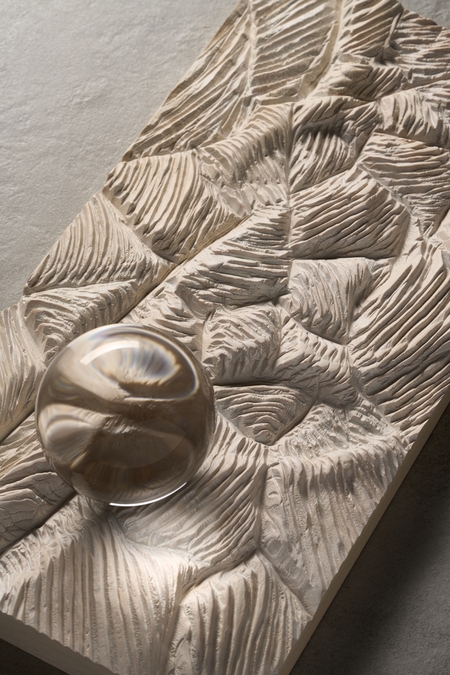
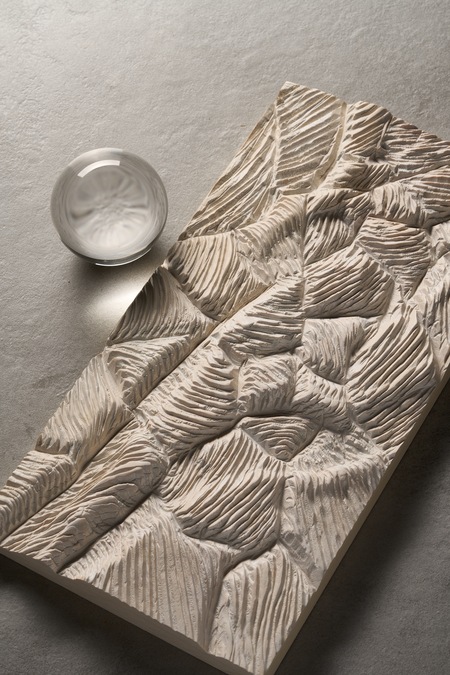
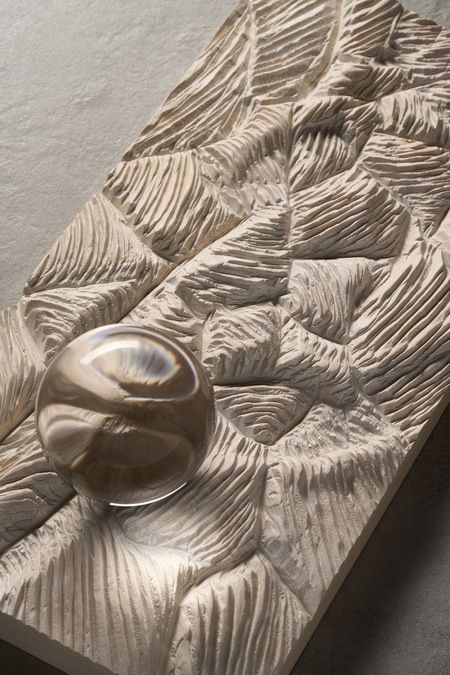
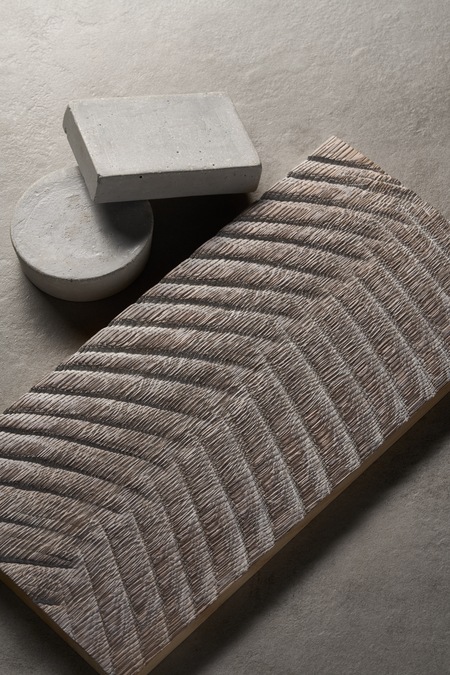
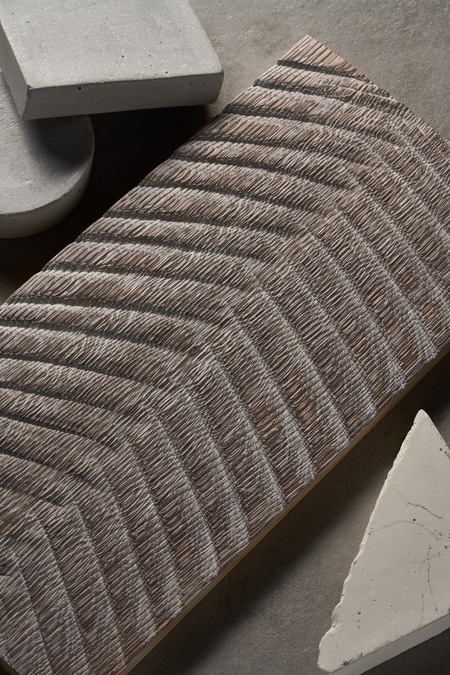
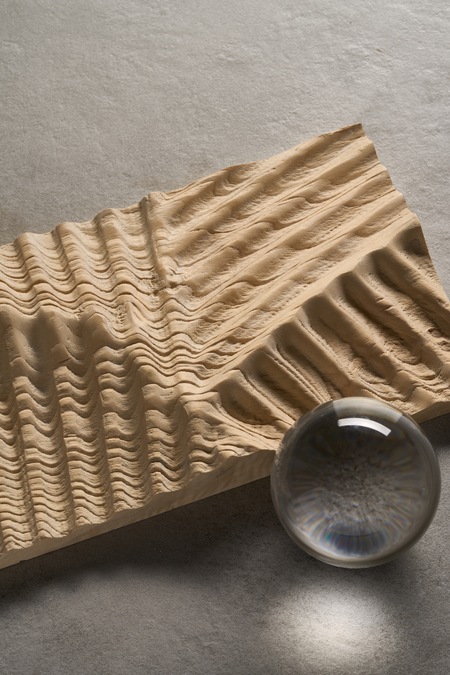
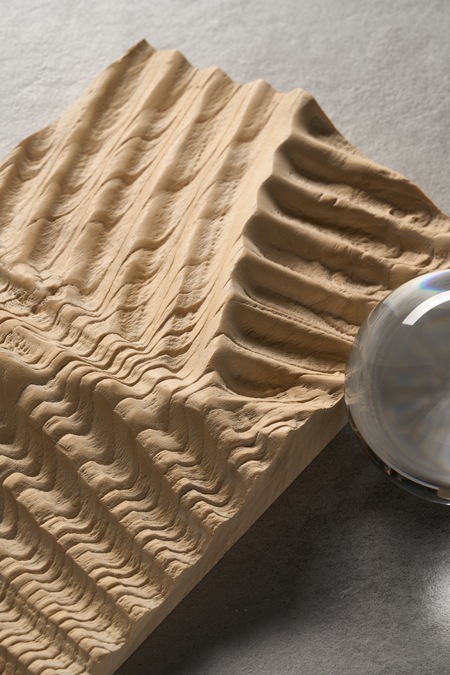
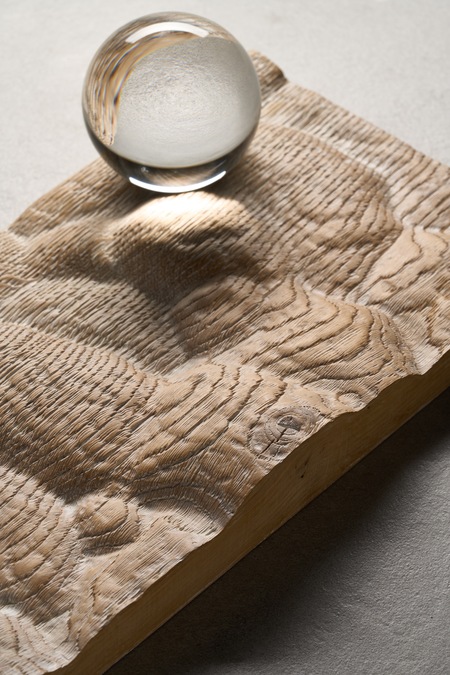
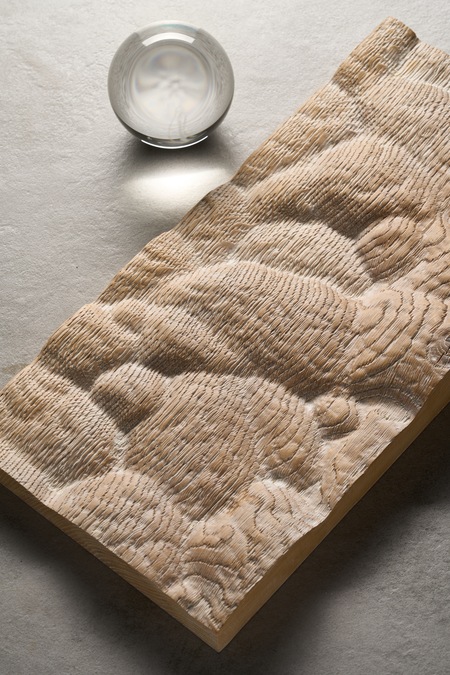
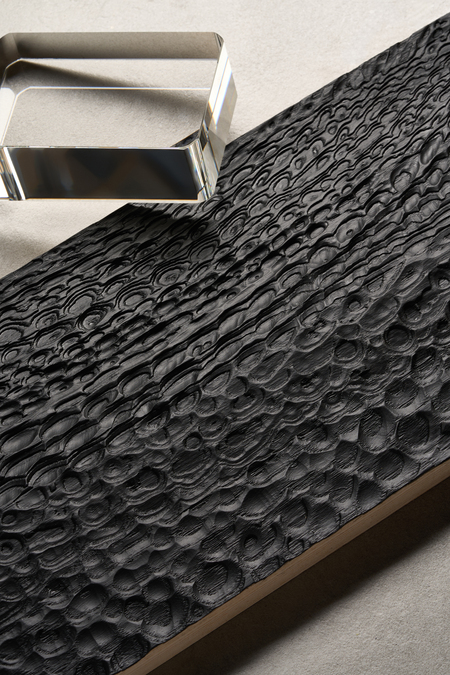
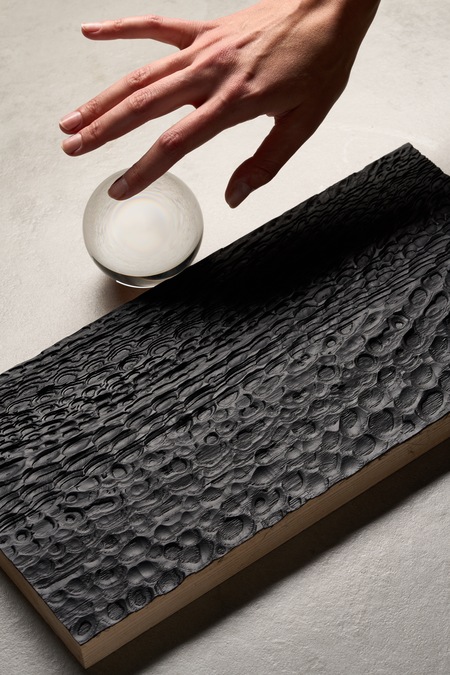
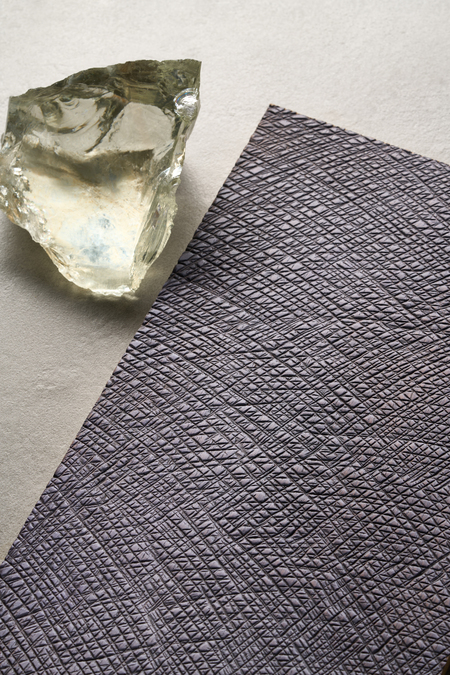
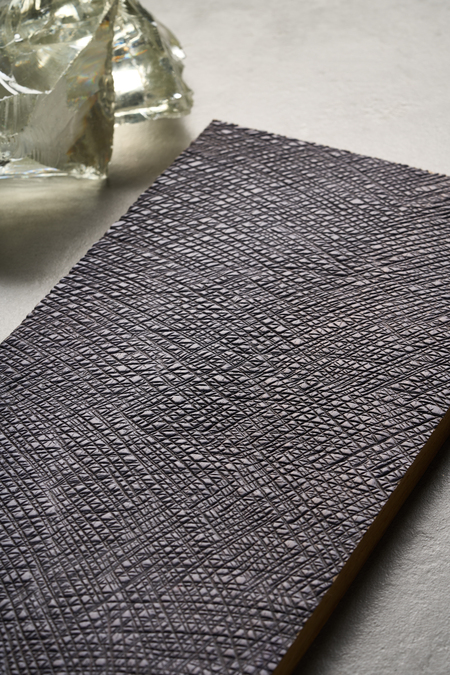
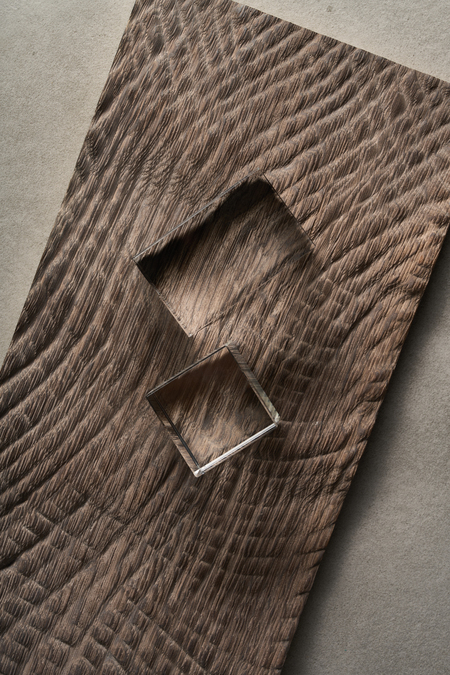
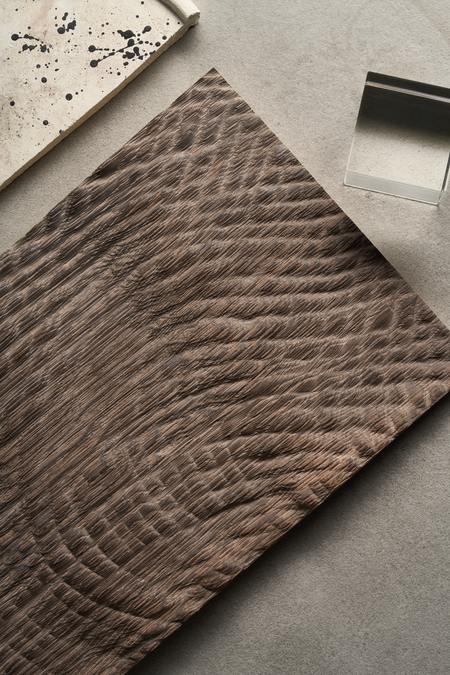
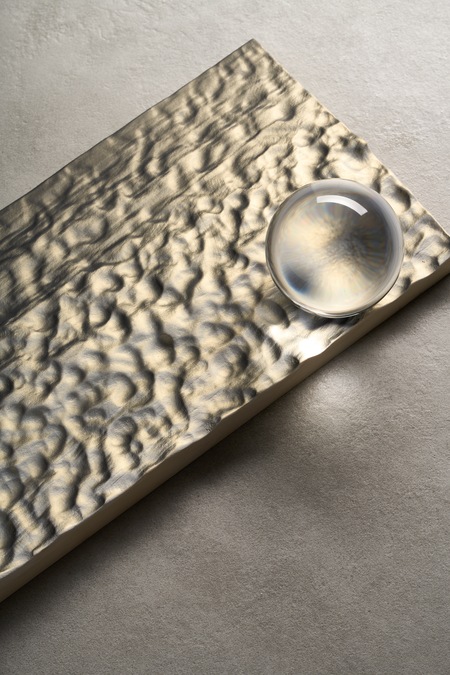
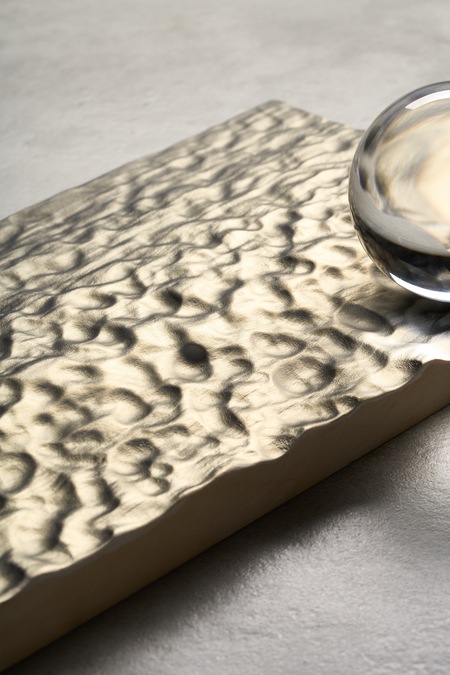
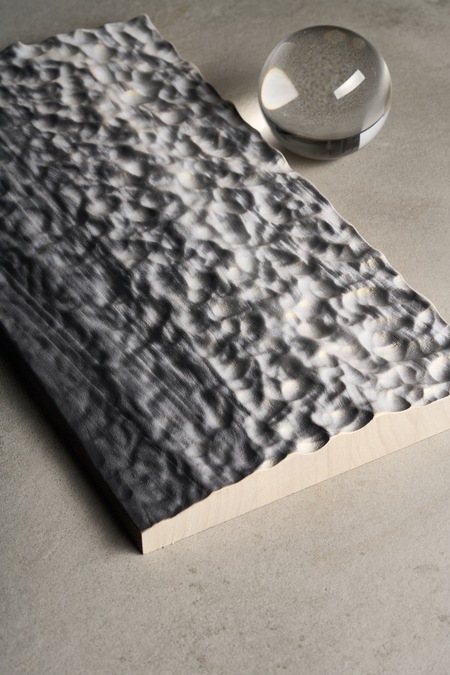
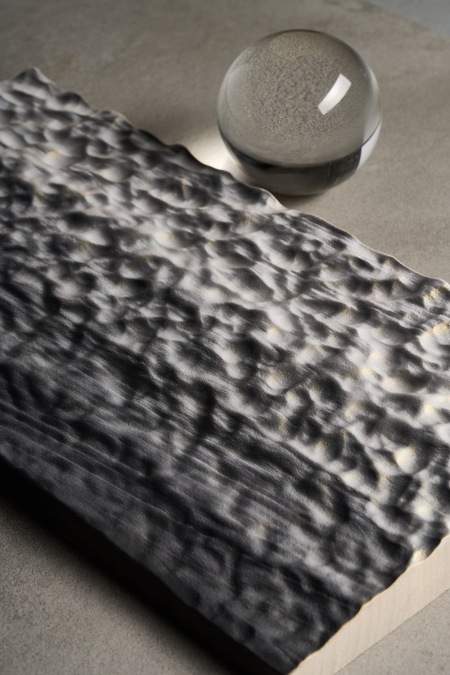
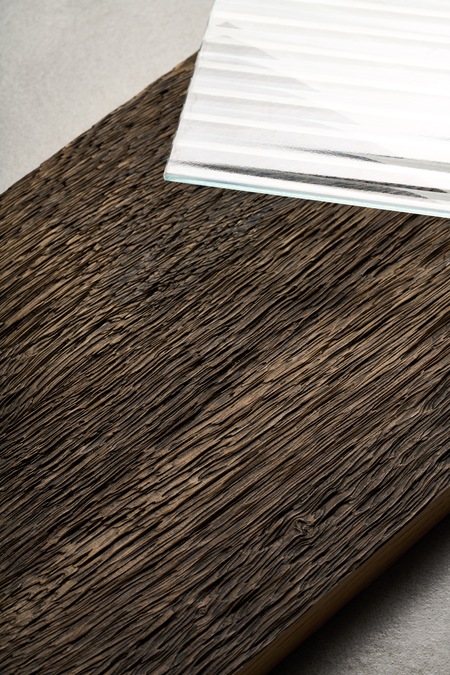
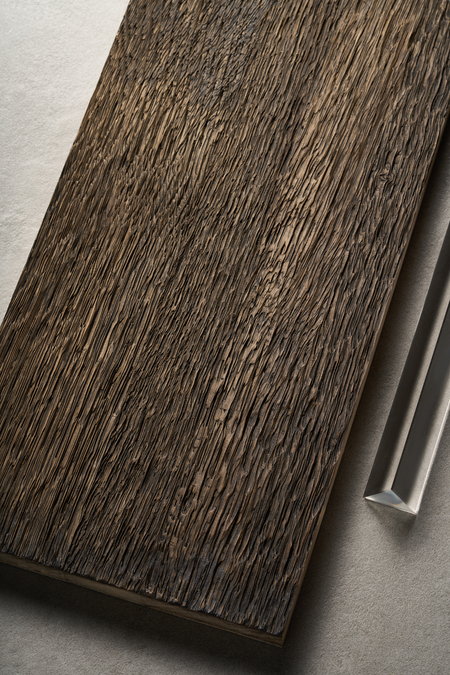
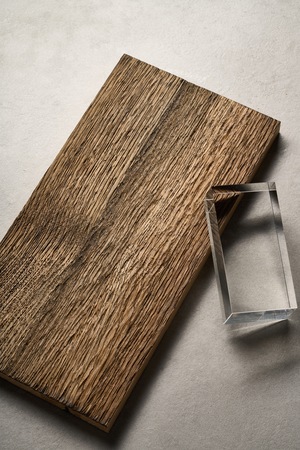
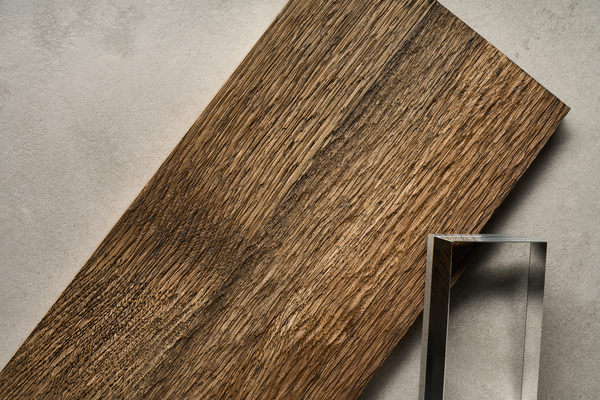
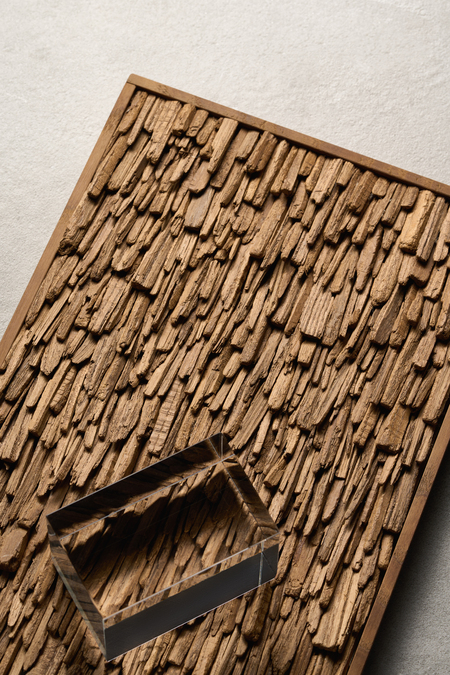
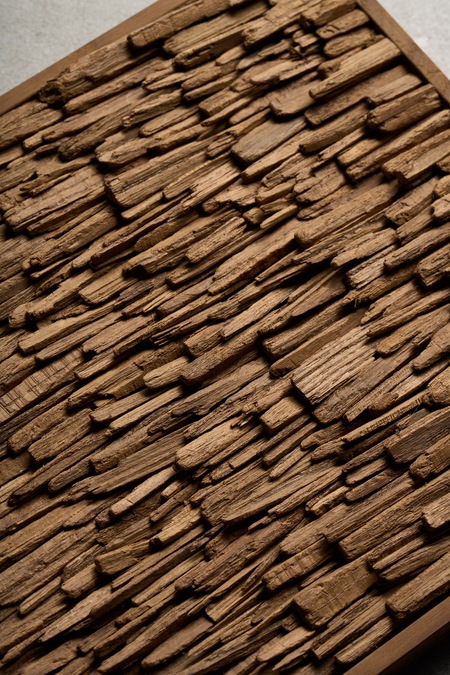
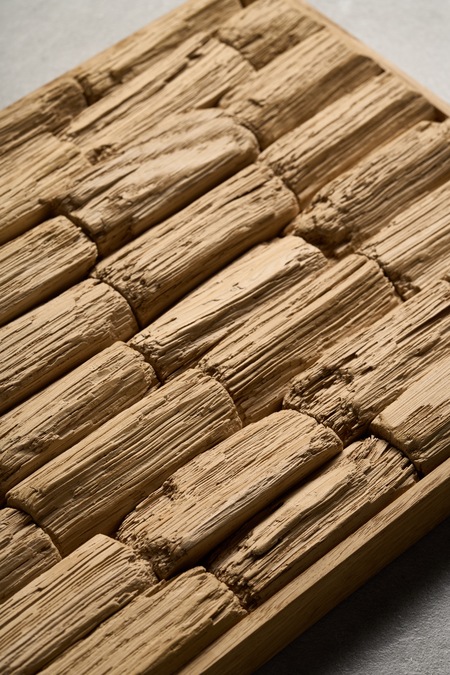
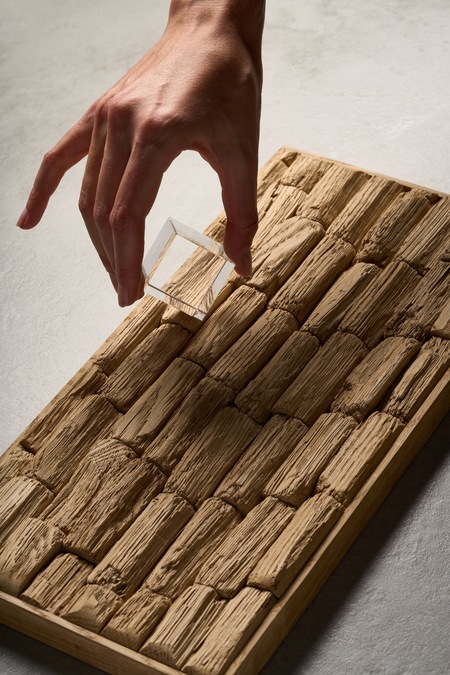
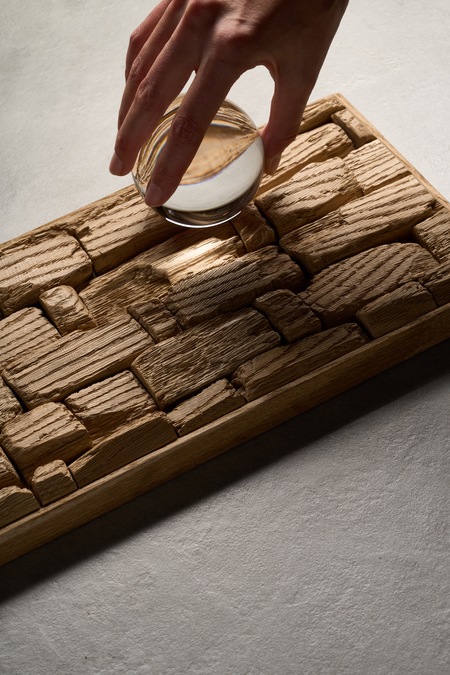
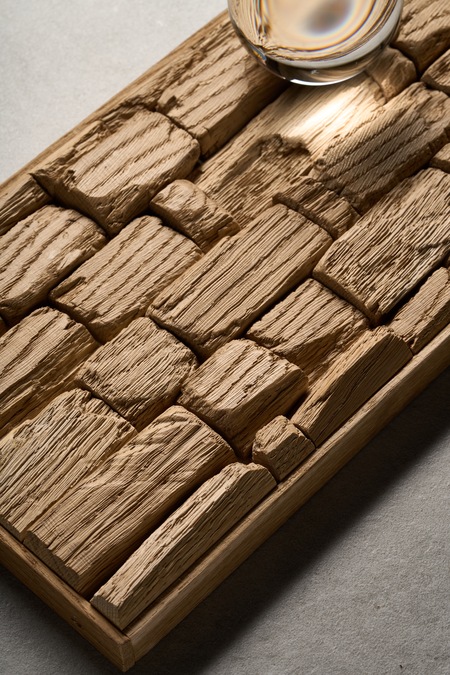
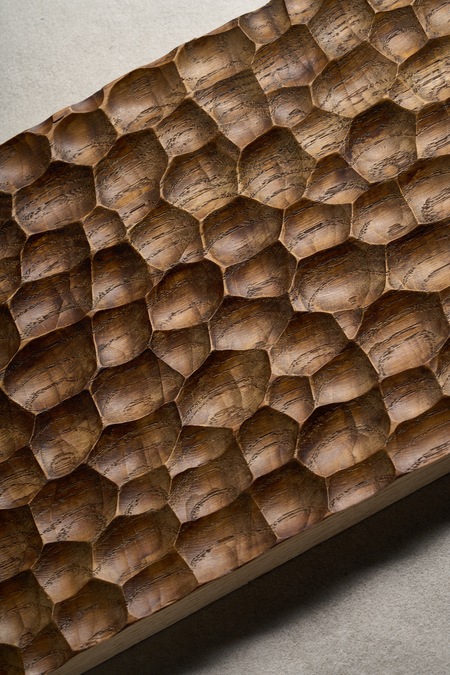
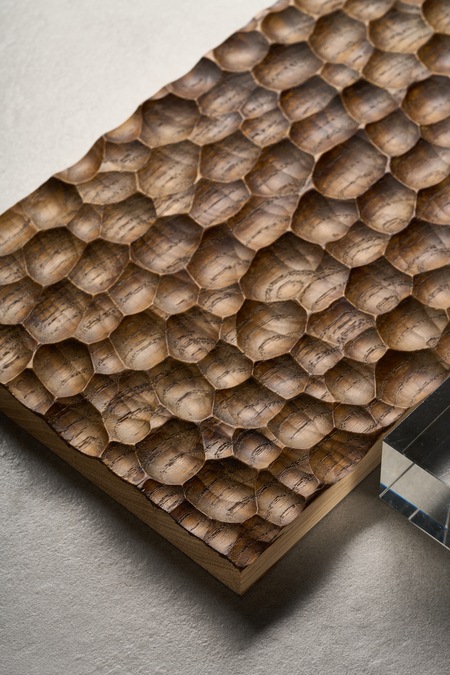
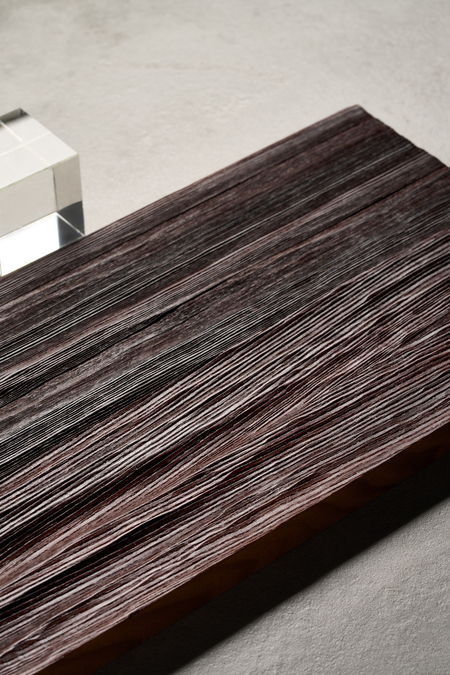
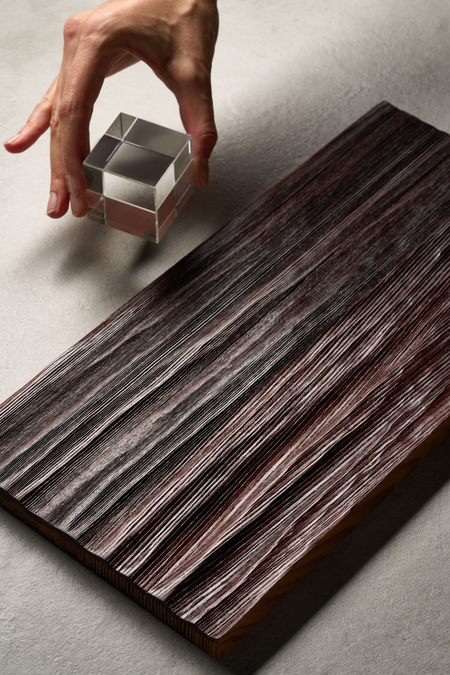
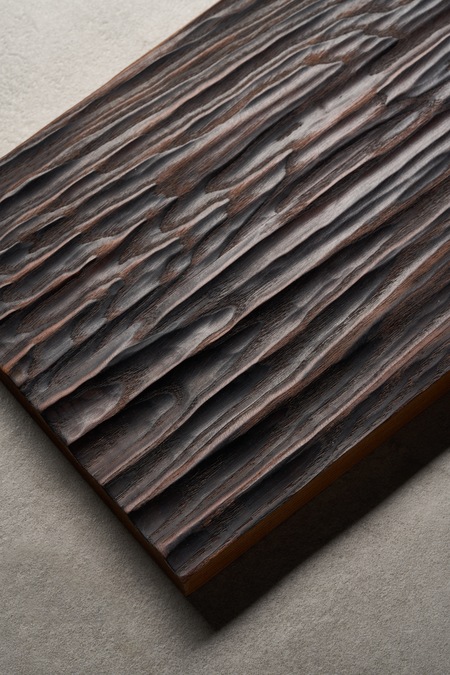
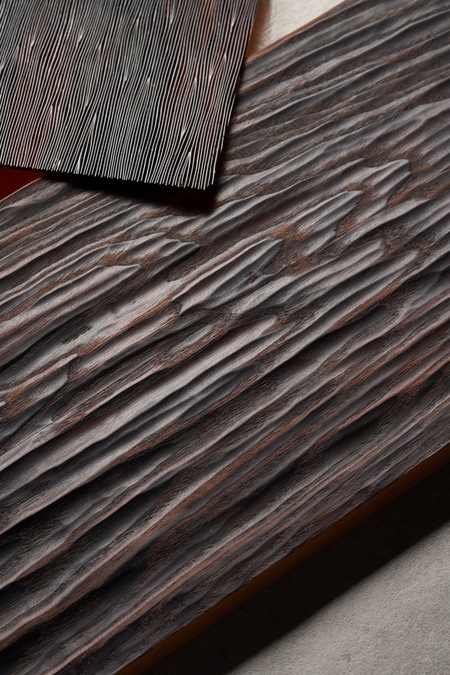
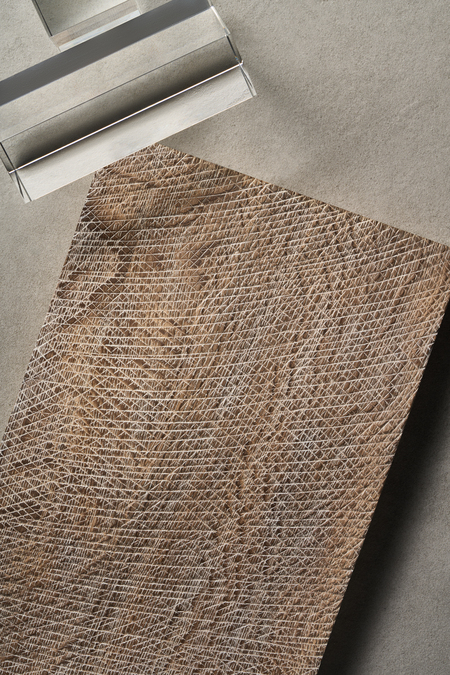
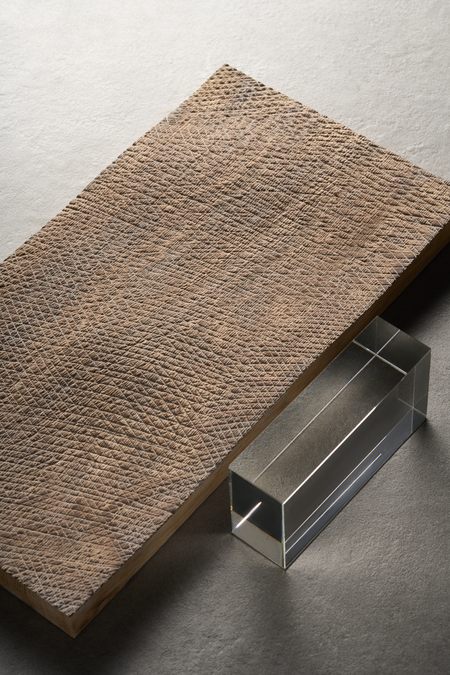
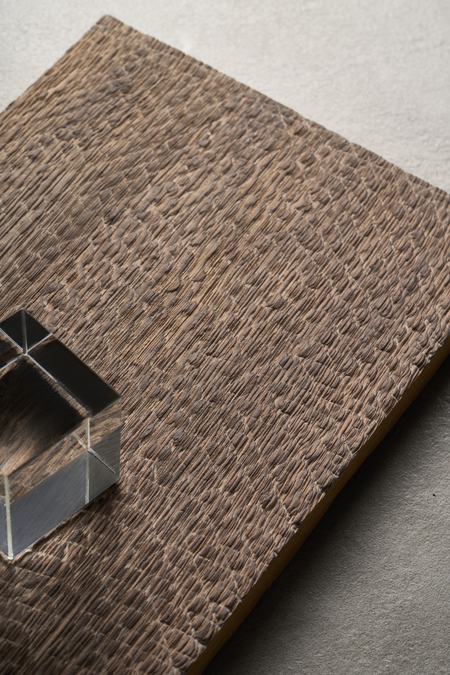
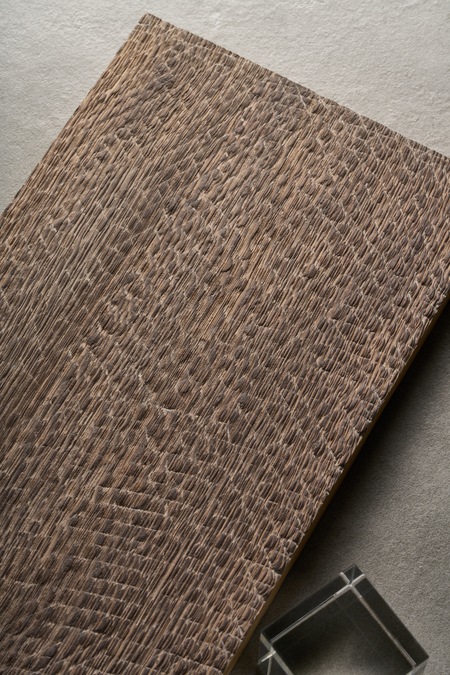
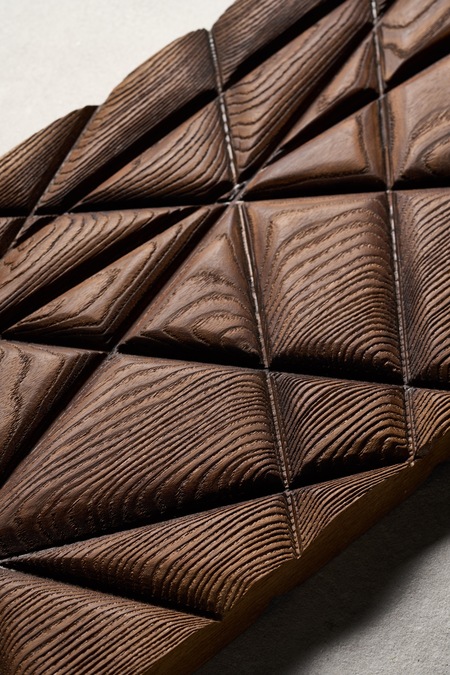
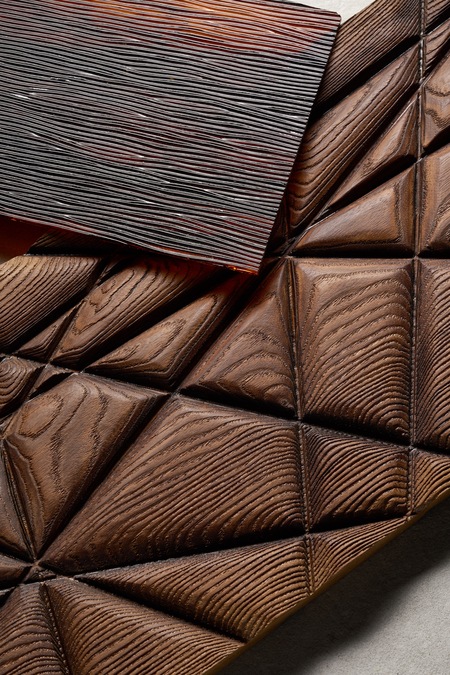
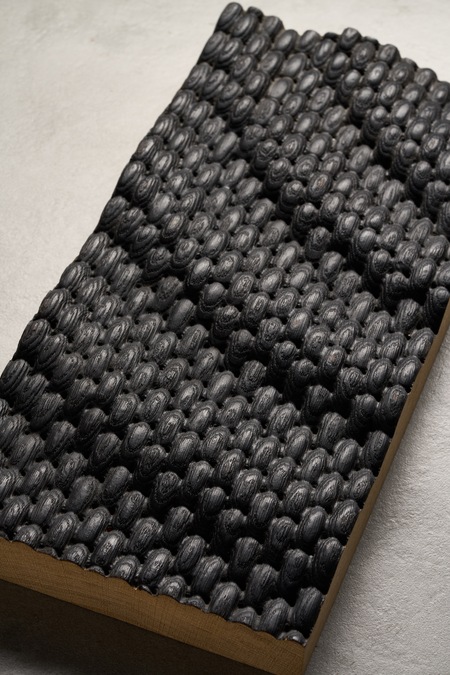
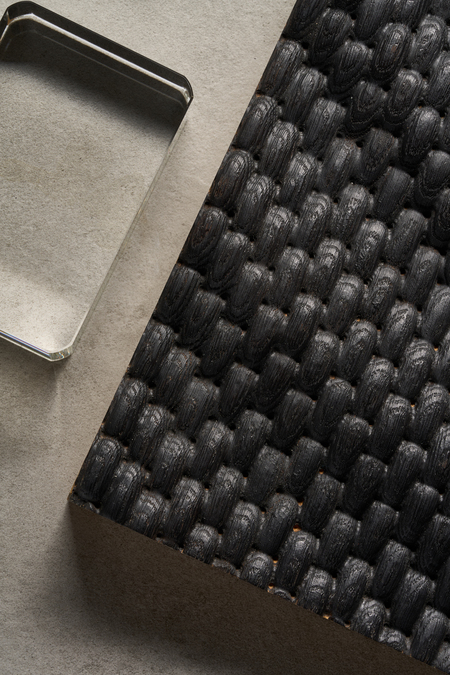
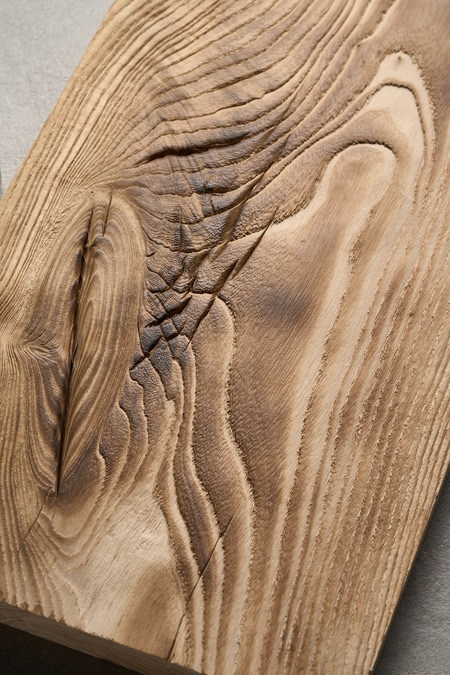
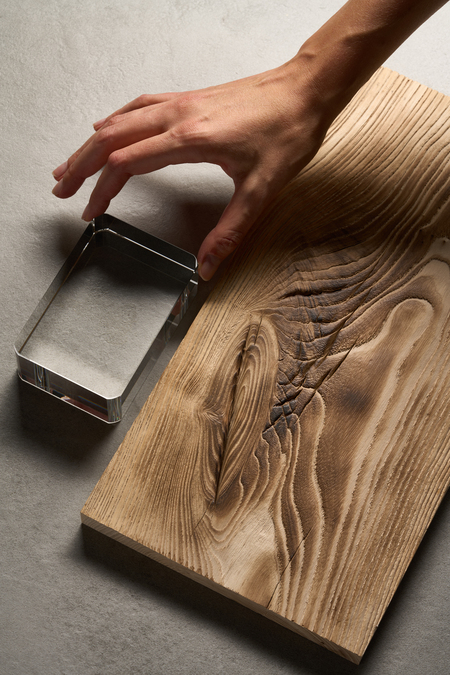
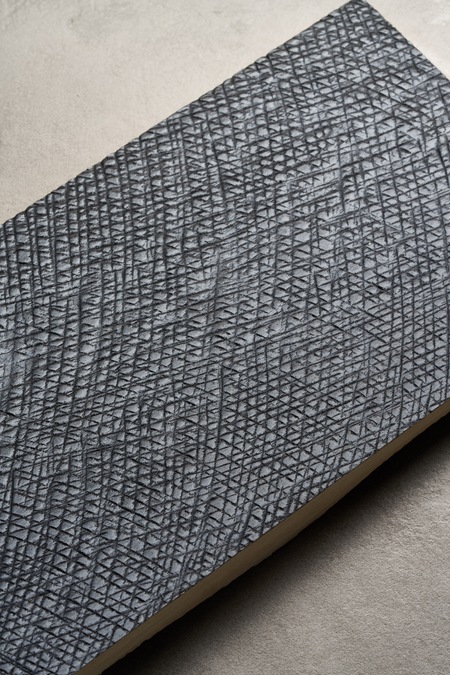
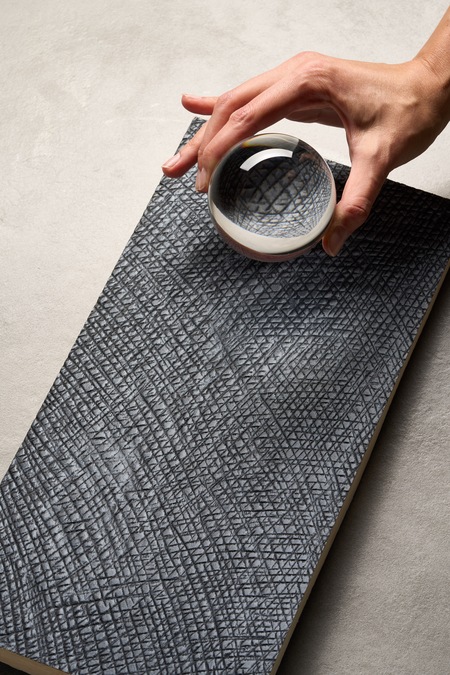
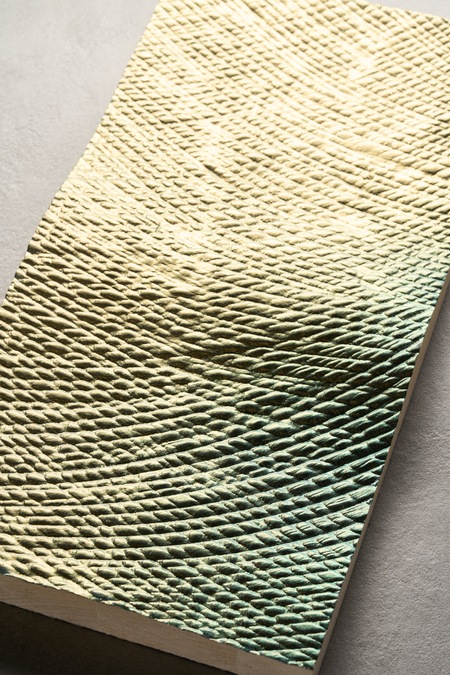
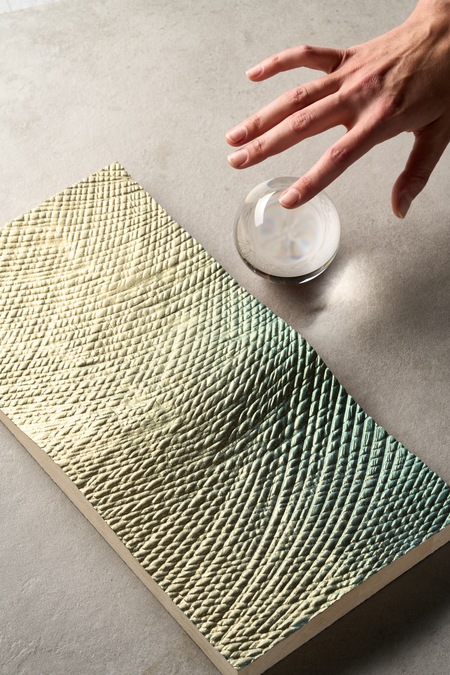
Продолжение серии декоративных панелей из дерева в авторских техниках обработки от бренда WOODZENART.
Художественный потенциал обработки древесины не имеет границ. Мы верим, что дерево — это не просто материал, но и символ связи между человеком и землей. В руках мастера оно становится средством выражения глубинной красоты и эстетического совершенства.
Эти деревянные панно могут имитировать скальную породу, ткань, грубо выделанную кожу, руническую резьбу по камню, набивной рисунок на текстиле и еще десятки и сотни вариантов, ограниченных только фантазией автора.
Такими арт-панелями можно обшить акцентную стену, использовать в качестве функциональной перегородки, применить для оформление дверей, в виде изголовья кровати, отдельного панно или фасадов мебели.
Природные формы и текстуры, созданные из натурального материала, создают особую атмосферу в пространстве, делают его живым и настоящим, улучшают восприятие и балансируют энергии. Каждый образец, созданный автором, воплощает гармонию природы и человеческого таланта.
Техника
Для создания различных декоративных эффектов используются сочетания авторских техник обработки, резьбы, проявления текстуры и покраски различных пород древесины: дуб, тополь, ясень, термоясень. Размер образцов на фото — 400*200 мм. При помощи модульной системы монтажа панели могут быть масштабированы до любых размеров, размеры модулей варьируются в зависимости от задачи.
Год создания: 2024.
Тираж не ограничен.
Стоимость начинается от 150 тыс.₽ за квадратный метр и зависит от вида арт-панели и формата применения.
Автор создал серию арт-панелей "Истоки" из натурального дерева с использованием авторских техник обработки и резьбы. Эти панели могут имитировать различные текстуры, такие как скальная порода, ткань или руническая резьба, и применяются для декора интерьера.
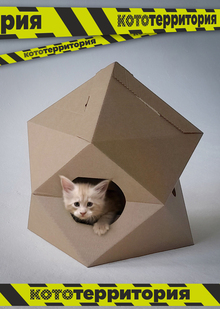
Ольга Кравцова создала стильный и бюджетный дом для кошки «КотоТЕРРИТОРИЯ» из гофрокартона, который легко собирать без склейки. Проект включает конструкцию с рёбрами жёсткости и конической крышей, обеспечивающую устойчивость и комфорт для животного.
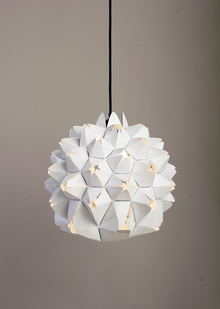
Автор создал светильник «КАКТУС» из алюминиевого листа и массива березы с использованием болтов для сборки из 50 деталей. Проект включает в себя описание размеров, веса и материала, а также указание автора и мастерской EEKRA.
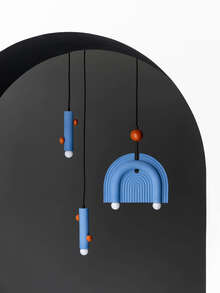
Полина Артамонова создала коллекцию подвесных светильников MOROSHKA, выполненных из полуфарфора с синим и терракотовым покрытием. Серия включает в себя несколько моделей, отличающихся формой и размером, а также возможность использования как настенного светильника с металлическим кронштейном.
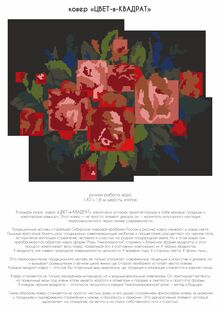
Юлия Гамаюнова создала серию декоративных ковров «ЦВЕТ-в-КВАДРАТ» и «НитьВремя». Ковер «ЦВЕТ-в-КВАДРАТ» сочетает традиционные сибирские мотивы с современным геометрическим дизайном.
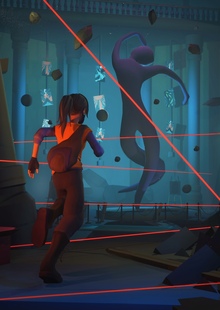
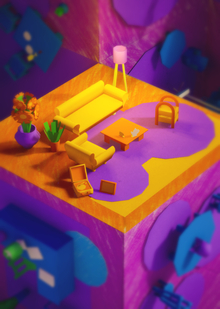
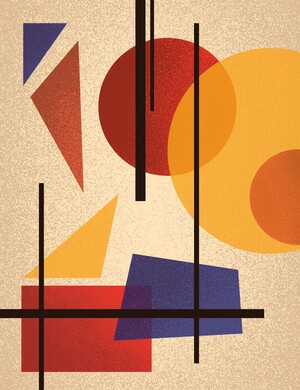
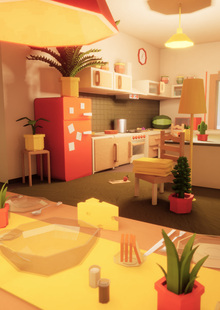
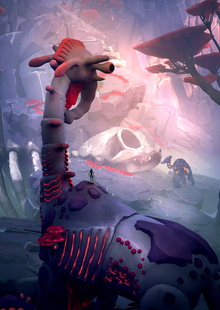
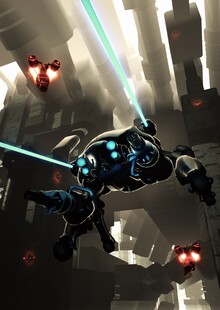
game.deziiign
Платформа для тех, кто играет в игры и тех, кто игры создает. Здесь можно опробовать новые идеи, найти художника или гейм-дизайнера для собственного проекта, и узнать об играх что-то новое и неожиданное.
Press space bar to start a drag.
When dragging you can use the arrow keys to move the item around and escape to cancel.
Some screen readers may require you to be in focus mode or to use your pass through key
Press space bar to start a drag.
When dragging you can use the arrow keys to move the item around and escape to cancel.
Some screen readers may require you to be in focus mode or to use your pass through key
Press space bar to start a drag.
When dragging you can use the arrow keys to move the item around and escape to cancel.
Some screen readers may require you to be in focus mode or to use your pass through key
Press space bar to start a drag.
When dragging you can use the arrow keys to move the item around and escape to cancel.
Some screen readers may require you to be in focus mode or to use your pass through key
Press space bar to start a drag.
When dragging you can use the arrow keys to move the item around and escape to cancel.
Some screen readers may require you to be in focus mode or to use your pass through key
Press space bar to start a drag.
When dragging you can use the arrow keys to move the item around and escape to cancel.
Some screen readers may require you to be in focus mode or to use your pass through key
Press space bar to start a drag.
When dragging you can use the arrow keys to move the item around and escape to cancel.
Some screen readers may require you to be in focus mode or to use your pass through key
Press space bar to start a drag.
When dragging you can use the arrow keys to move the item around and escape to cancel.
Some screen readers may require you to be in focus mode or to use your pass through key
Press space bar to start a drag.
When dragging you can use the arrow keys to move the item around and escape to cancel.
Some screen readers may require you to be in focus mode or to use your pass through key
Press space bar to start a drag.
When dragging you can use the arrow keys to move the item around and escape to cancel.
Some screen readers may require you to be in focus mode or to use your pass through key
Press space bar to start a drag.
When dragging you can use the arrow keys to move the item around and escape to cancel.
Some screen readers may require you to be in focus mode or to use your pass through key
Press space bar to start a drag.
When dragging you can use the arrow keys to move the item around and escape to cancel.
Some screen readers may require you to be in focus mode or to use your pass through key
Press space bar to start a drag.
When dragging you can use the arrow keys to move the item around and escape to cancel.
Some screen readers may require you to be in focus mode or to use your pass through key
Press space bar to start a drag.
When dragging you can use the arrow keys to move the item around and escape to cancel.
Some screen readers may require you to be in focus mode or to use your pass through key
Press space bar to start a drag.
When dragging you can use the arrow keys to move the item around and escape to cancel.
Some screen readers may require you to be in focus mode or to use your pass through key
Press space bar to start a drag.
When dragging you can use the arrow keys to move the item around and escape to cancel.
Some screen readers may require you to be in focus mode or to use your pass through key
Press space bar to start a drag.
When dragging you can use the arrow keys to move the item around and escape to cancel.
Some screen readers may require you to be in focus mode or to use your pass through key
Press space bar to start a drag.
When dragging you can use the arrow keys to move the item around and escape to cancel.
Some screen readers may require you to be in focus mode or to use your pass through key
Press space bar to start a drag.
When dragging you can use the arrow keys to move the item around and escape to cancel.
Some screen readers may require you to be in focus mode or to use your pass through key
Press space bar to start a drag.
When dragging you can use the arrow keys to move the item around and escape to cancel.
Some screen readers may require you to be in focus mode or to use your pass through key
Press space bar to start a drag.
When dragging you can use the arrow keys to move the item around and escape to cancel.
Some screen readers may require you to be in focus mode or to use your pass through key
Press space bar to start a drag.
When dragging you can use the arrow keys to move the item around and escape to cancel.
Some screen readers may require you to be in focus mode or to use your pass through key
Press space bar to start a drag.
When dragging you can use the arrow keys to move the item around and escape to cancel.
Some screen readers may require you to be in focus mode or to use your pass through key
Press space bar to start a drag.
When dragging you can use the arrow keys to move the item around and escape to cancel.
Some screen readers may require you to be in focus mode or to use your pass through key