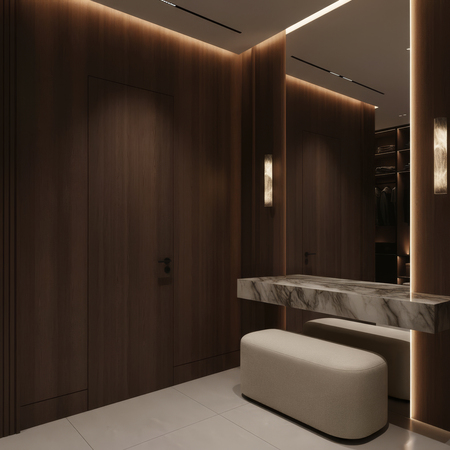
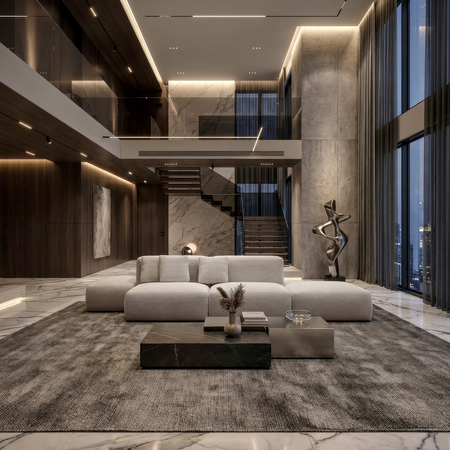
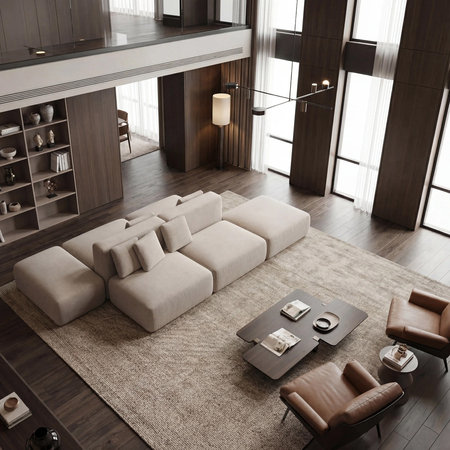
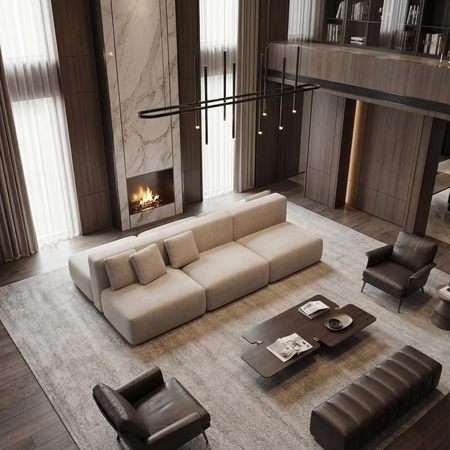
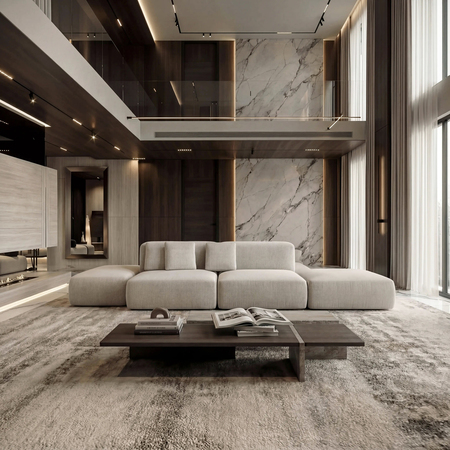
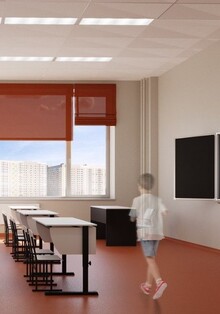
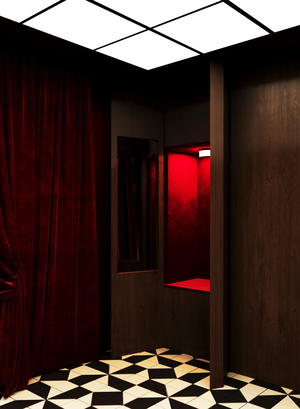
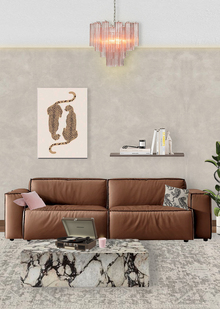
Примеры визуализаций с применением AI-технологий // 2025 г.
Возможности:
— обработка визуализаций в AI без изменения конструктива объекта
— создание уникального интерьера с объектом
— создание изображений в 2к или 4к качестве
— потоковое создание изображений
— создание изображений с разными сценариями освещения, разной погодой и временами года
*Все изображения сжаты
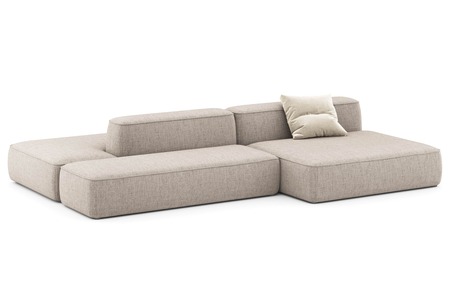
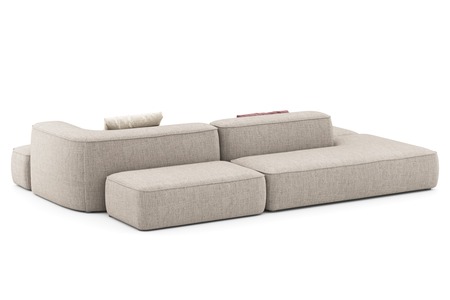
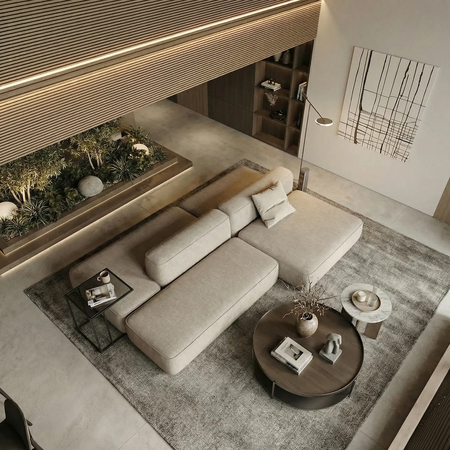
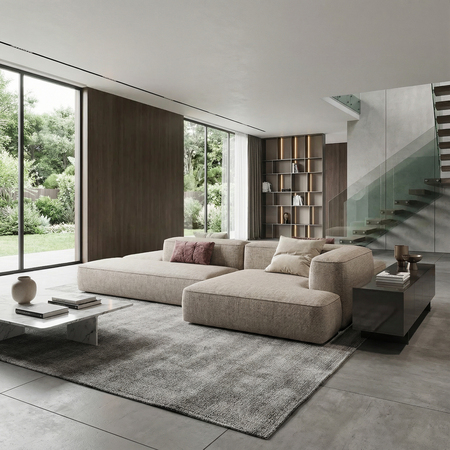
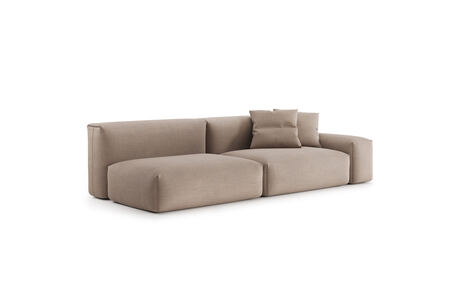
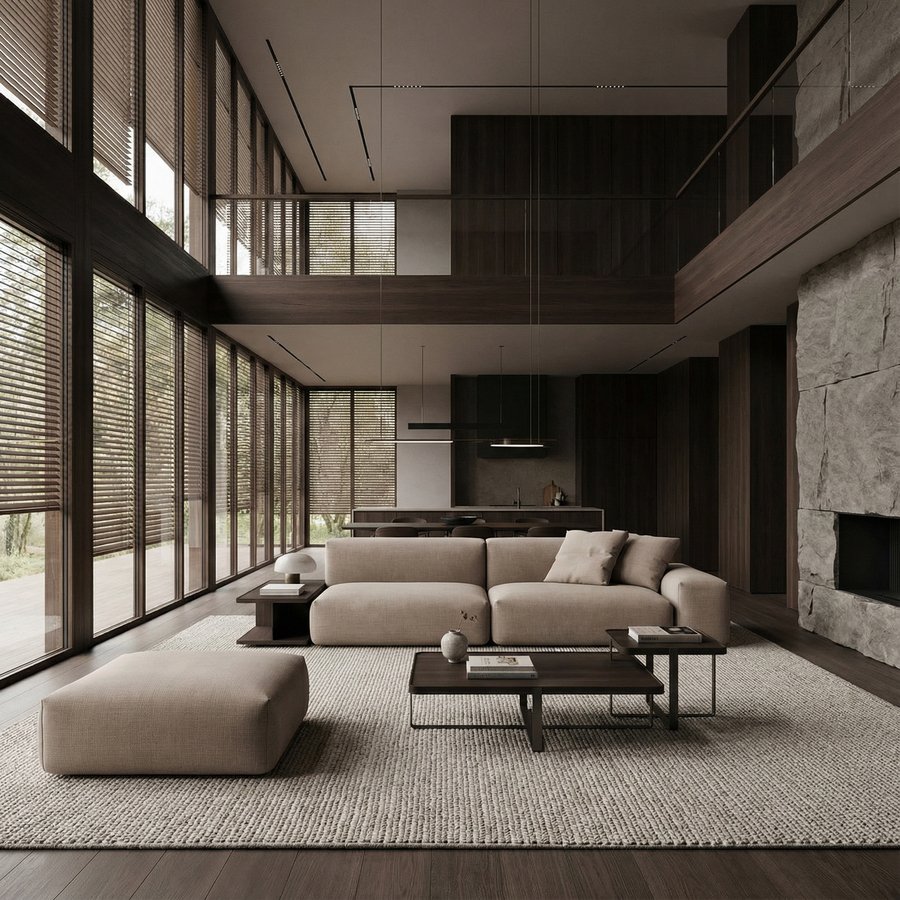
Диван Леман // Лавсит
Рендеры
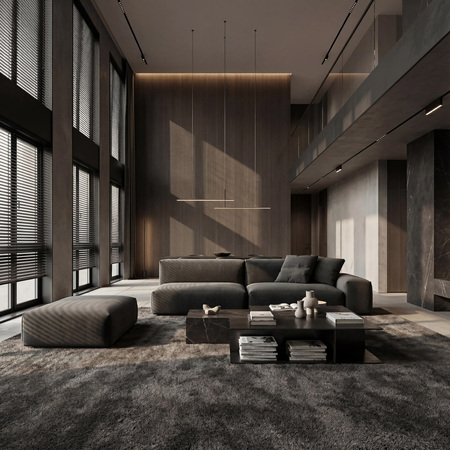
Визуализации в интерьере
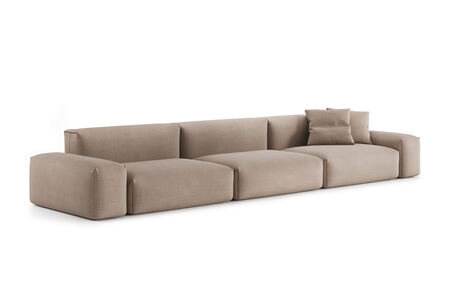
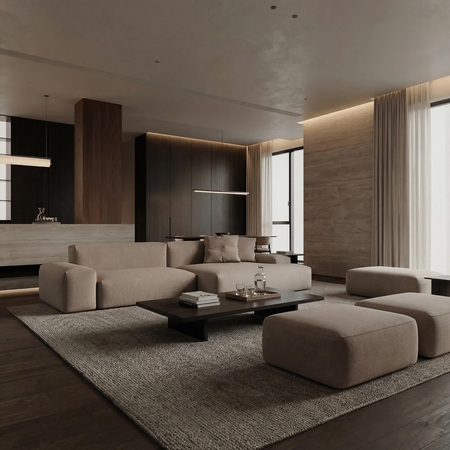
Диван Трэвис// Лавсит
Рендеры
Визуализации
Original size 2048x2048
Original size 2000x2000
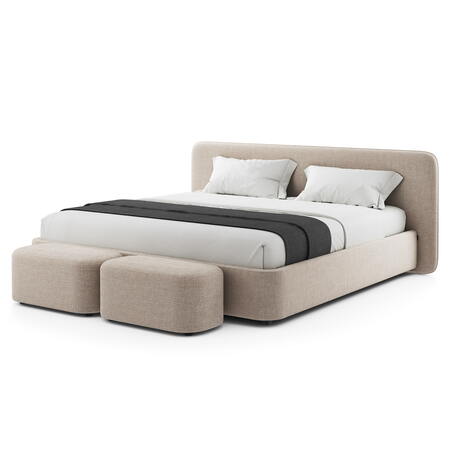
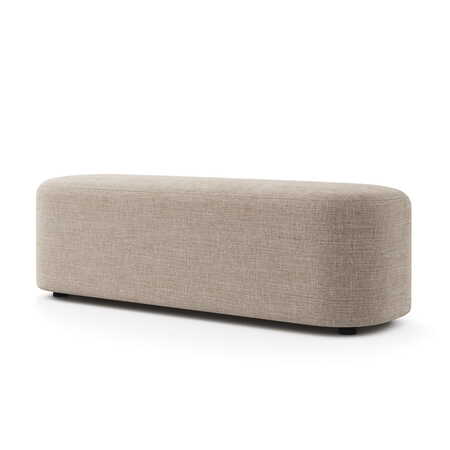
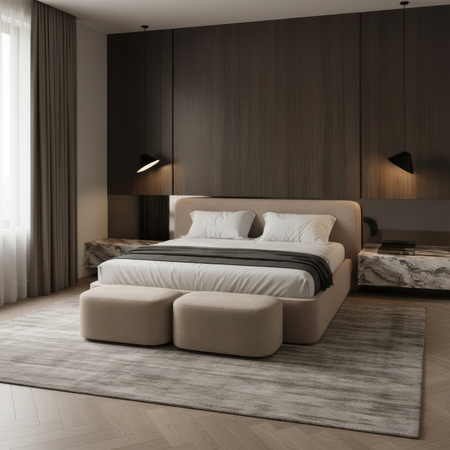
Банкетка Марс + Кровать Барри // Лавсит
Рендеры
Визуализации
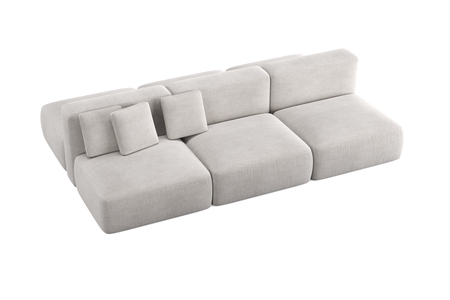
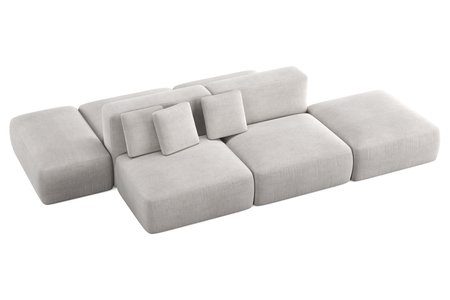
Двусторонний диван Кермит // Лавсит
Рендеры
Визуализации
Original size 3000x3000
*3D-моделирование и предварительные визуализации объектов на белом фоне выполнены сторонними подрядчиками.
Press space bar to start a drag.
When dragging you can use the arrow keys to move the item around and escape to cancel.
Some screen readers may require you to be in focus mode or to use your pass through key
Press space bar to start a drag.
When dragging you can use the arrow keys to move the item around and escape to cancel.
Some screen readers may require you to be in focus mode or to use your pass through key
Press space bar to start a drag.
When dragging you can use the arrow keys to move the item around and escape to cancel.
Some screen readers may require you to be in focus mode or to use your pass through key
Press space bar to start a drag.
When dragging you can use the arrow keys to move the item around and escape to cancel.
Some screen readers may require you to be in focus mode or to use your pass through key
Press space bar to start a drag.
When dragging you can use the arrow keys to move the item around and escape to cancel.
Some screen readers may require you to be in focus mode or to use your pass through key
Press space bar to start a drag.
When dragging you can use the arrow keys to move the item around and escape to cancel.
Some screen readers may require you to be in focus mode or to use your pass through key
Press space bar to start a drag.
When dragging you can use the arrow keys to move the item around and escape to cancel.
Some screen readers may require you to be in focus mode or to use your pass through key
Press space bar to start a drag.
When dragging you can use the arrow keys to move the item around and escape to cancel.
Some screen readers may require you to be in focus mode or to use your pass through key
Press space bar to start a drag.
When dragging you can use the arrow keys to move the item around and escape to cancel.
Some screen readers may require you to be in focus mode or to use your pass through key
Press space bar to start a drag.
When dragging you can use the arrow keys to move the item around and escape to cancel.
Some screen readers may require you to be in focus mode or to use your pass through key