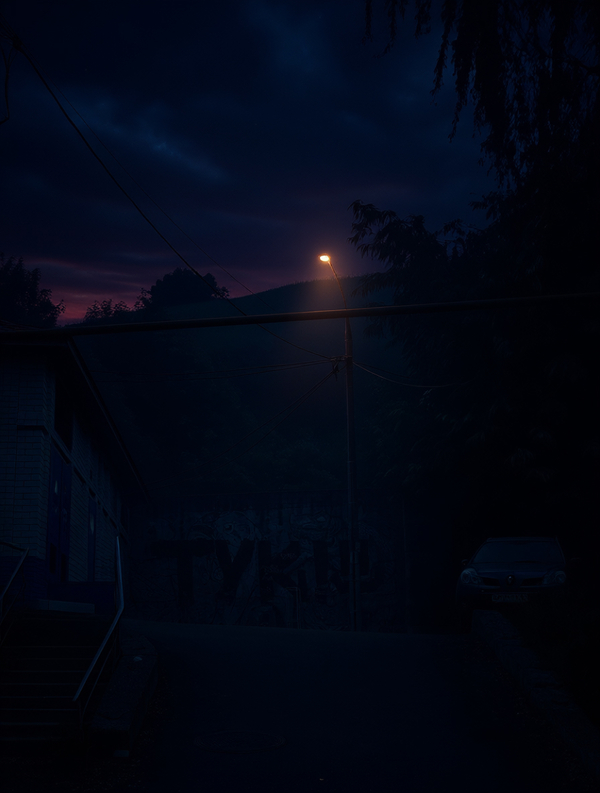
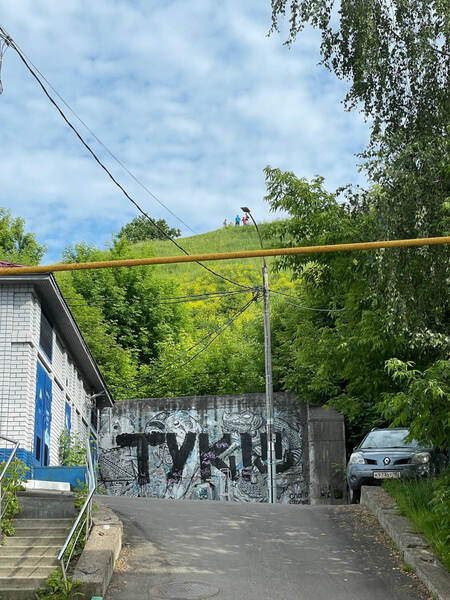
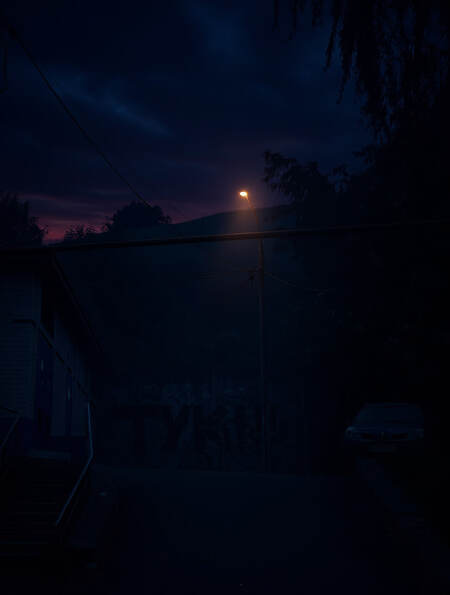
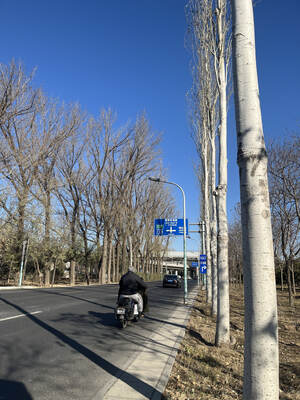
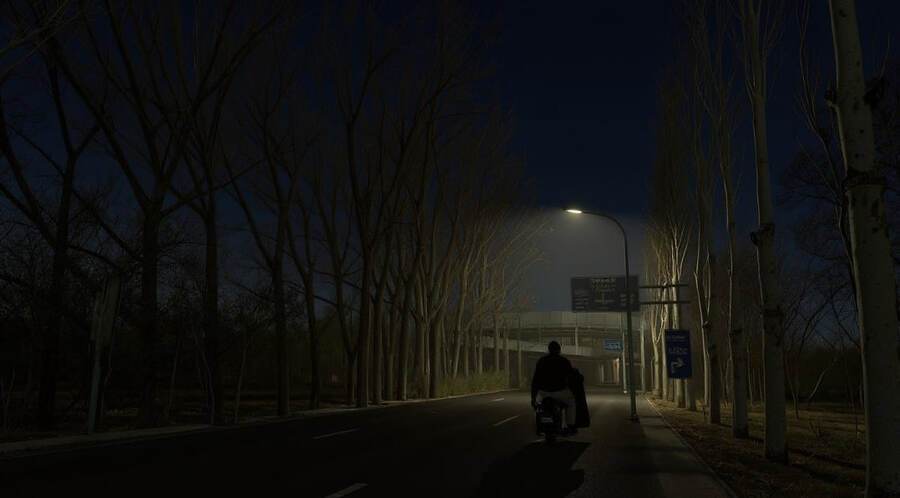
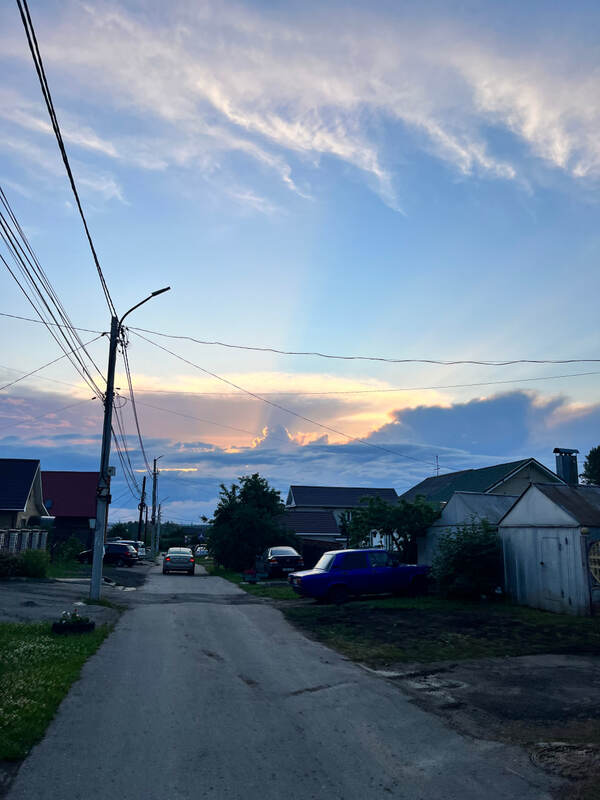
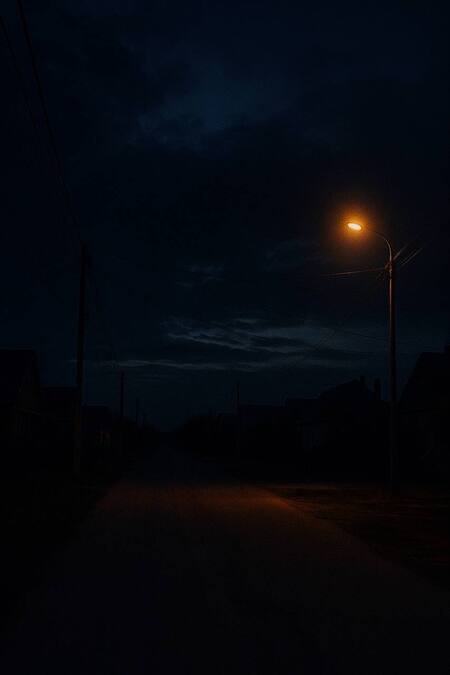
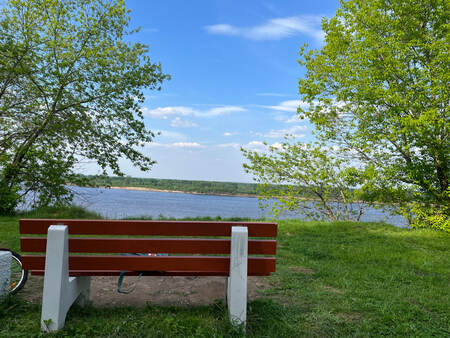
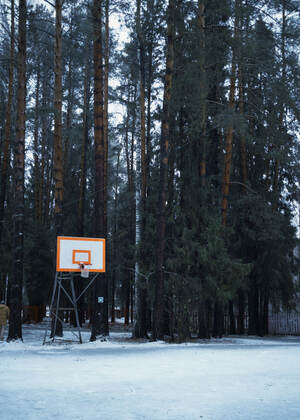
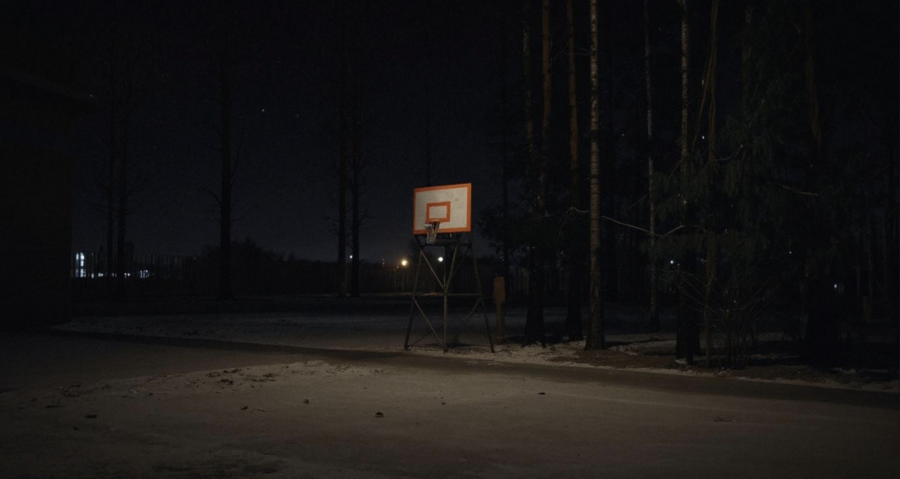
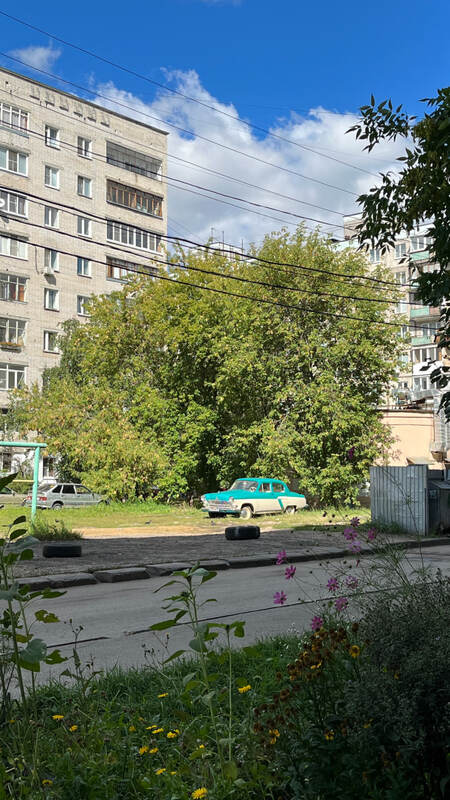
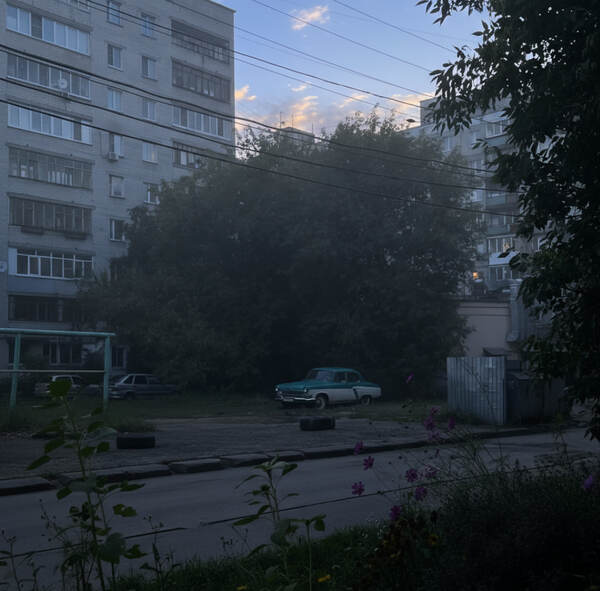
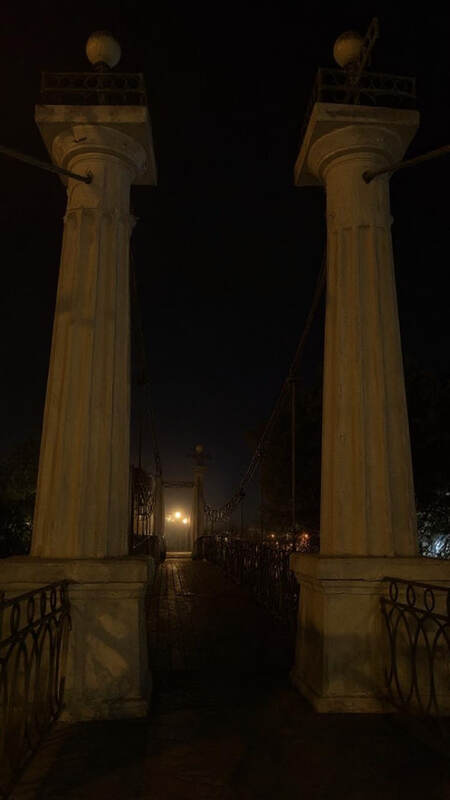
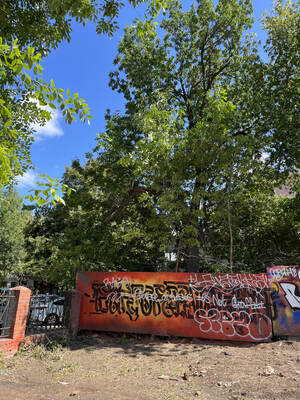
Лиминальные пространства — переходные места или состояния, которые вызывают чувство неопределённости, жути и сюрреализма, потому
что они находятся между двумя известными состояниями или локациями и лишены своего обычного наполнения.
Идея: Совместить что-то близкое, приятное и комфортное с чувством чужого, неприятного, неестественного.
Ход работы:
1) Определение, по какому принципу создаются жуткие и лиминальные пространства
2) Создание и поиск фото источников
3) Генерация изображений
4) Отбор материала
Промт:
Creating a feeling of liminal space, generate new pictures
What creates the feeling of liminality:
Emptiness and lack of people
Transitional nature of space
Function uncertainty
Artificial lighting
Nostalgia and recognition
Ксения Лемудкина создала проект в формате текста, исследующий лиминальные пространства и их эмоциональное воздействие на человека. Проект включает анализ переходных мест, вызывающих неопределённость и сюрреализм, с использованием нейросетей для генерации визуального материала.
Игнат Капленко создал библиотеку забытых миров, объединяющую фантазию и творчество в одном проекте. Проект включает анализ книг, таких как «Мифы и легенды» и «Хроники Нарнии», с использованием технологий генерации изображений и видео.
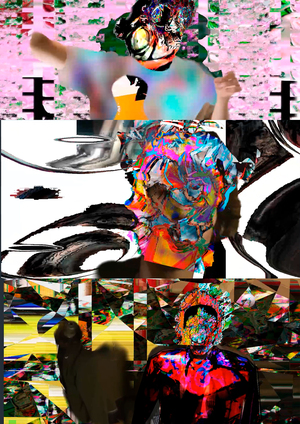
Василий Замятин создал проект, исследующий хаотичность постцифрового компилятивного образа в виде цифровой живописи, AR-линз и инсталляции. Проект демонстрирует полную нераспознаваемость источников образов и невозможность разделения медиумов из-за перегрузки эффектами и бриколажного подхода.
game.deziiign
Платформа для тех, кто играет в игры и тех, кто игры создает. Здесь можно опробовать новые идеи, найти художника или гейм-дизайнера для собственного проекта, и узнать об играх что-то новое и неожиданное.
лучшее
видеоигры
настольные игры
портфолио
об играх
Press space bar to start a drag.
When dragging you can use the arrow keys to move the item around and escape to cancel.
Some screen readers may require you to be in focus mode or to use your pass through key
Press space bar to start a drag.
When dragging you can use the arrow keys to move the item around and escape to cancel.
Some screen readers may require you to be in focus mode or to use your pass through key
Press space bar to start a drag.
When dragging you can use the arrow keys to move the item around and escape to cancel.
Some screen readers may require you to be in focus mode or to use your pass through key
Press space bar to start a drag.
When dragging you can use the arrow keys to move the item around and escape to cancel.
Some screen readers may require you to be in focus mode or to use your pass through key
Press space bar to start a drag.
When dragging you can use the arrow keys to move the item around and escape to cancel.
Some screen readers may require you to be in focus mode or to use your pass through key
Press space bar to start a drag.
When dragging you can use the arrow keys to move the item around and escape to cancel.
Some screen readers may require you to be in focus mode or to use your pass through key
Press space bar to start a drag.
When dragging you can use the arrow keys to move the item around and escape to cancel.
Some screen readers may require you to be in focus mode or to use your pass through key
Press space bar to start a drag.
When dragging you can use the arrow keys to move the item around and escape to cancel.
Some screen readers may require you to be in focus mode or to use your pass through key