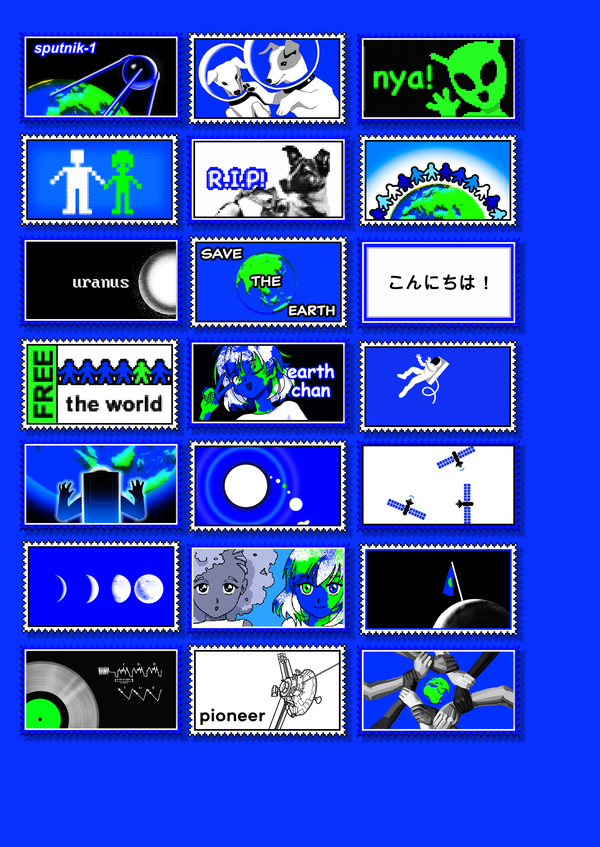
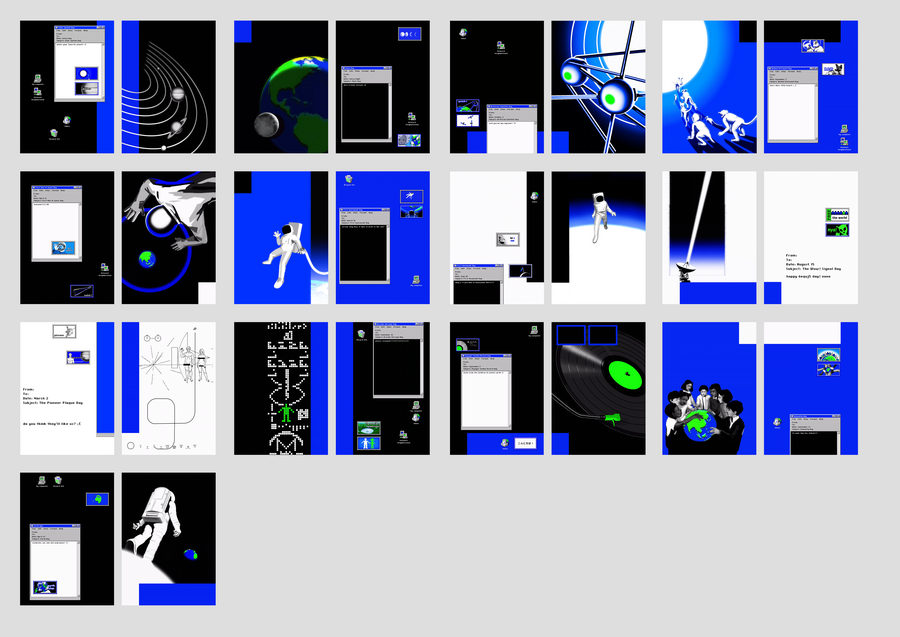
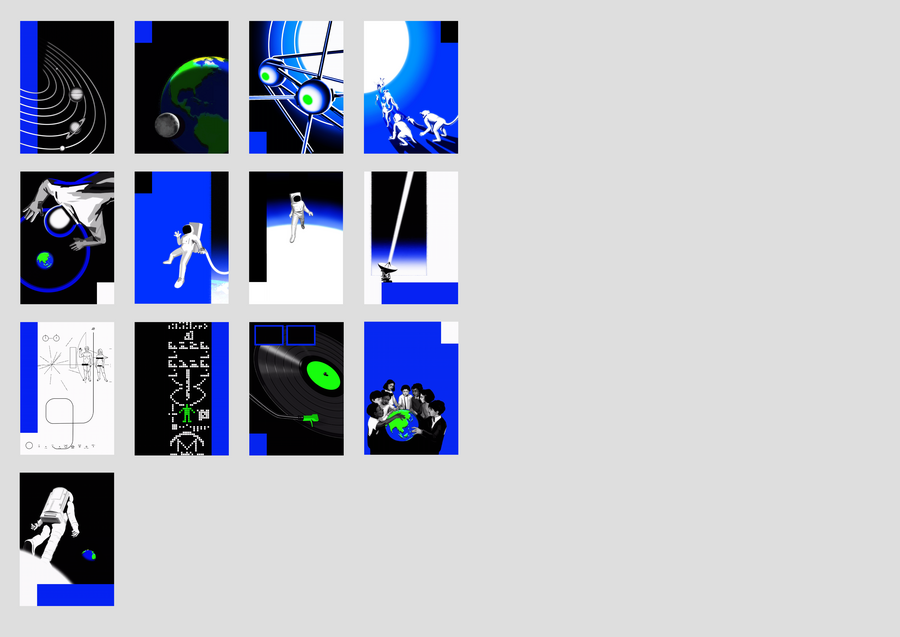
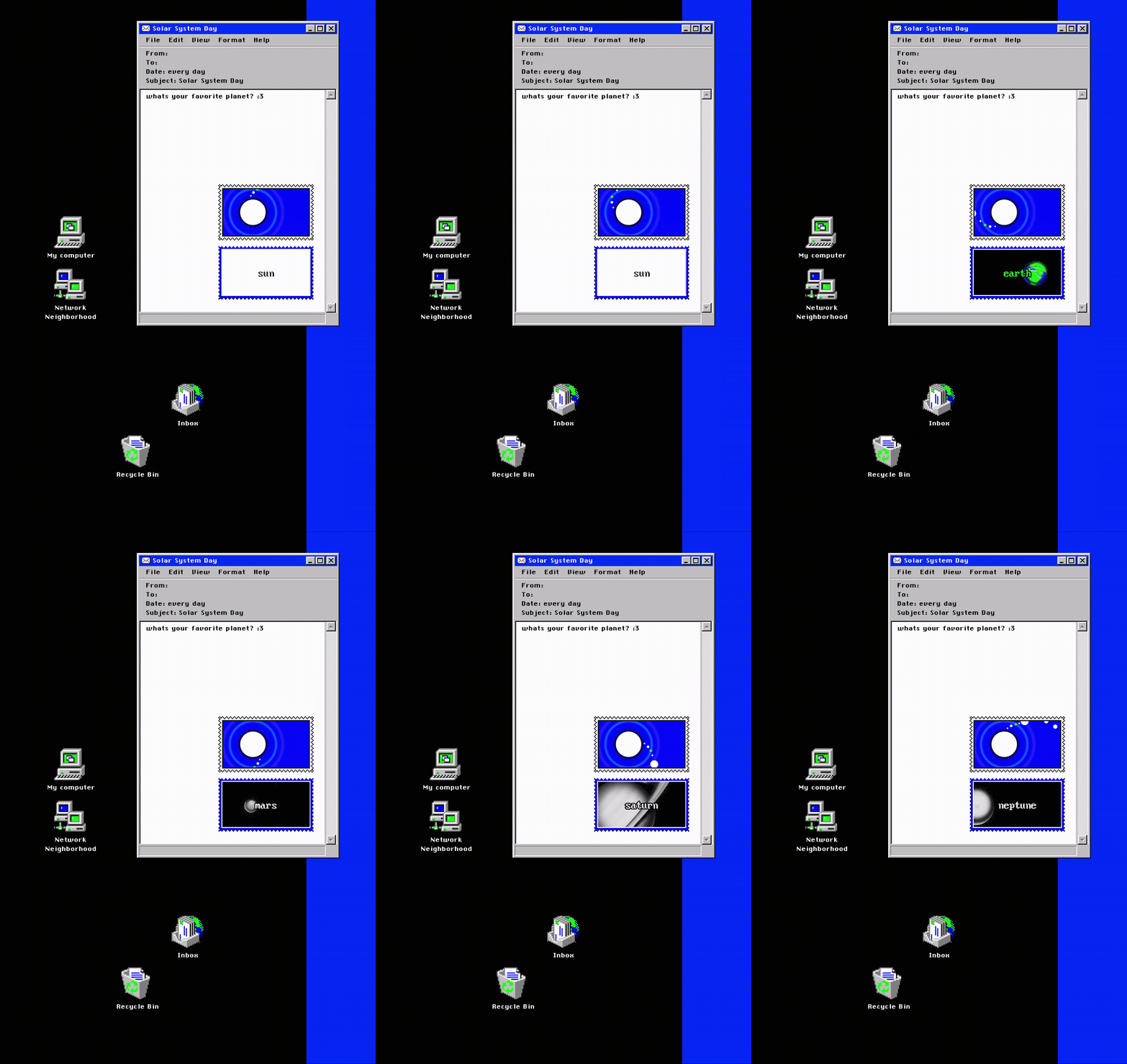
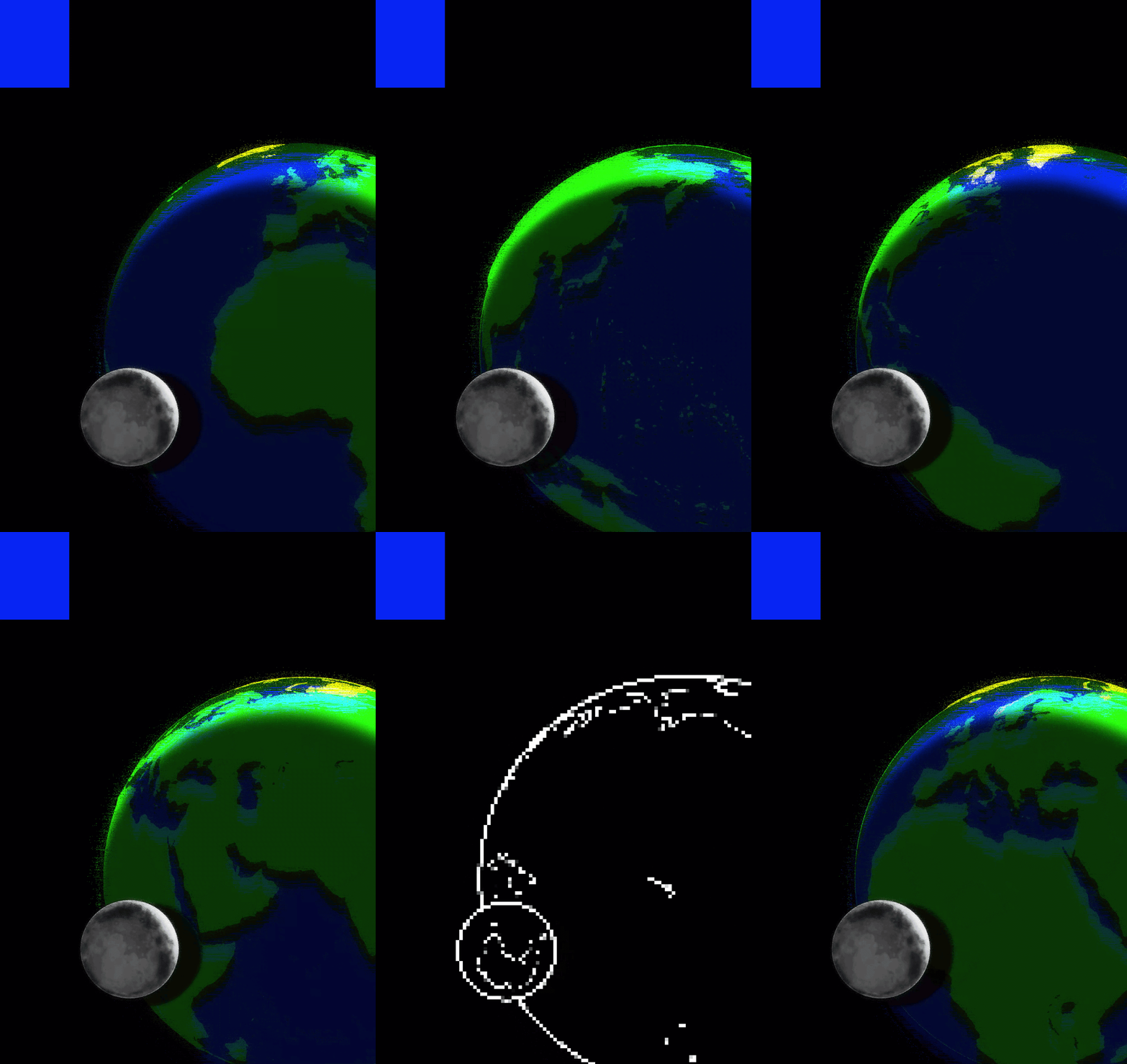
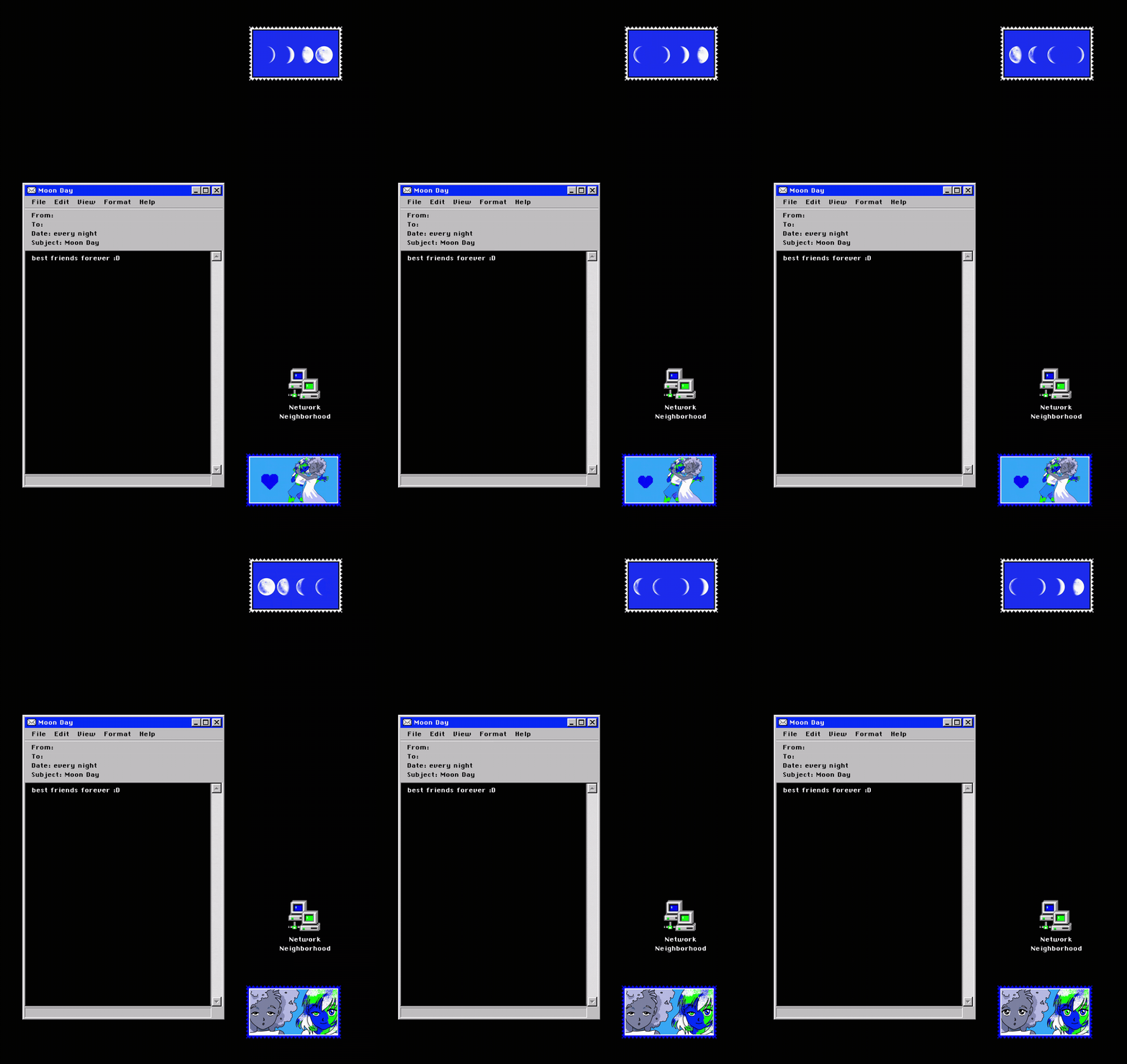
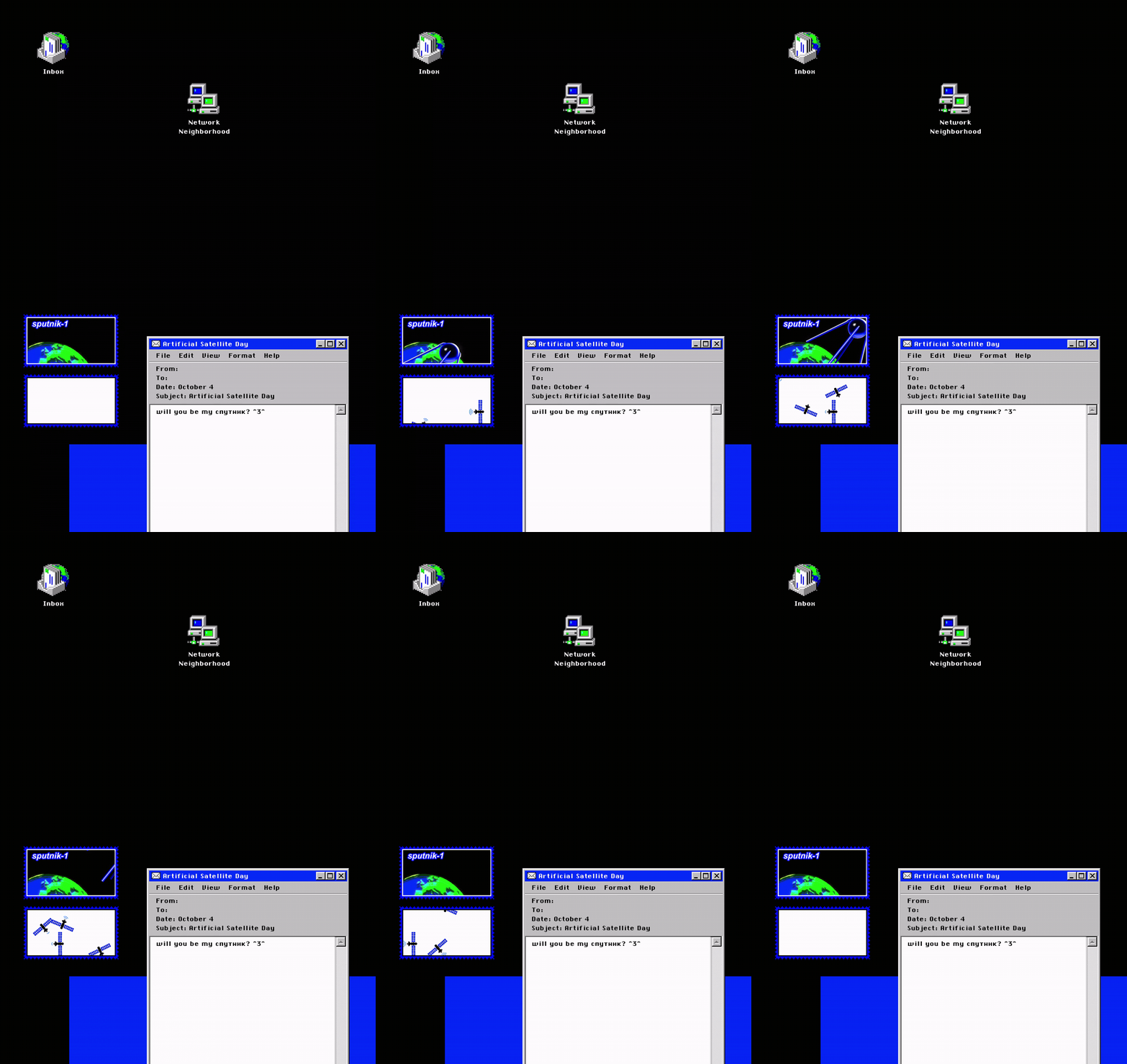
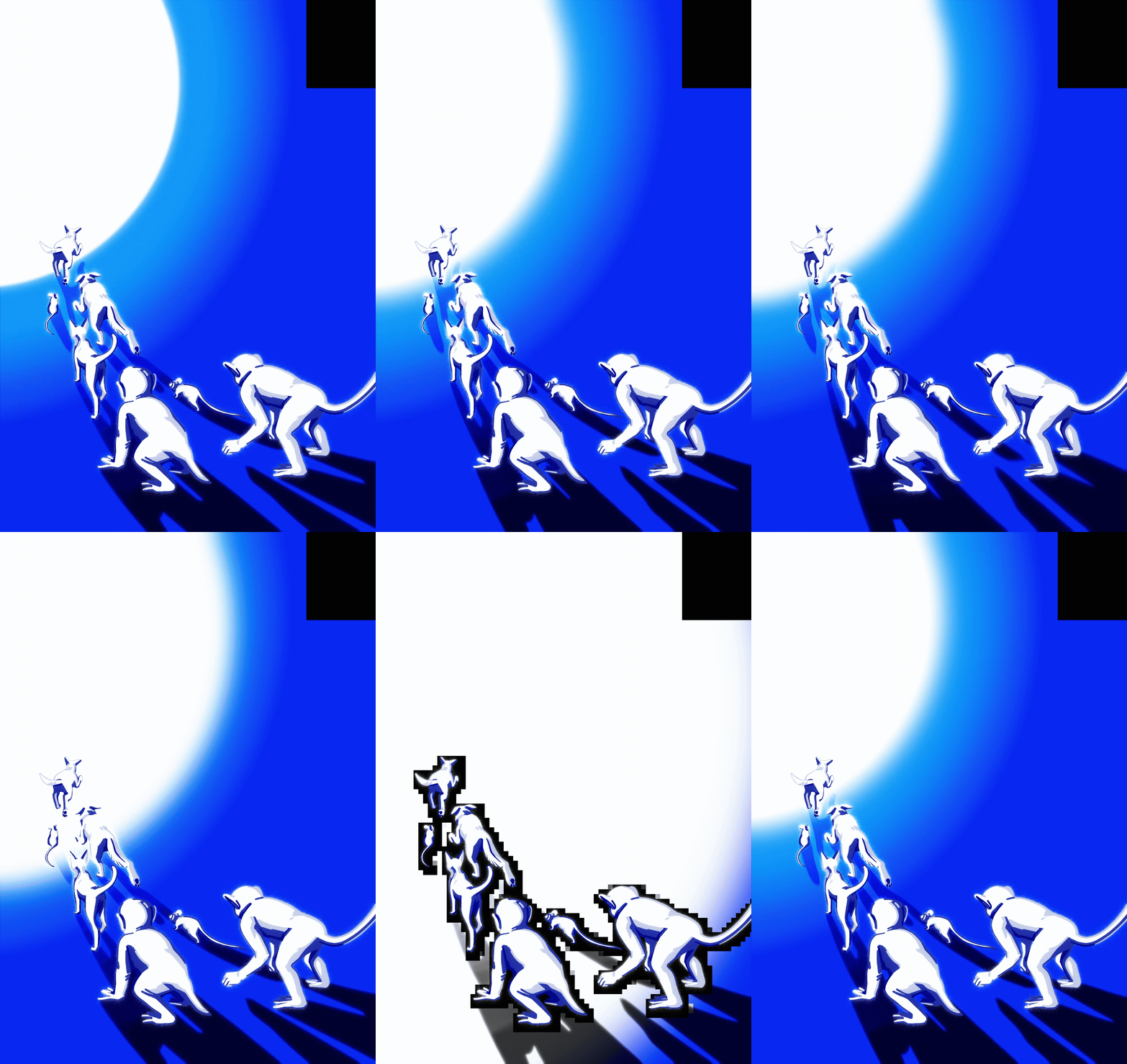
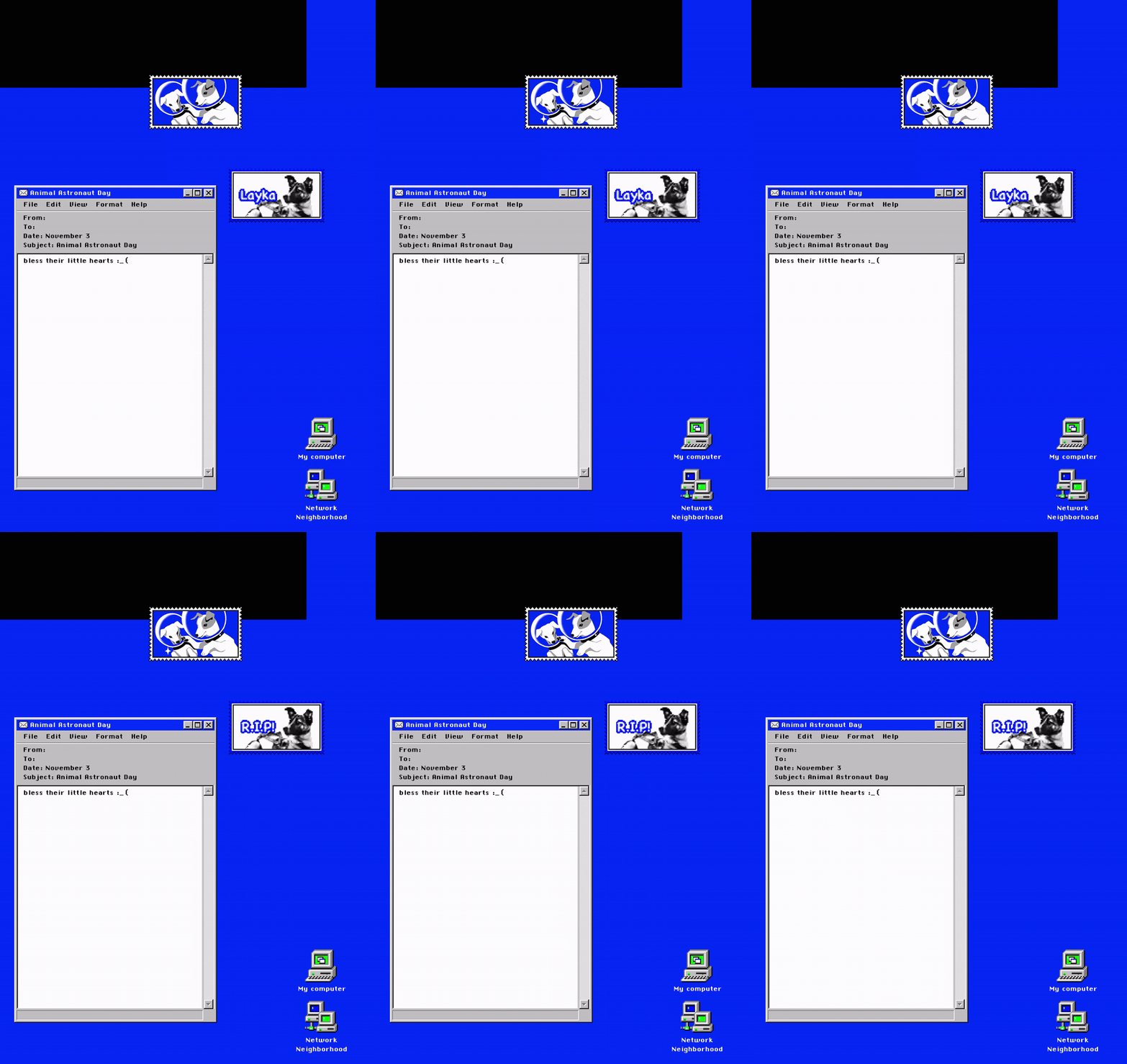
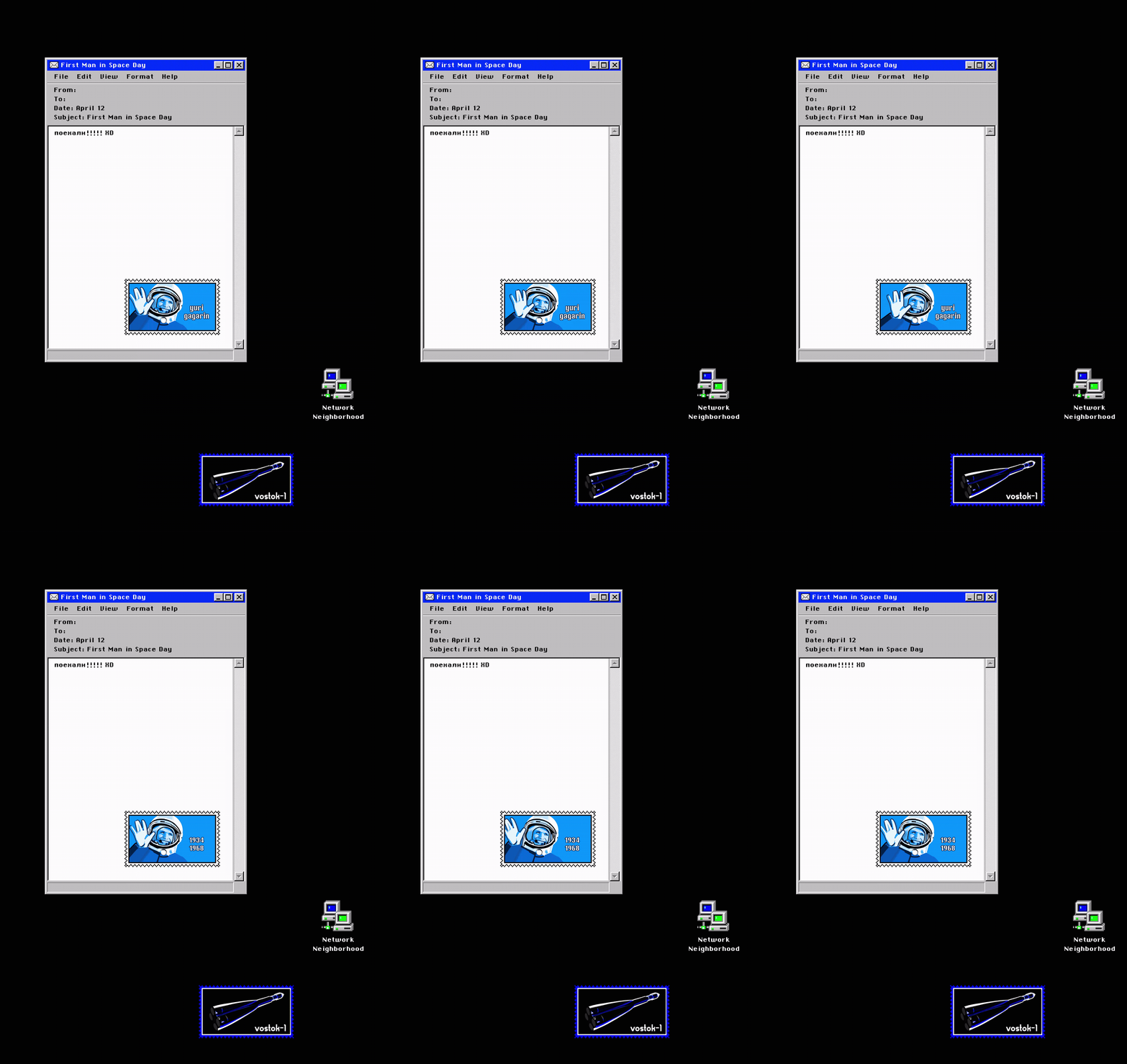
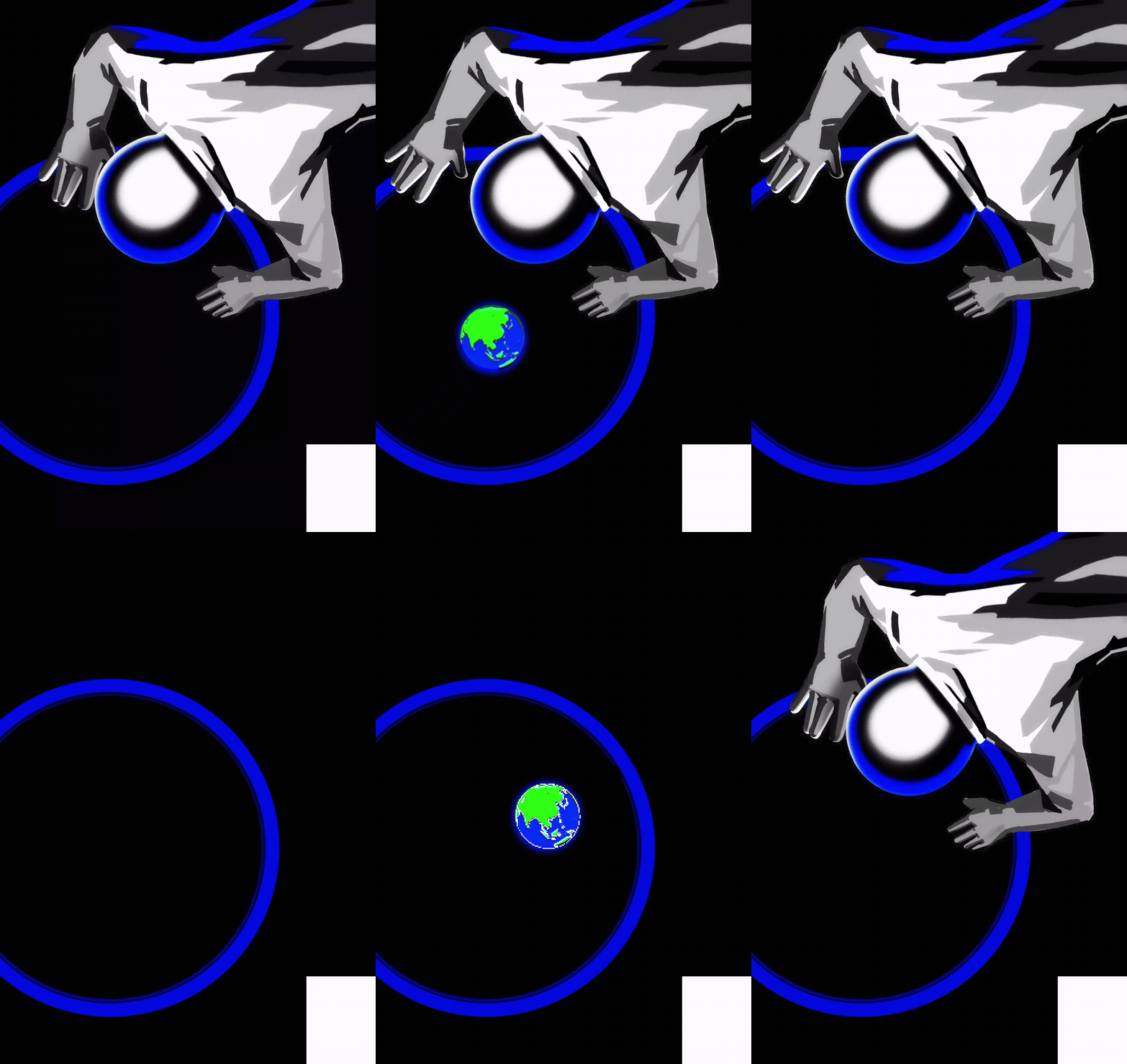
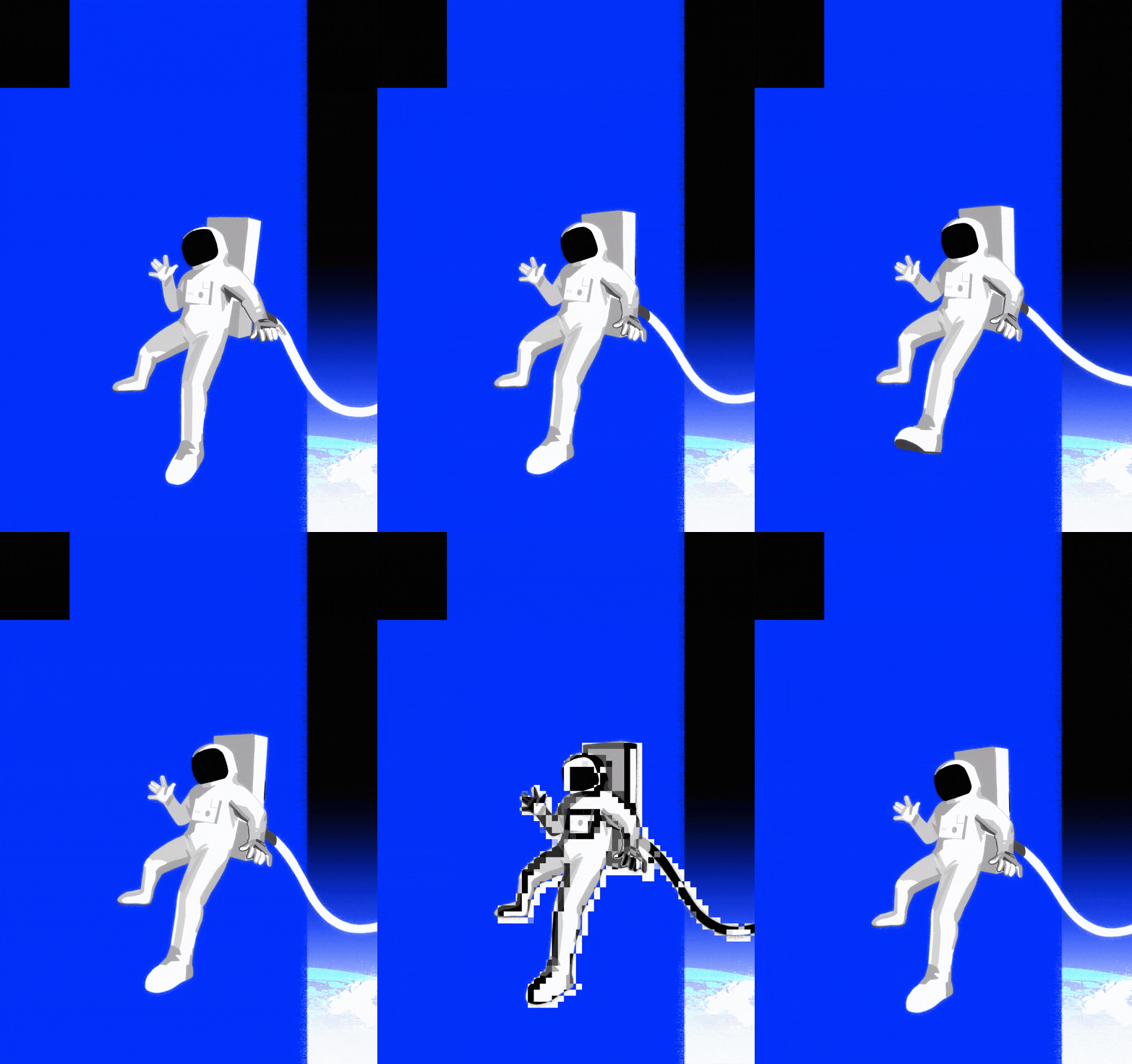
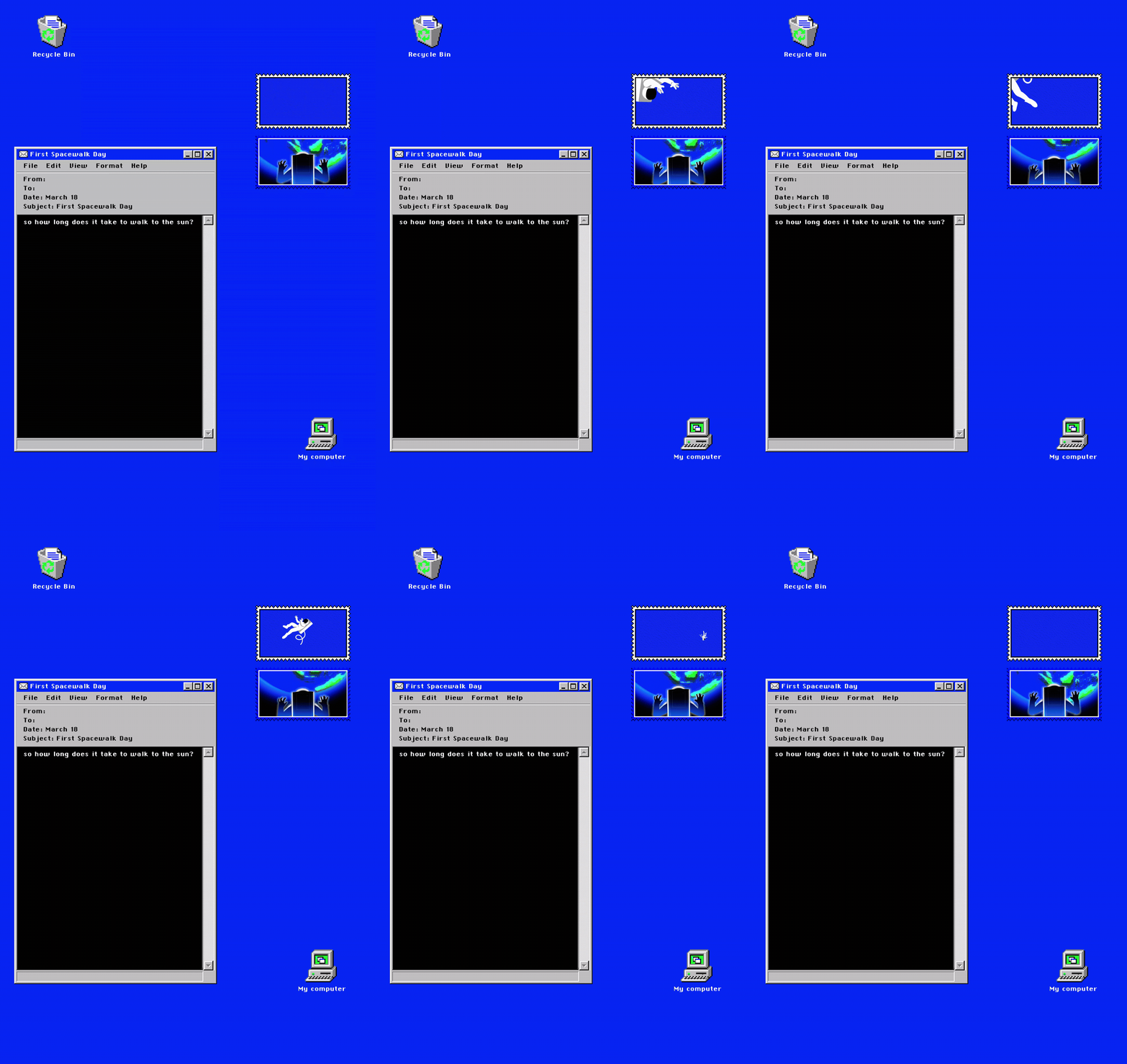
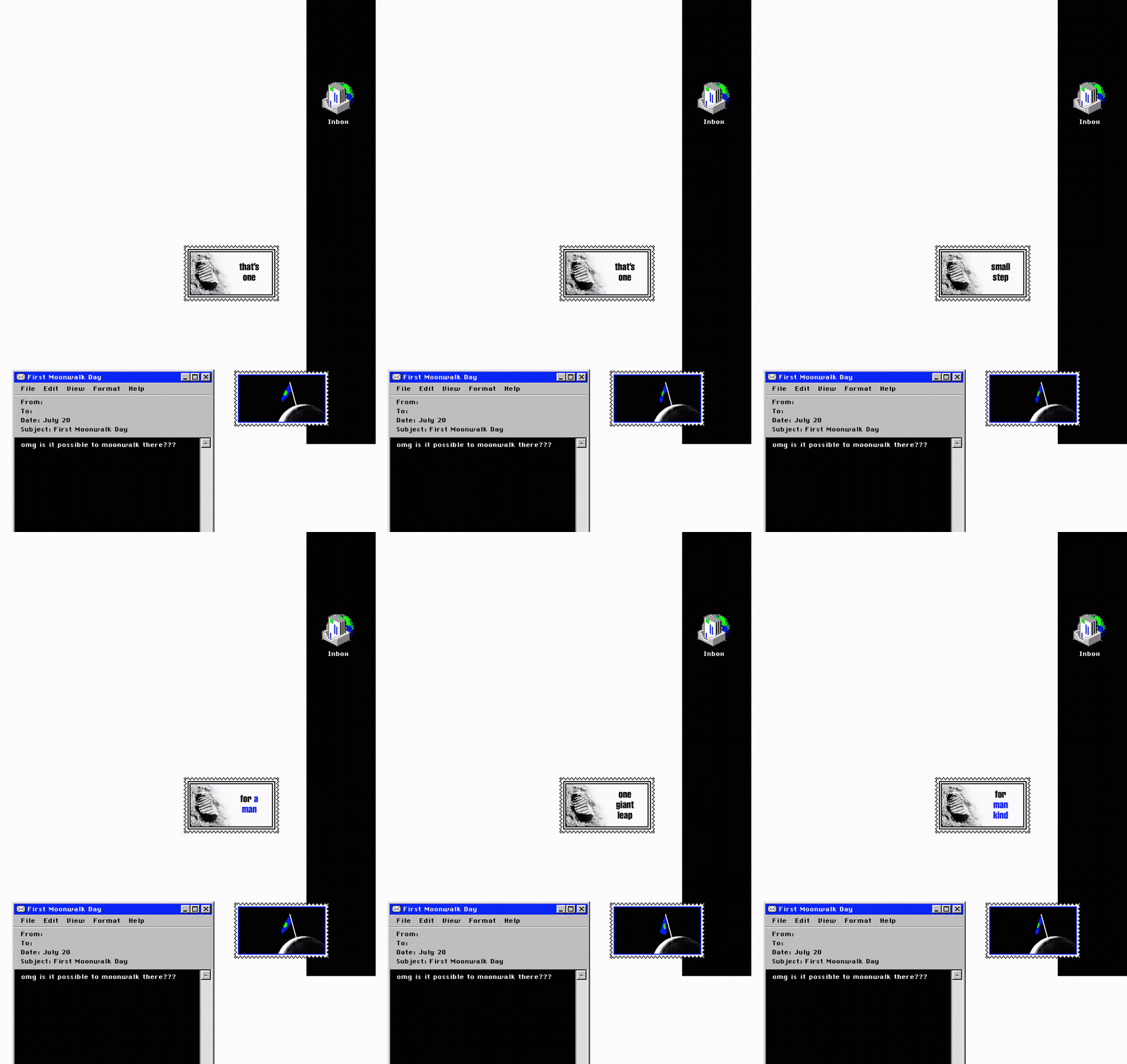
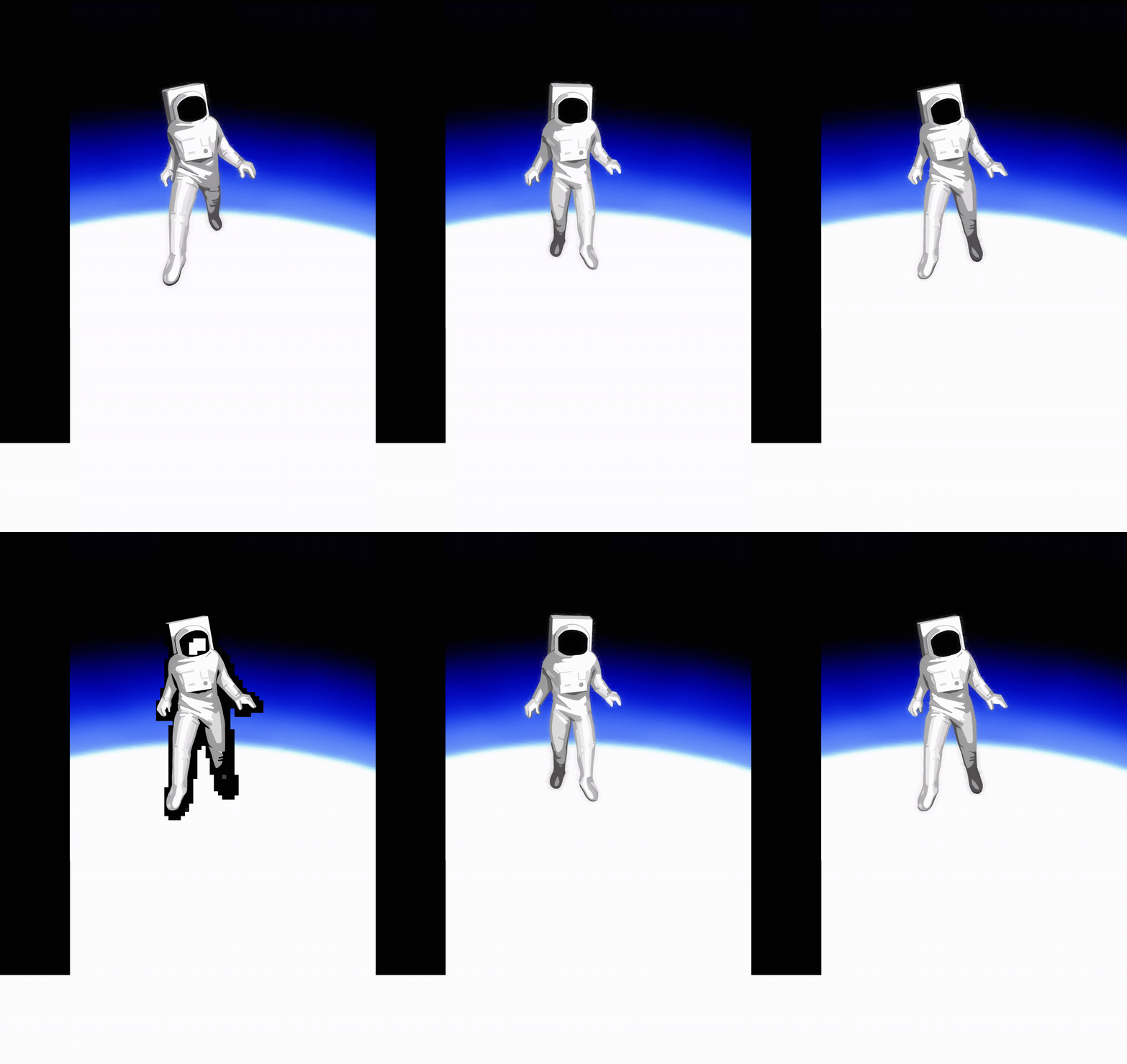
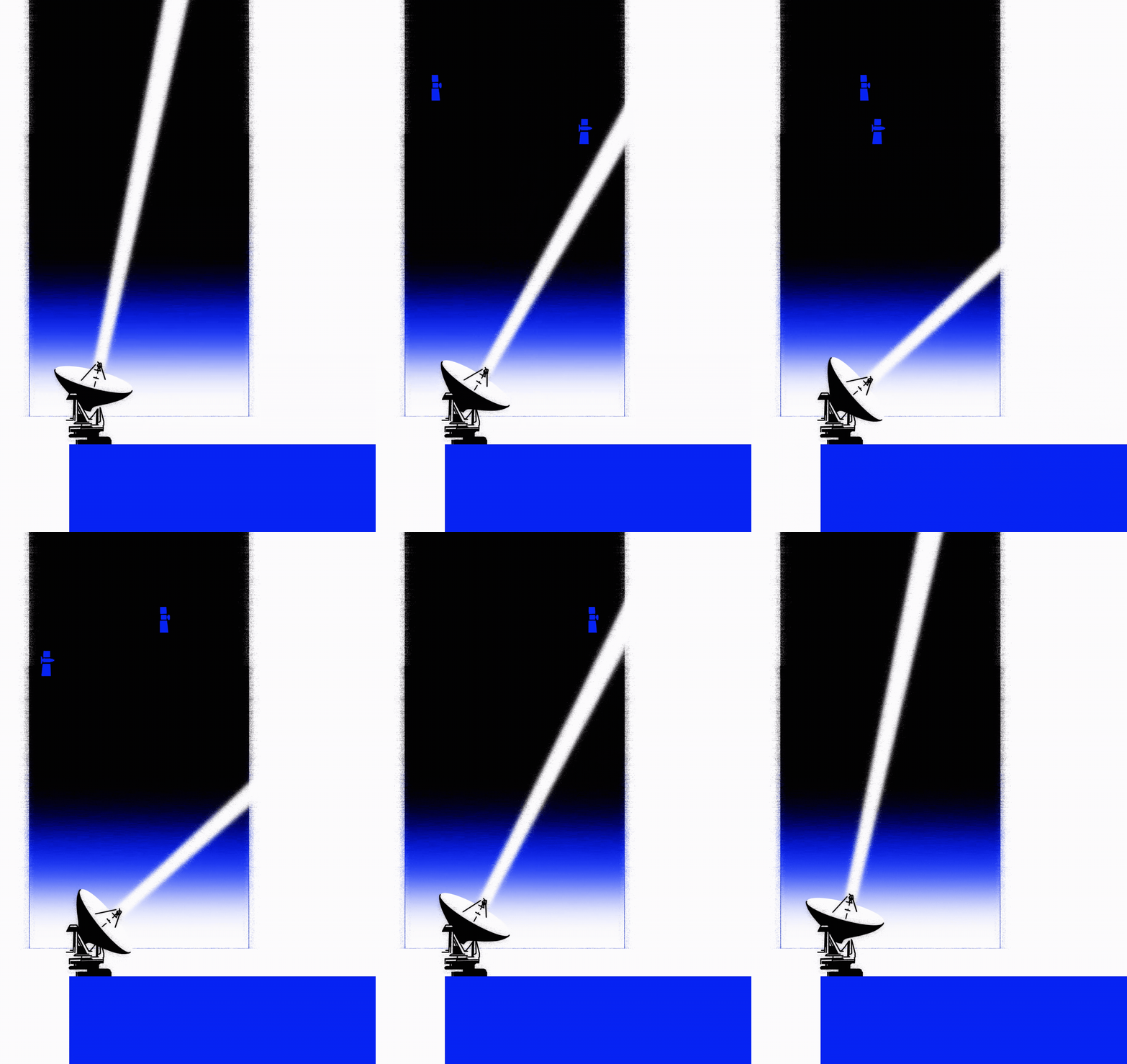
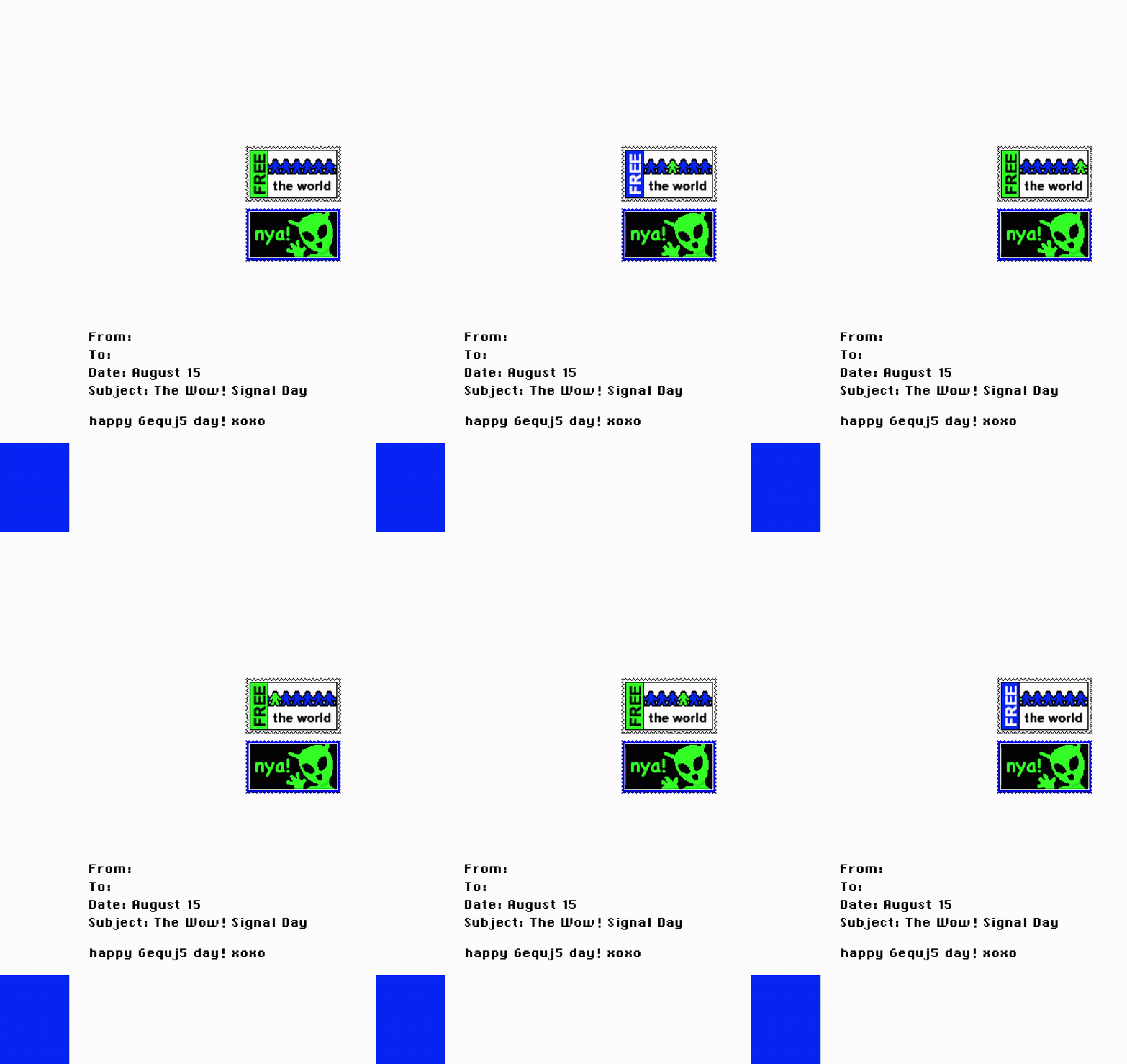
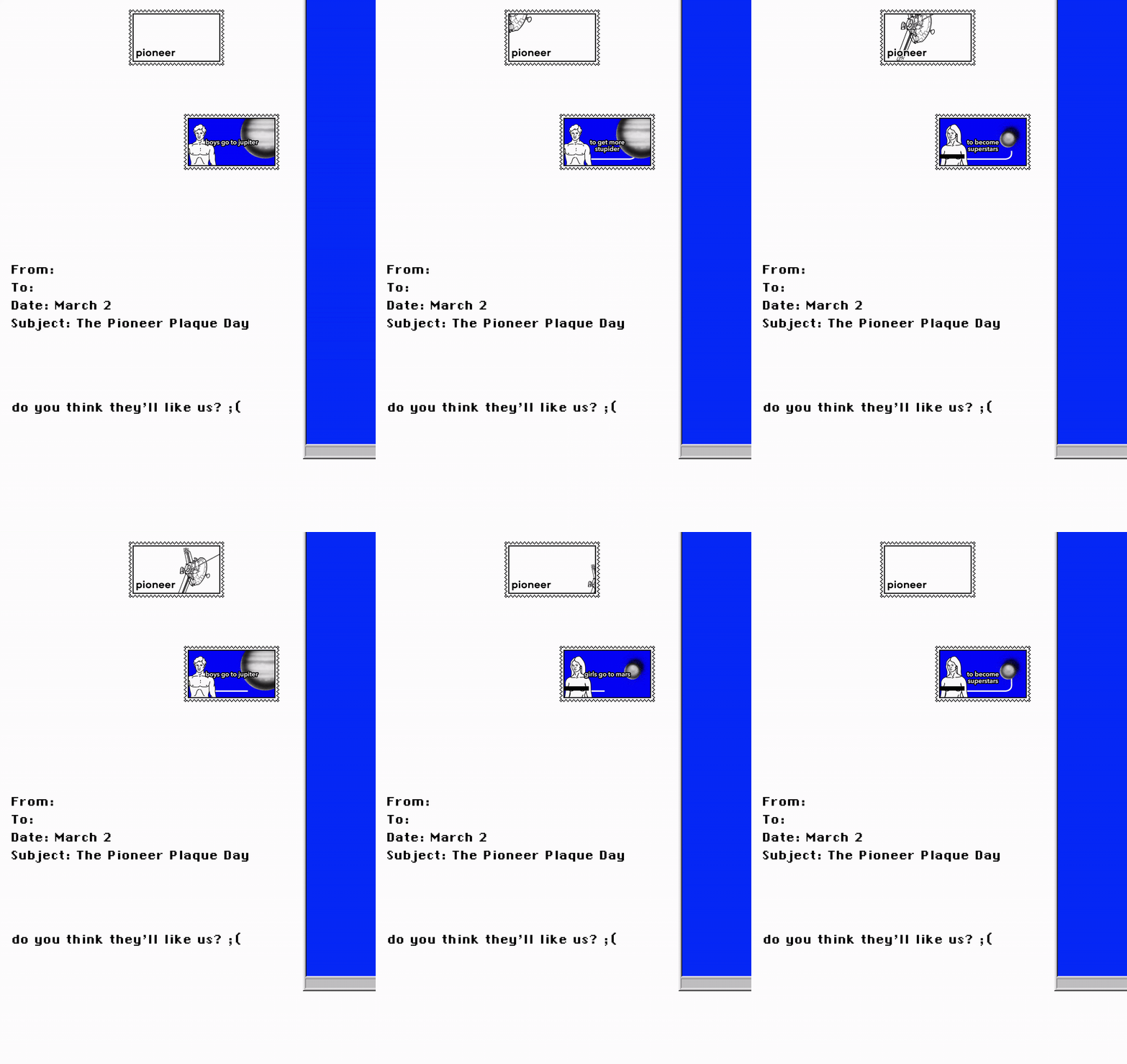
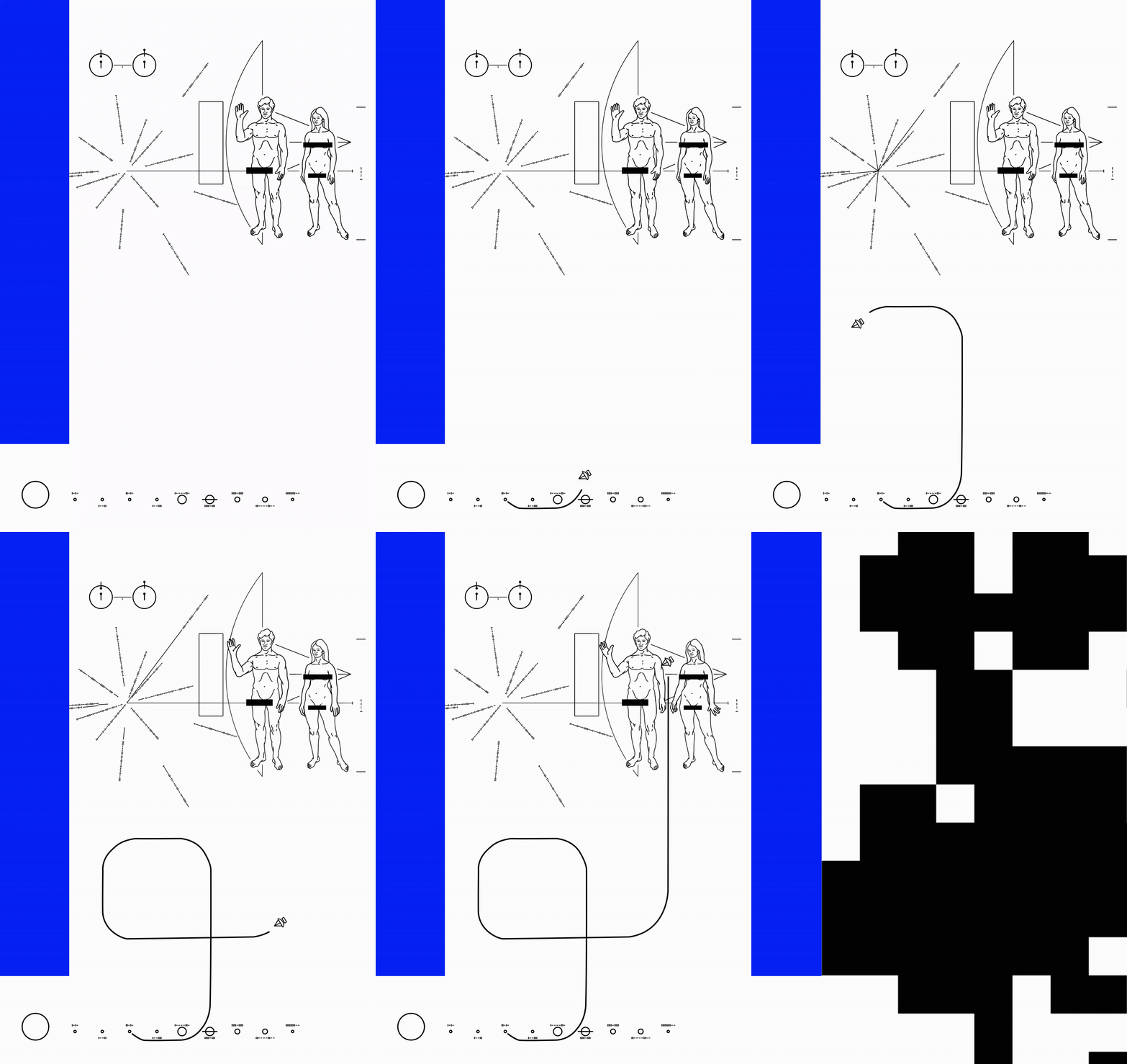
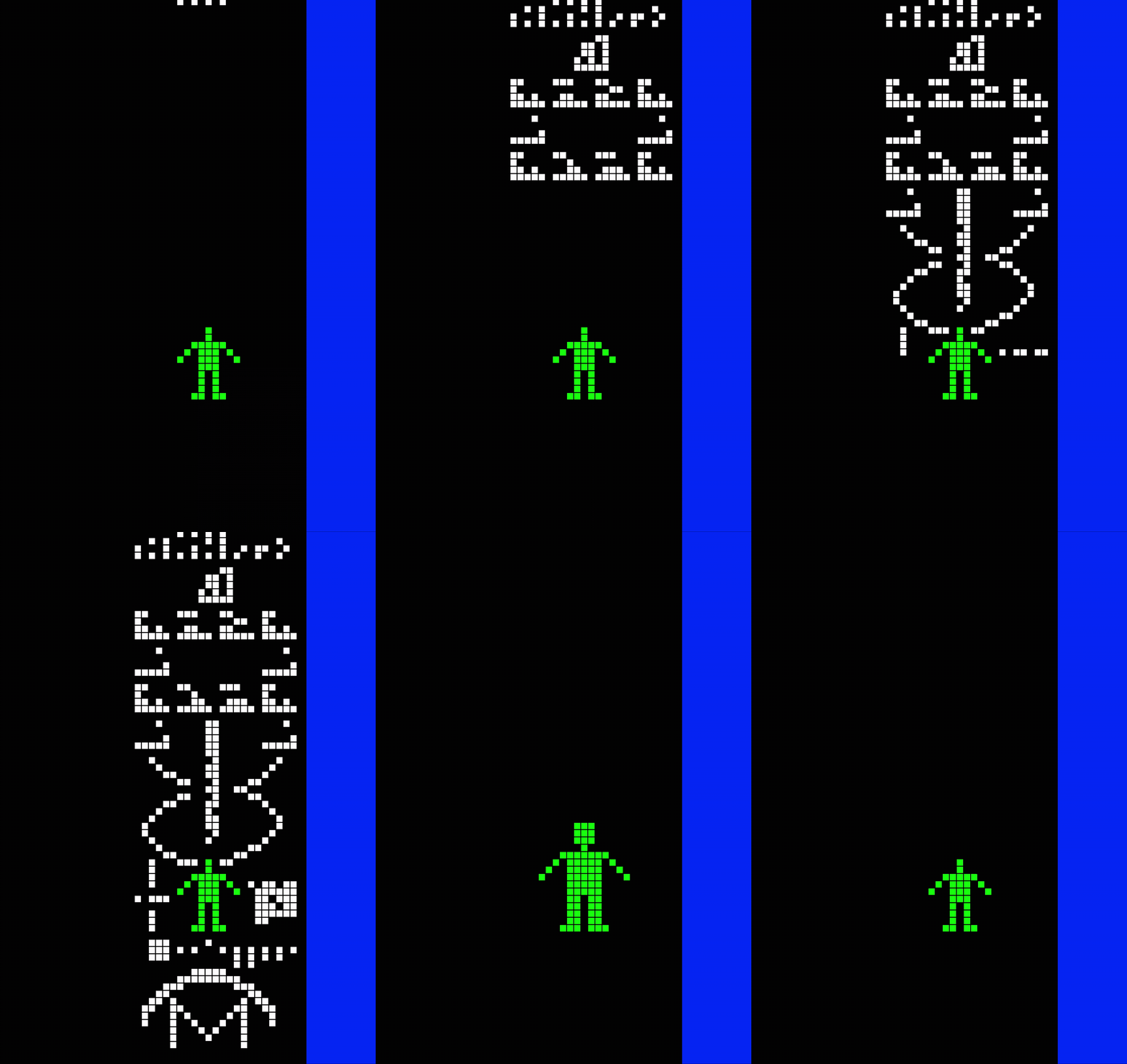
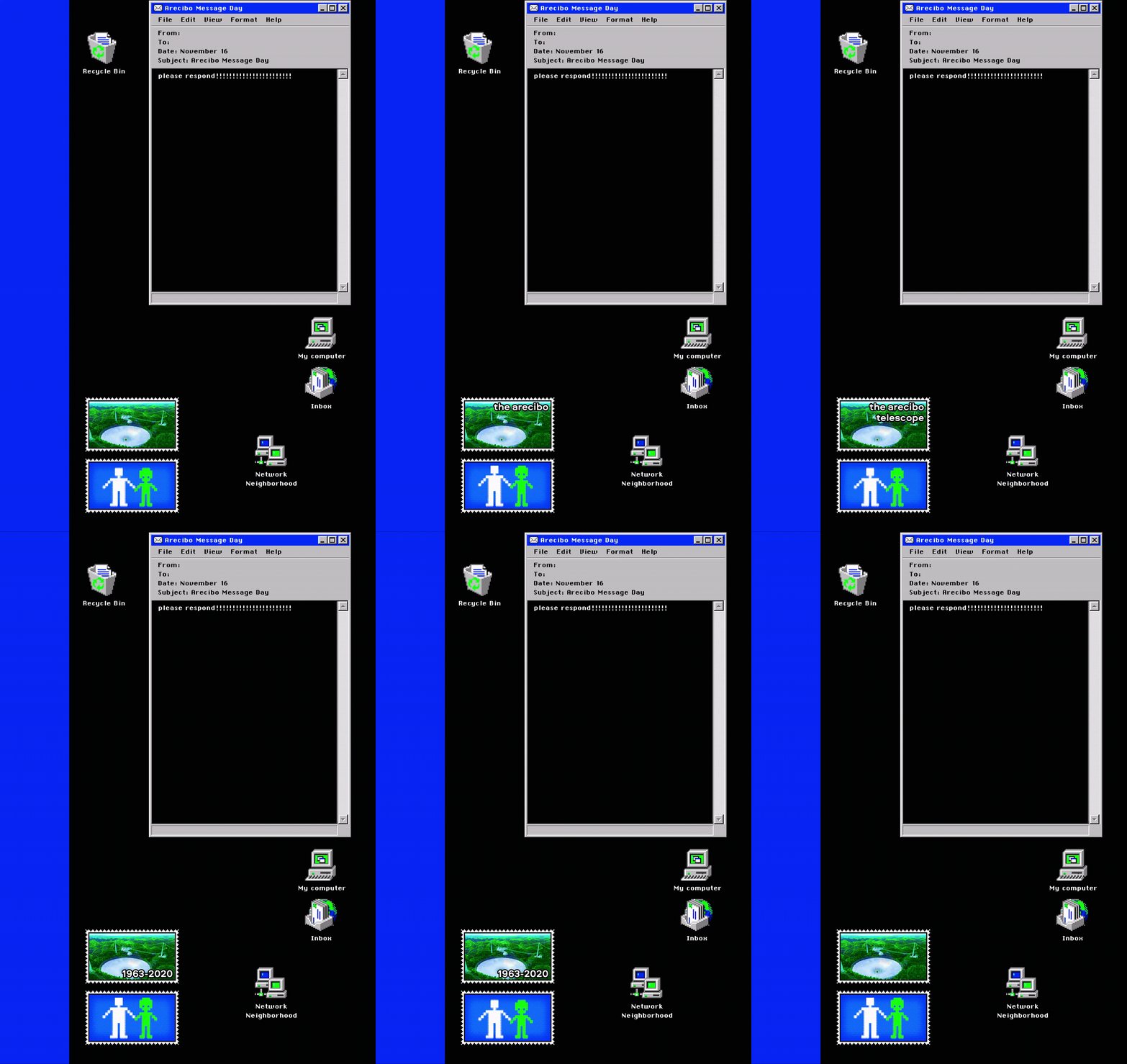
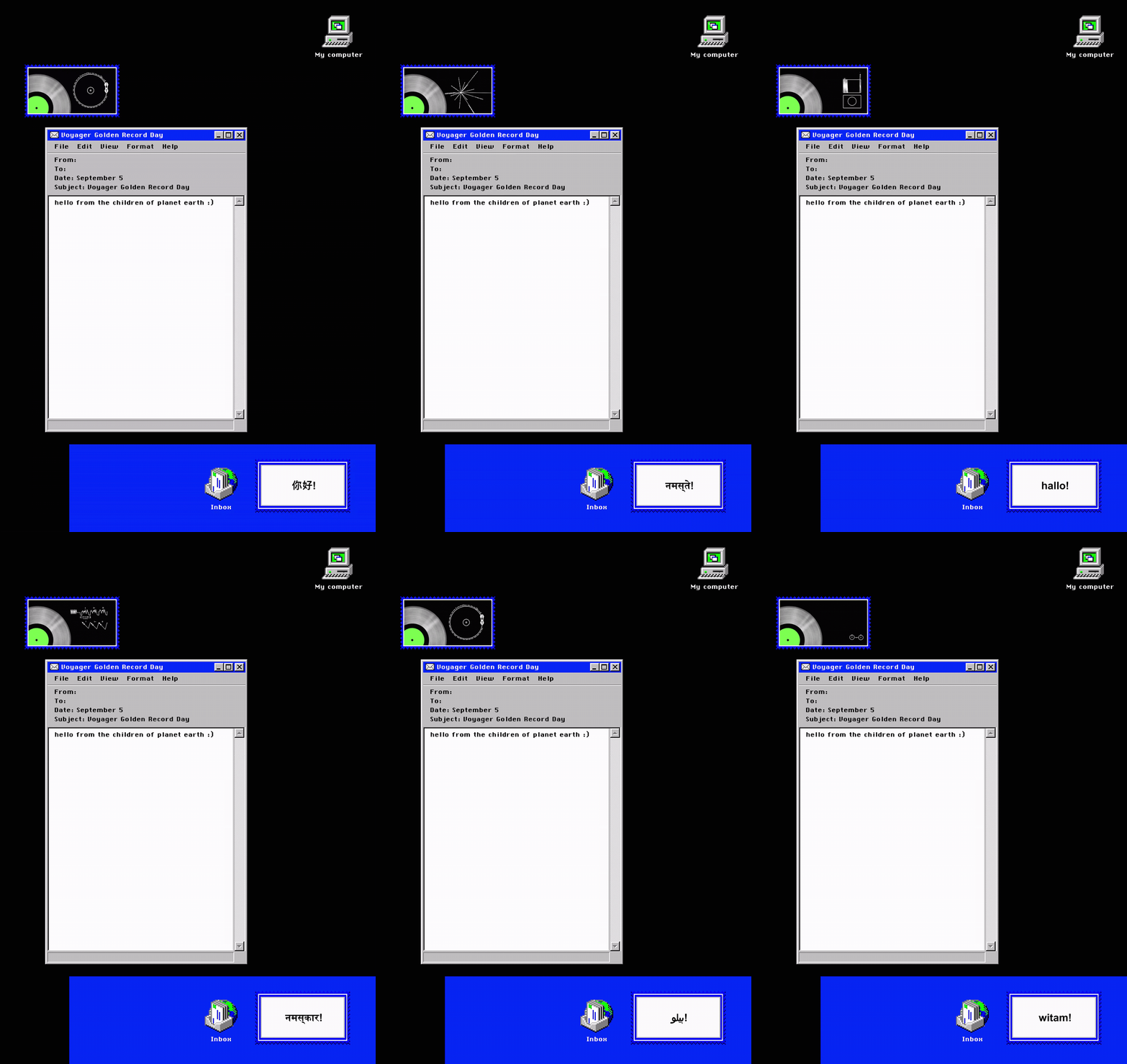
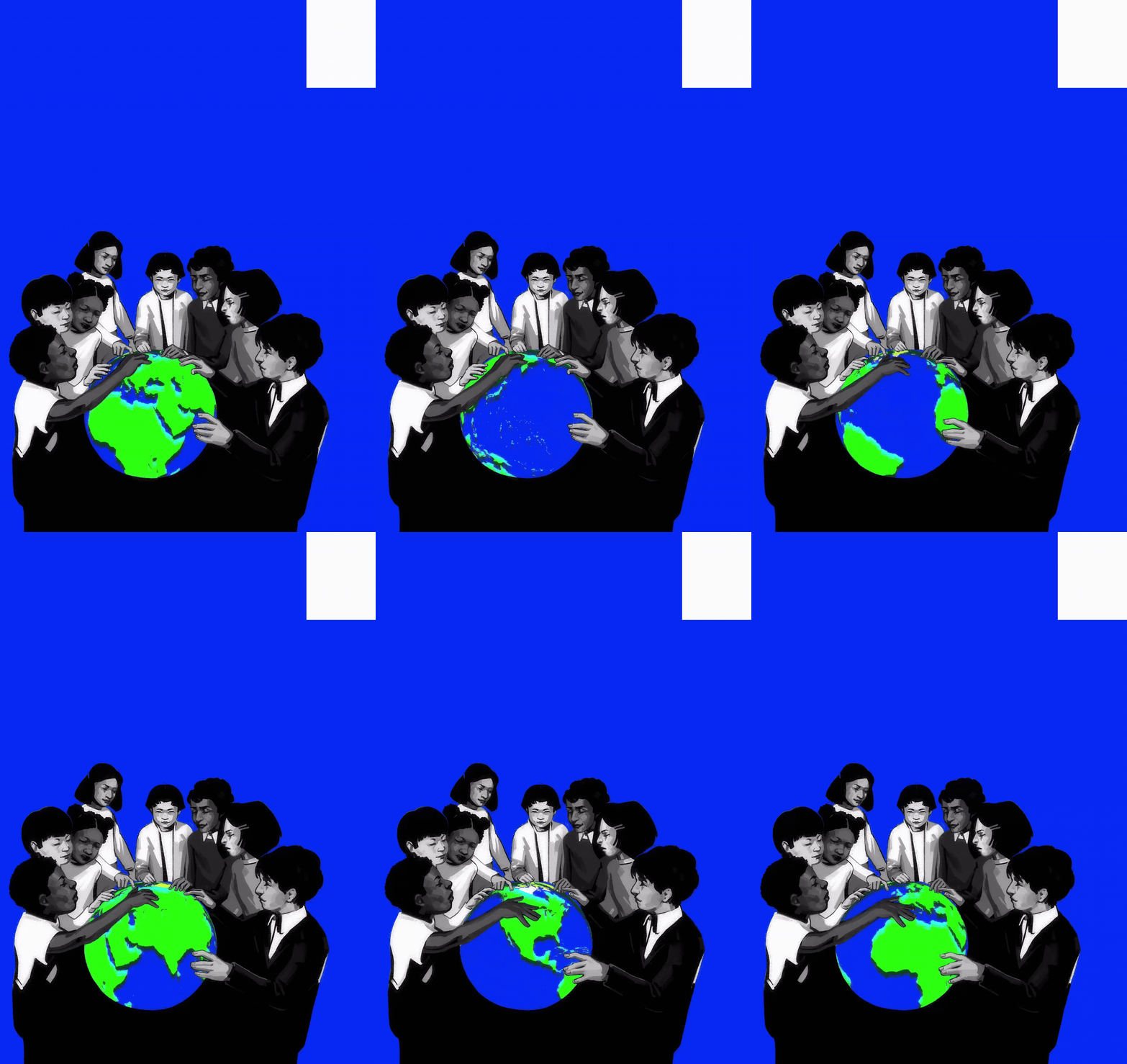
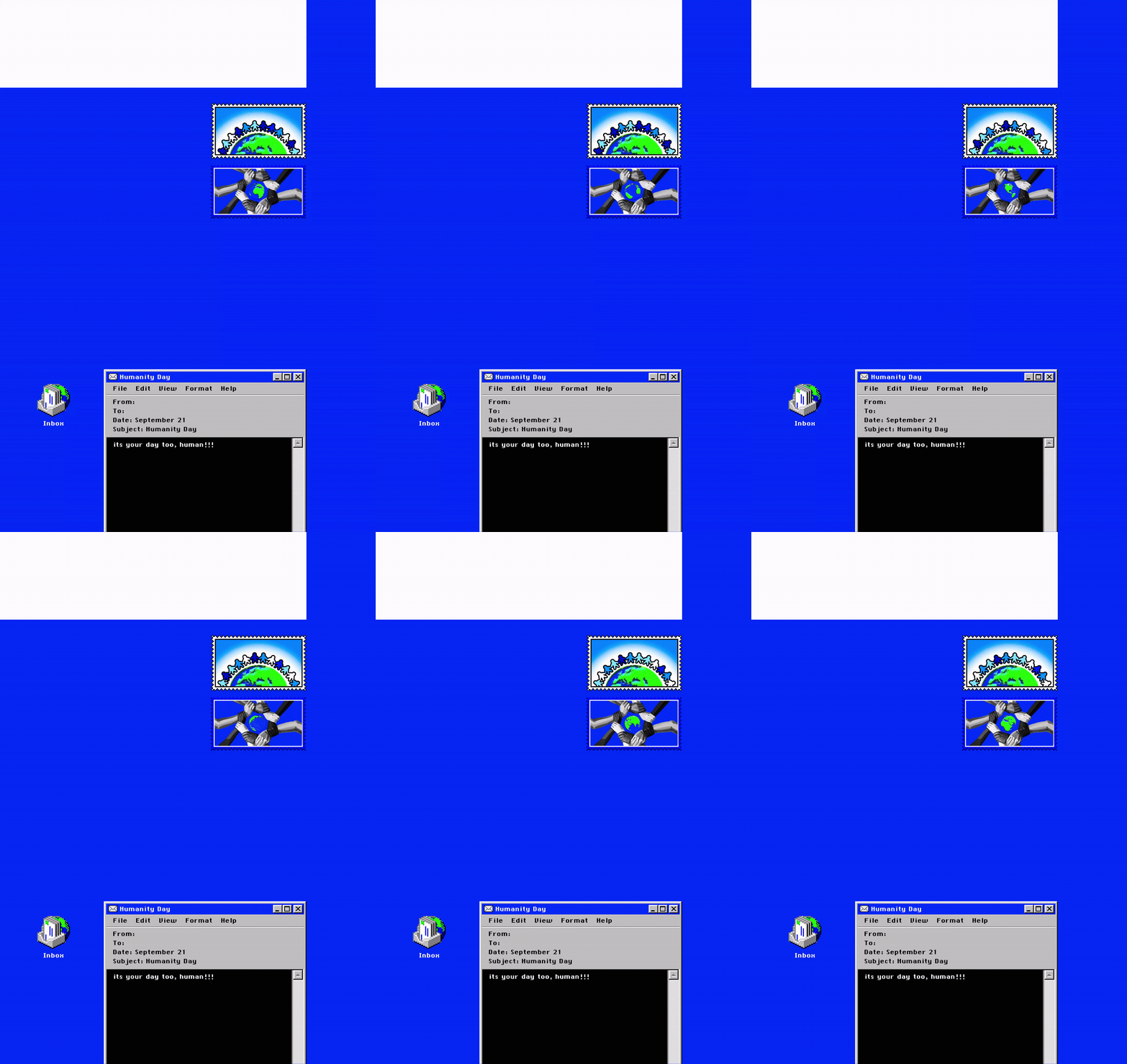
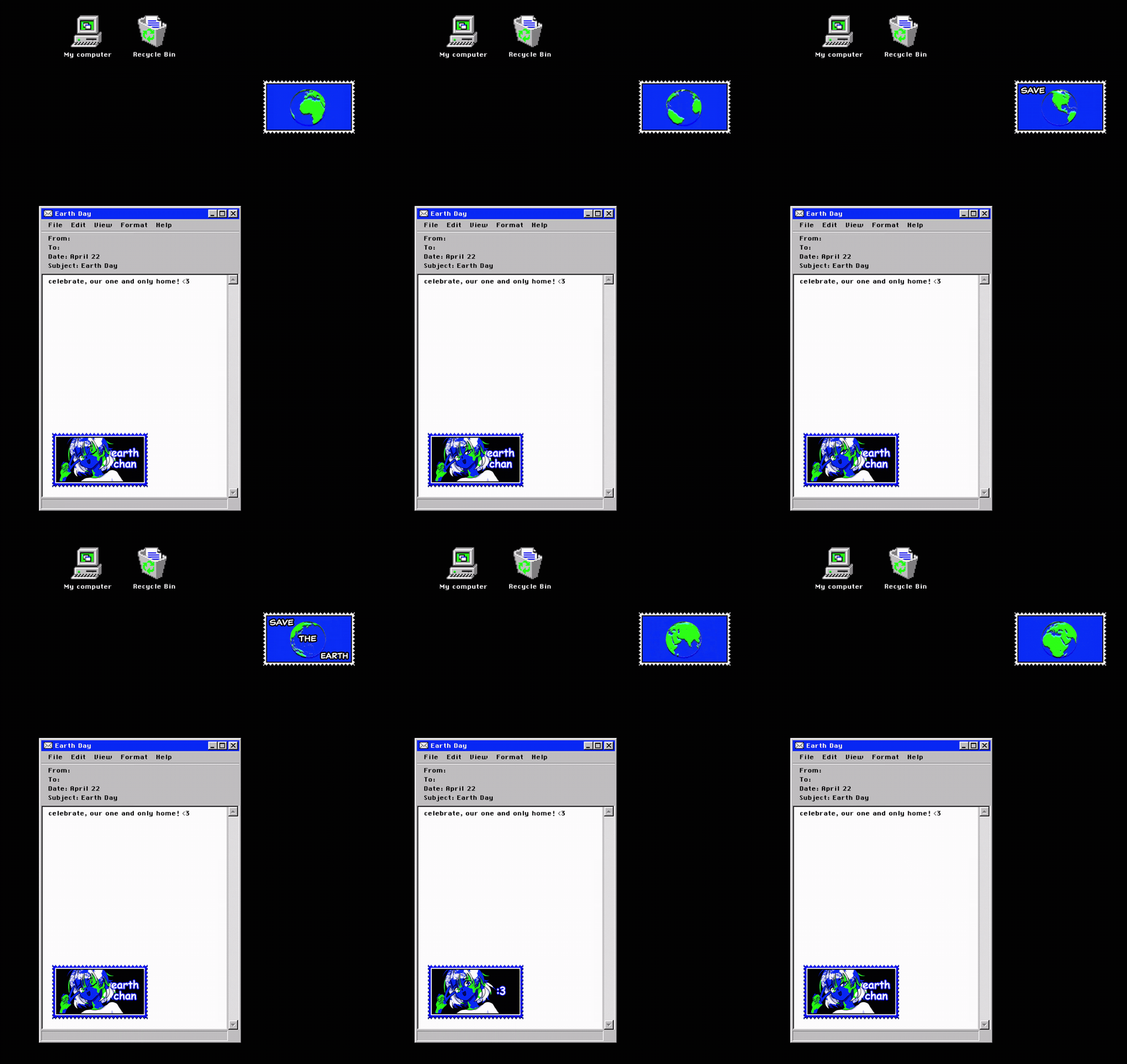
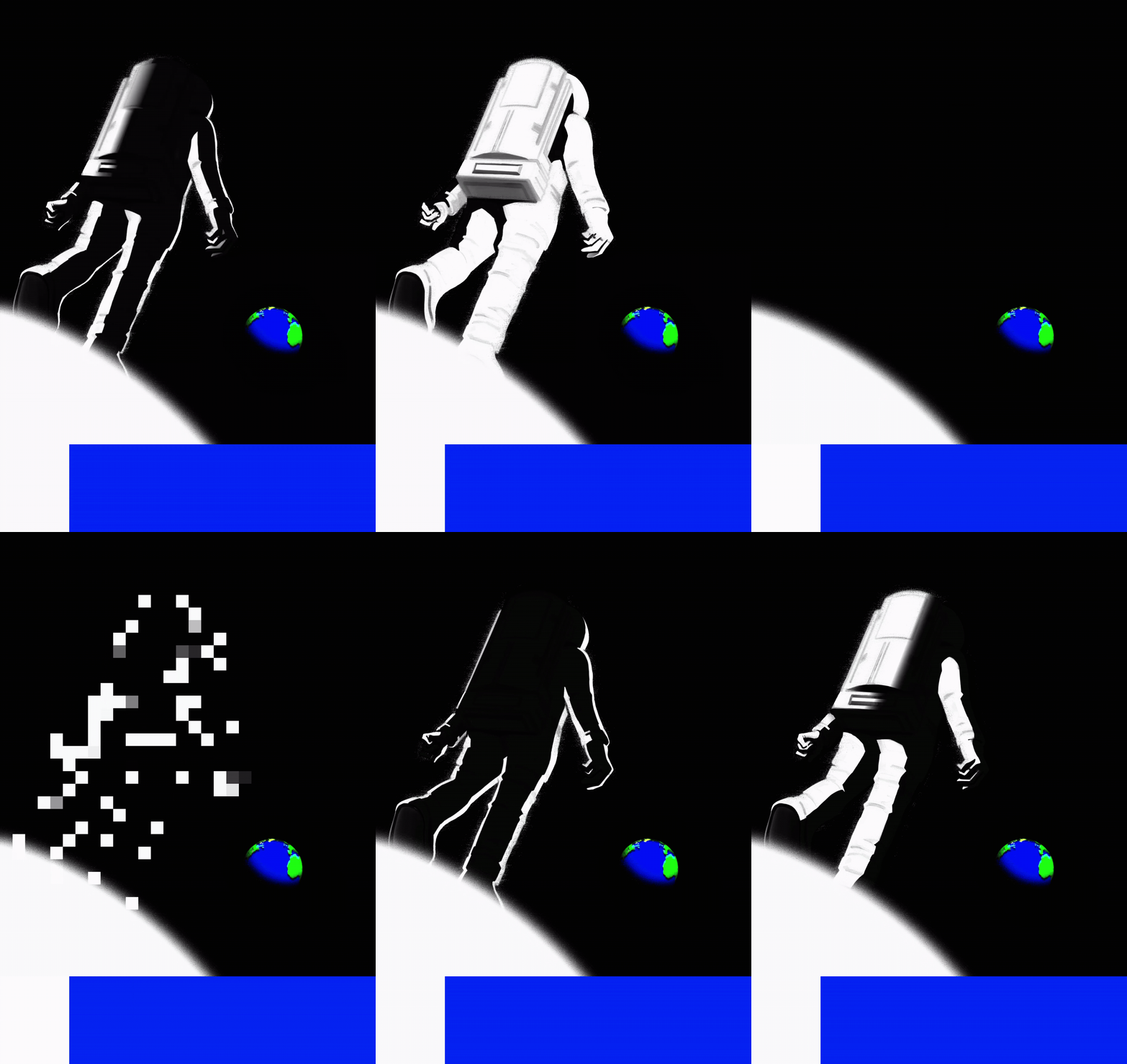
серия из 13-ти двусторонних анимированных открыток, посвященная праздничным дням в честь важных объектов, событий и посланий в космической истории человечества.
0
0
0
0
0
1/2
///открытки
день солнечной системы /// каждый день
день луны /// каждую ночь
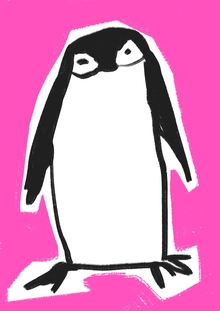
день искусственного спутника /// 4 октября
день животных-космонавтов /// 3 ноября
день первого человека в космосе /// 12 апреля
день первого человека в открытом космосе /// 18 марта
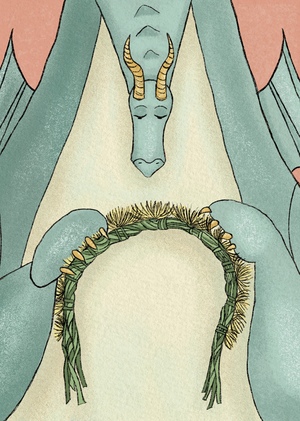
Эмилия Иванова создала иллюстрированную серию о драконе Перси, который находит друзей среди овец и профессора Арчибальда. Проект включает 13 иллюстраций, рассказывающих о маленьких радостях в жизни дракона с жизнерадостным характером.
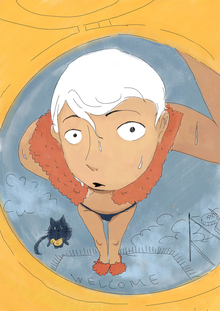
Анастасия Федотова создала серию иллюстраций под названием «Близко». Проект посвящён праздникам, связанным с нижним бельём, и показывает его роль в разных эмоциональных ситуациях.
game.deziiign
Платформа для тех, кто играет в игры и тех, кто игры создает. Здесь можно опробовать новые идеи, найти художника или гейм-дизайнера для собственного проекта, и узнать об играх что-то новое и неожиданное.
лучшее
видеоигры
настольные игры
портфолио
об играх
Press space bar to start a drag.
When dragging you can use the arrow keys to move the item around and escape to cancel.
Some screen readers may require you to be in focus mode or to use your pass through key
Press space bar to start a drag.
When dragging you can use the arrow keys to move the item around and escape to cancel.
Some screen readers may require you to be in focus mode or to use your pass through key
Press space bar to start a drag.
When dragging you can use the arrow keys to move the item around and escape to cancel.
Some screen readers may require you to be in focus mode or to use your pass through key
Press space bar to start a drag.
When dragging you can use the arrow keys to move the item around and escape to cancel.
Some screen readers may require you to be in focus mode or to use your pass through key
Press space bar to start a drag.
When dragging you can use the arrow keys to move the item around and escape to cancel.
Some screen readers may require you to be in focus mode or to use your pass through key
Press space bar to start a drag.
When dragging you can use the arrow keys to move the item around and escape to cancel.
Some screen readers may require you to be in focus mode or to use your pass through key
Press space bar to start a drag.
When dragging you can use the arrow keys to move the item around and escape to cancel.
Some screen readers may require you to be in focus mode or to use your pass through key
Press space bar to start a drag.
When dragging you can use the arrow keys to move the item around and escape to cancel.
Some screen readers may require you to be in focus mode or to use your pass through key
Press space bar to start a drag.
When dragging you can use the arrow keys to move the item around and escape to cancel.
Some screen readers may require you to be in focus mode or to use your pass through key
Press space bar to start a drag.
When dragging you can use the arrow keys to move the item around and escape to cancel.
Some screen readers may require you to be in focus mode or to use your pass through key
Press space bar to start a drag.
When dragging you can use the arrow keys to move the item around and escape to cancel.
Some screen readers may require you to be in focus mode or to use your pass through key
Press space bar to start a drag.
When dragging you can use the arrow keys to move the item around and escape to cancel.
Some screen readers may require you to be in focus mode or to use your pass through key
Press space bar to start a drag.
When dragging you can use the arrow keys to move the item around and escape to cancel.
Some screen readers may require you to be in focus mode or to use your pass through key