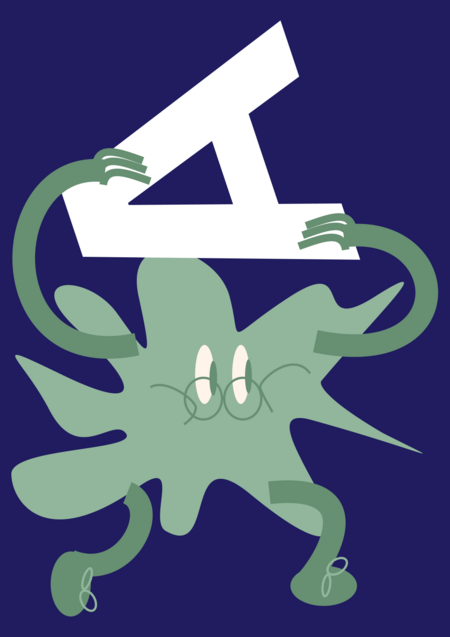
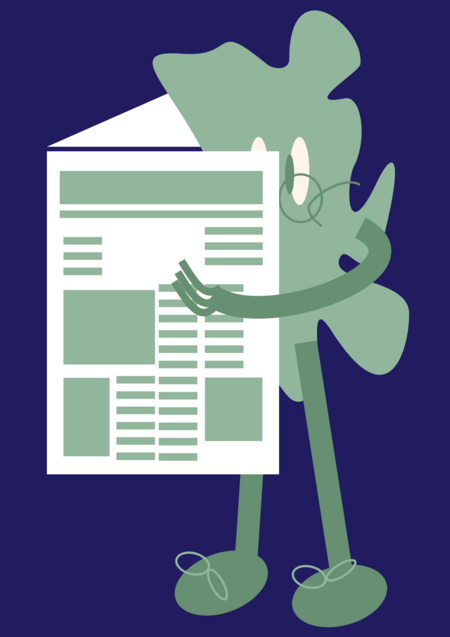
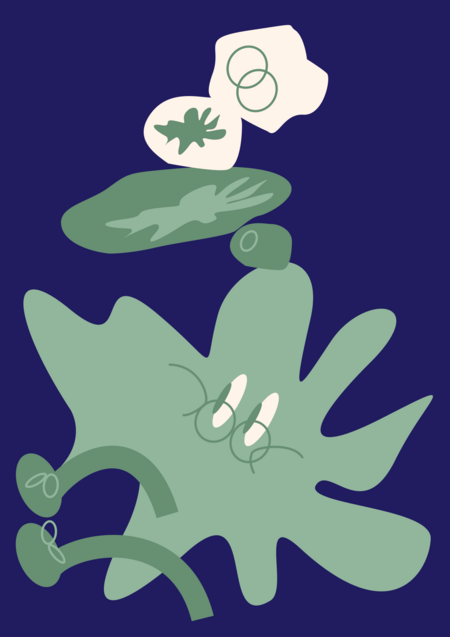
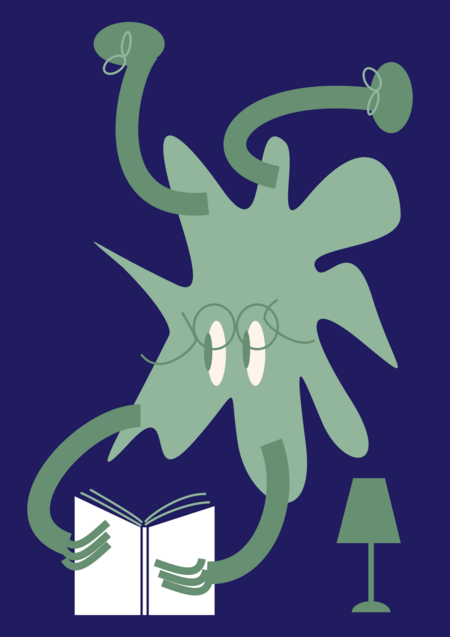
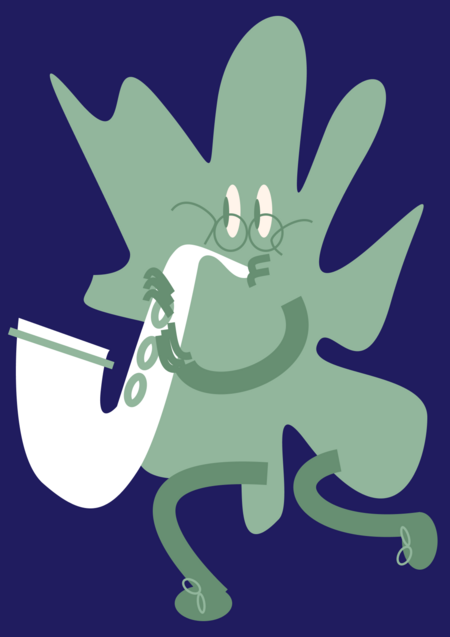
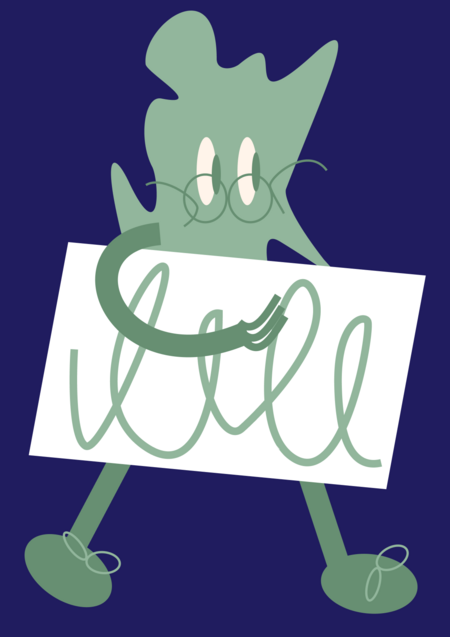
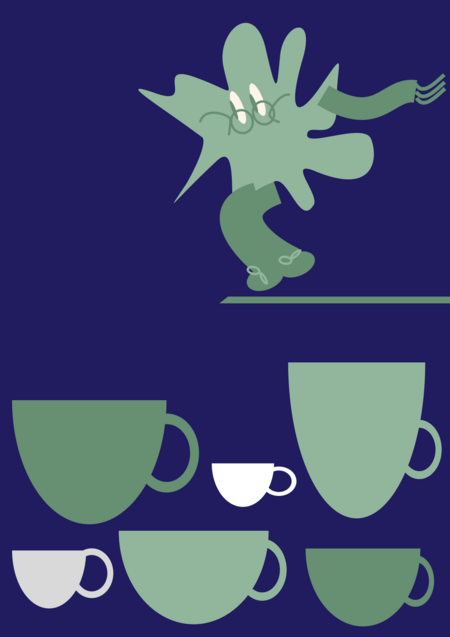
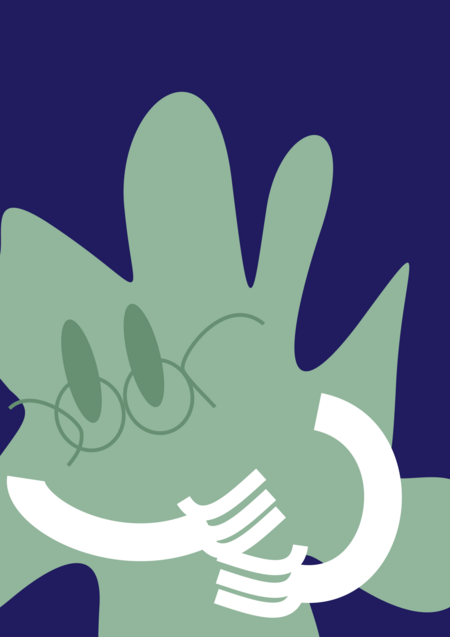
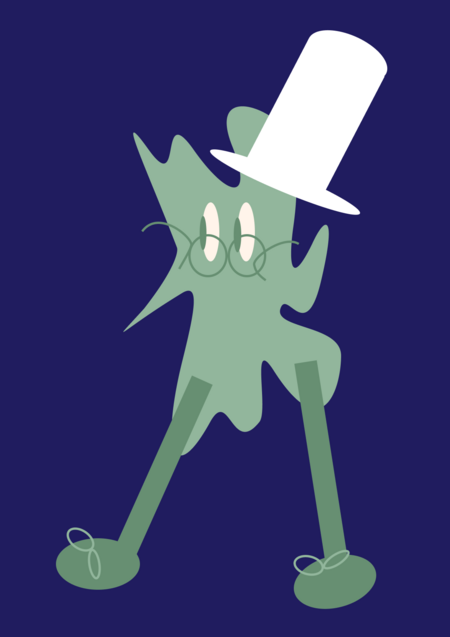
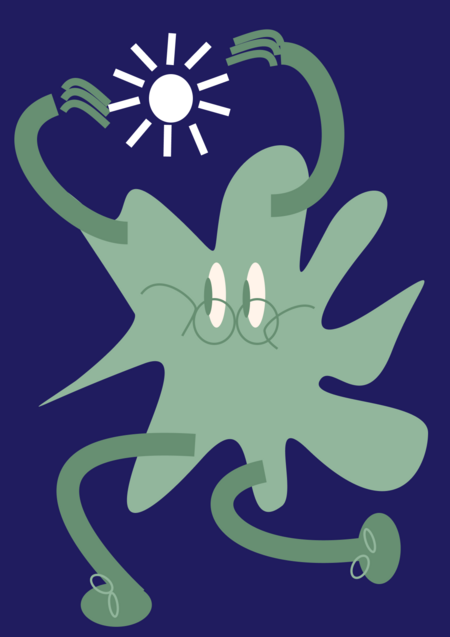
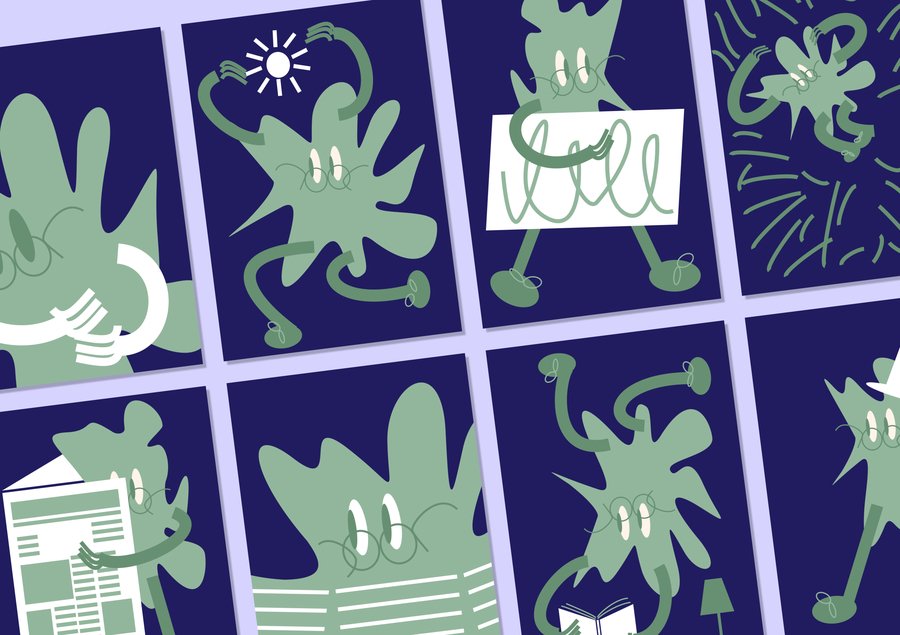
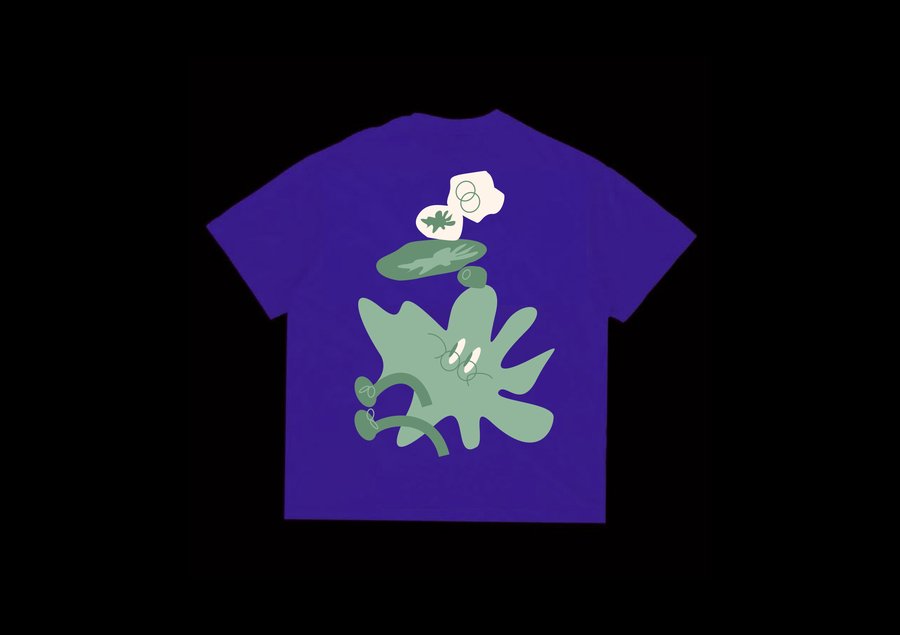
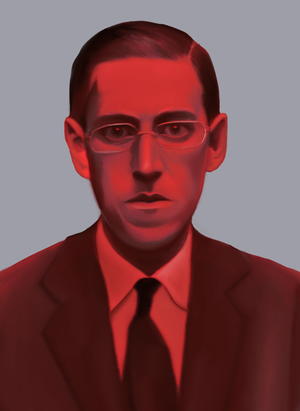
серия из 13 открыток для кофейни-лектория «Кшиштоф». каждая открытка относится к определенному празднику, связанному с мероприятиями, которые проводятся в кофейне
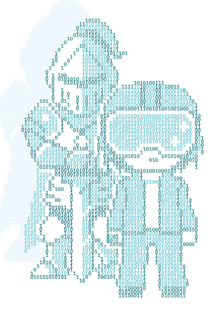
Анастасия Кириченко создала серию открыток для компьютерного клуба «Пиксель». Открытки выполнены в пиксельном стиле, где пиксели изображены нулями и единицами.
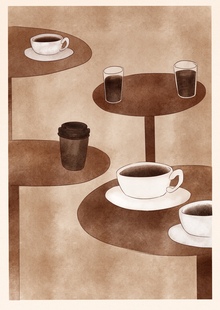
Екатерина Ермошкина создала серию праздничных открыток для кофейни «Вам кофе!». Проект включает 13 иллюстративных открыток, предназначенных для молодой аудитории кофейни.
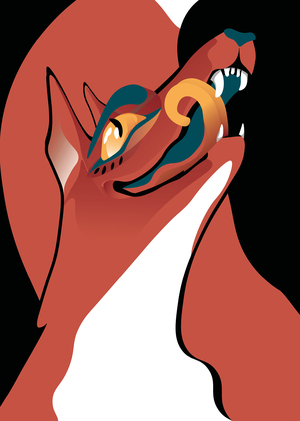
Даниела Мельникова создала серию иллюстраций "Сладкоежки" для упаковок шоколада. Каждый вкус шоколада соответствует определённому животному, изображённому с неестественными оттенками глаз и языка.
game.deziiign
Платформа для тех, кто играет в игры и тех, кто игры создает. Здесь можно опробовать новые идеи, найти художника или гейм-дизайнера для собственного проекта, и узнать об играх что-то новое и неожиданное.
лучшее
видеоигры
настольные игры
портфолио
об играх
Press space bar to start a drag.
When dragging you can use the arrow keys to move the item around and escape to cancel.
Some screen readers may require you to be in focus mode or to use your pass through key
Press space bar to start a drag.
When dragging you can use the arrow keys to move the item around and escape to cancel.
Some screen readers may require you to be in focus mode or to use your pass through key
Press space bar to start a drag.
When dragging you can use the arrow keys to move the item around and escape to cancel.
Some screen readers may require you to be in focus mode or to use your pass through key
Press space bar to start a drag.
When dragging you can use the arrow keys to move the item around and escape to cancel.
Some screen readers may require you to be in focus mode or to use your pass through key
Press space bar to start a drag.
When dragging you can use the arrow keys to move the item around and escape to cancel.
Some screen readers may require you to be in focus mode or to use your pass through key
Press space bar to start a drag.
When dragging you can use the arrow keys to move the item around and escape to cancel.
Some screen readers may require you to be in focus mode or to use your pass through key
Press space bar to start a drag.
When dragging you can use the arrow keys to move the item around and escape to cancel.
Some screen readers may require you to be in focus mode or to use your pass through key