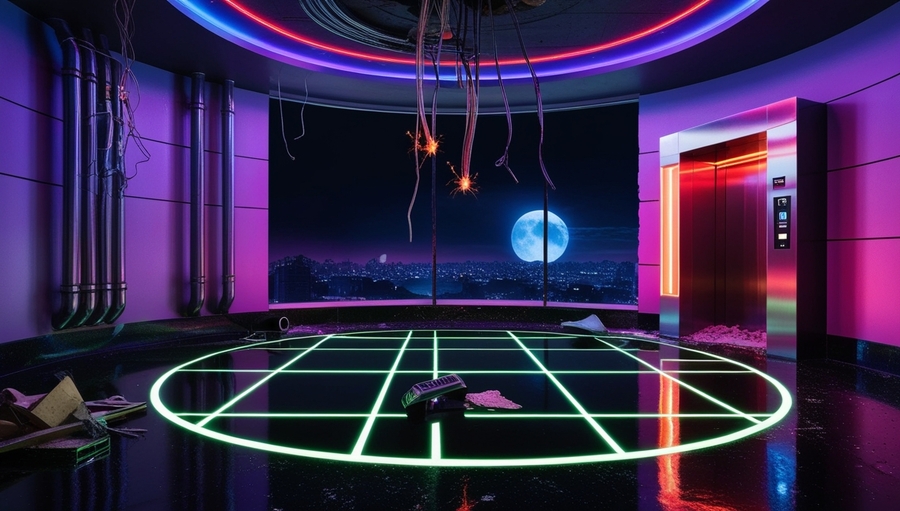
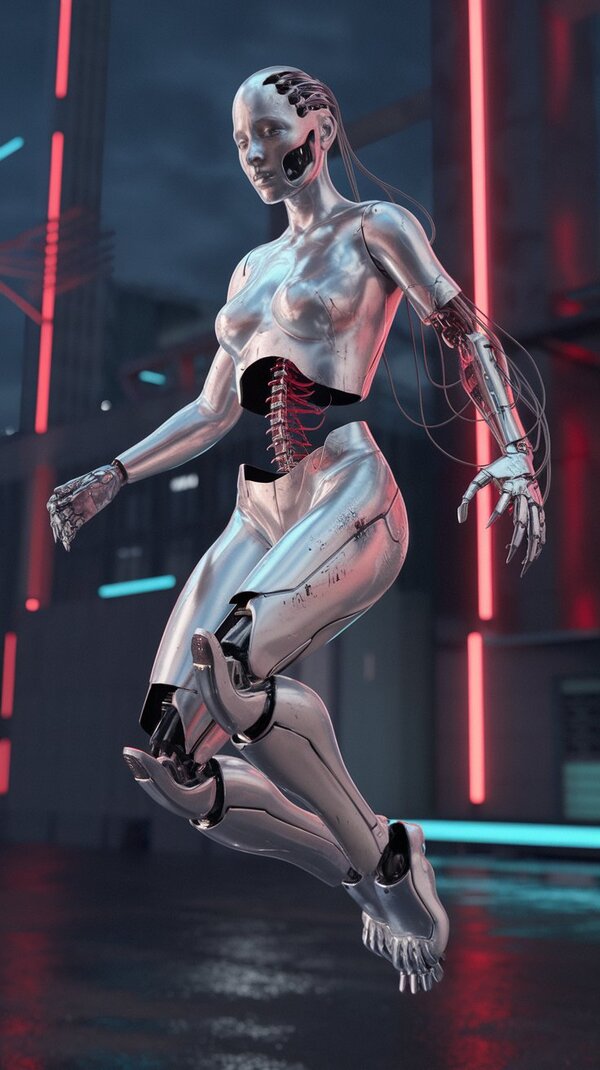
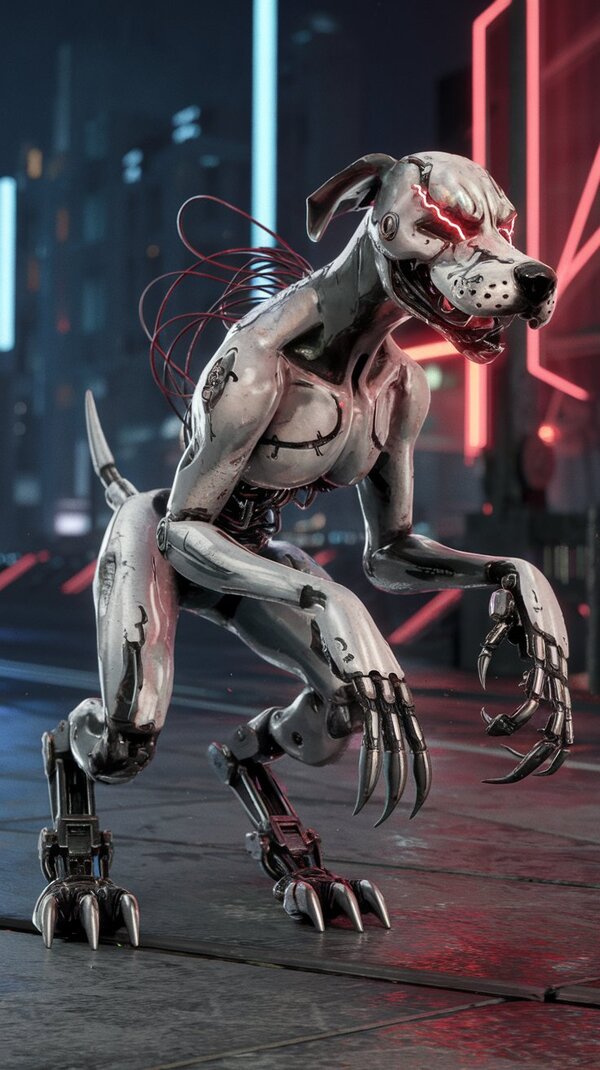
Одна из сетевых многоэтажек вышла
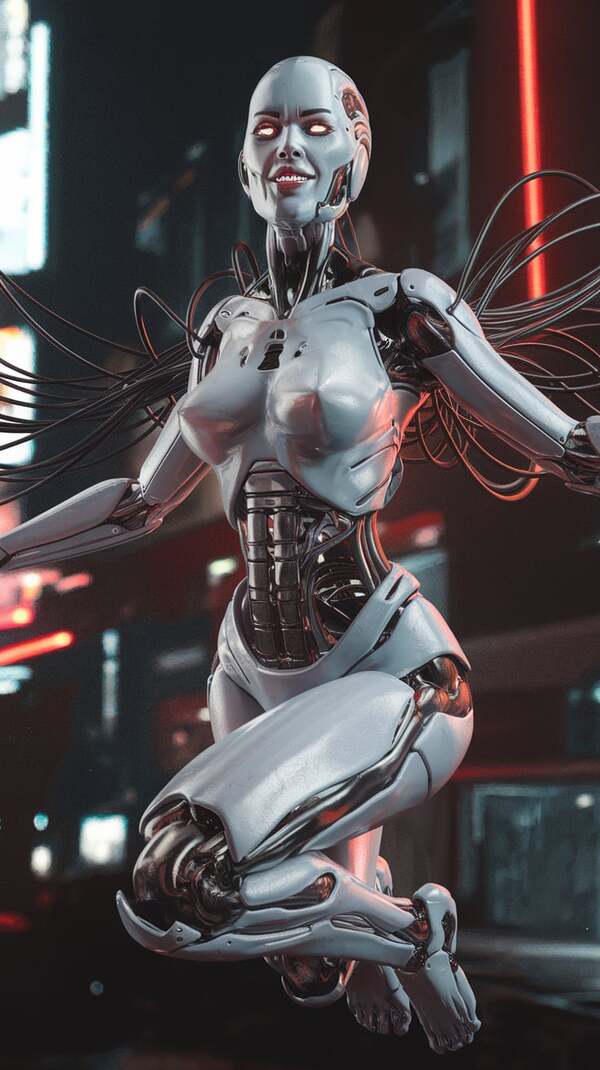
из строя. Из-за этого по всему городу
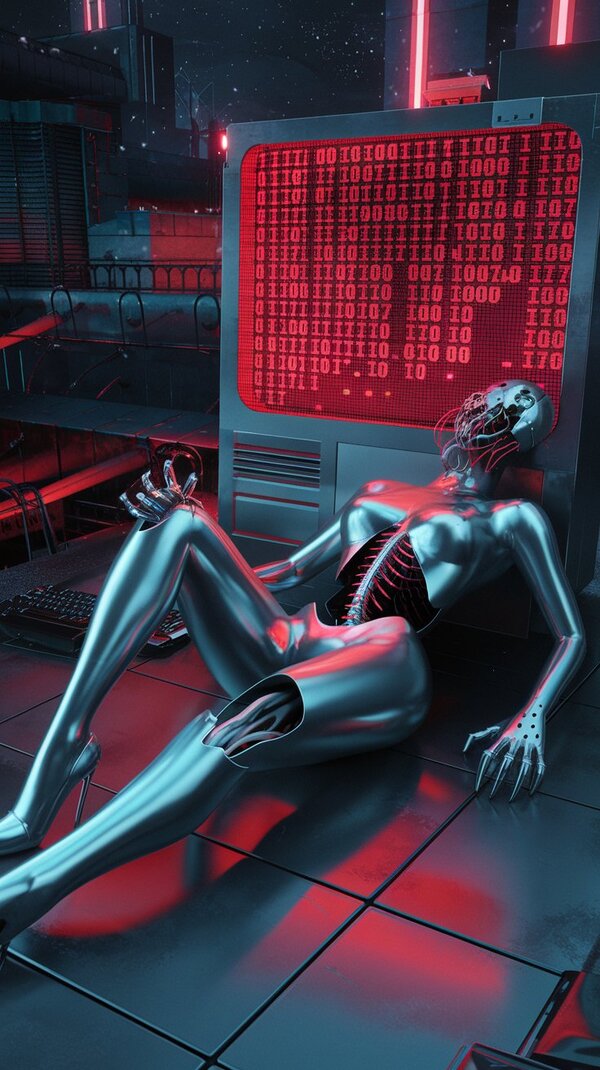
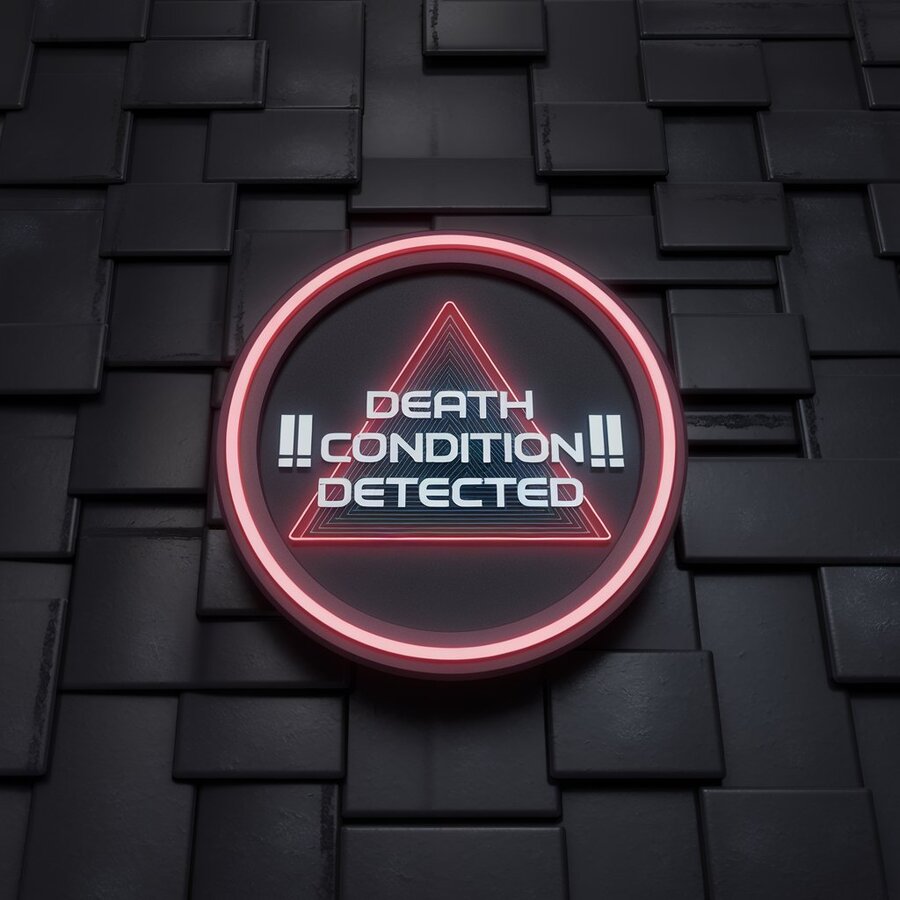
нет связи, и киберлюди теряют рассудок от вируса. В ваших руках оружие и судьба города. Нет права даже на малейшую ошибку, потому что всего одним попаданием враги могут заразить вас.
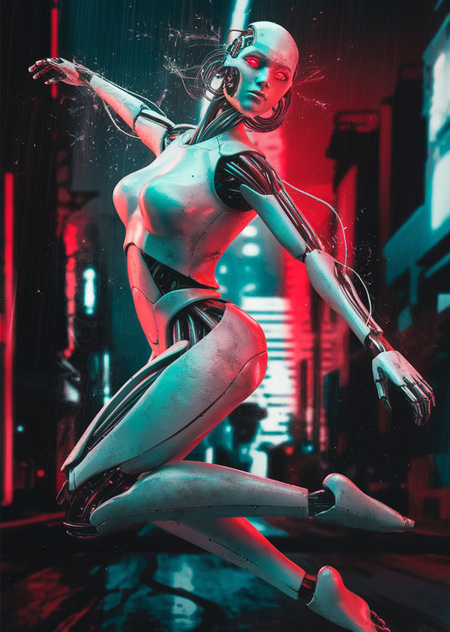
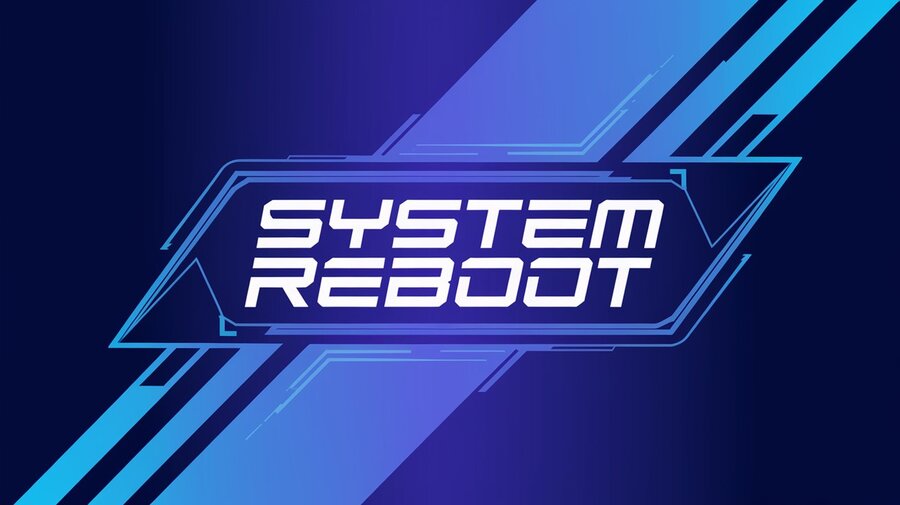
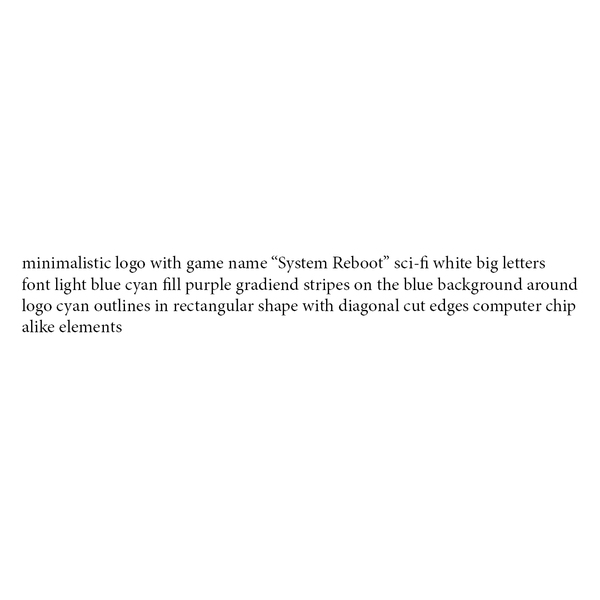
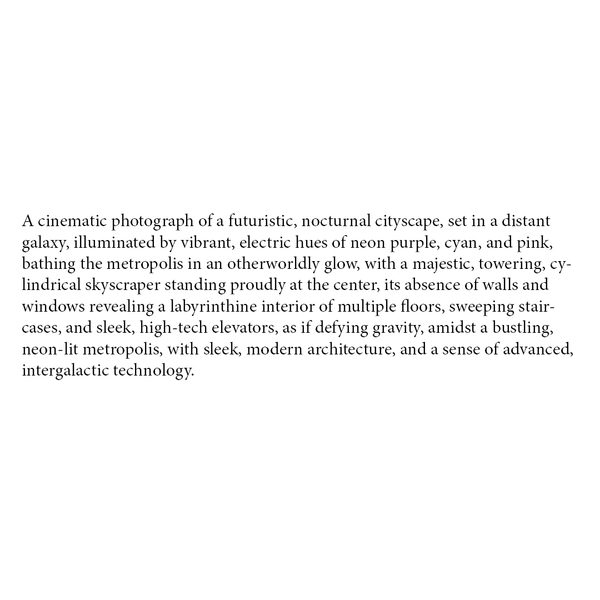
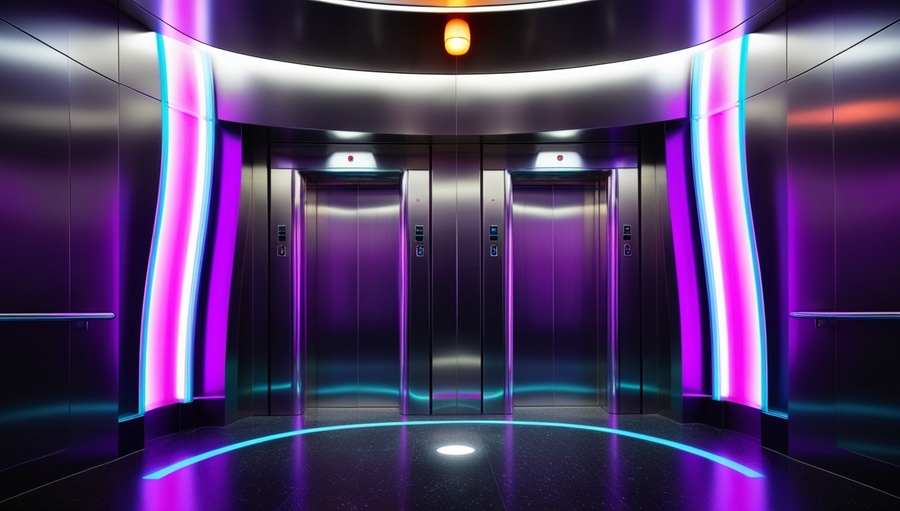
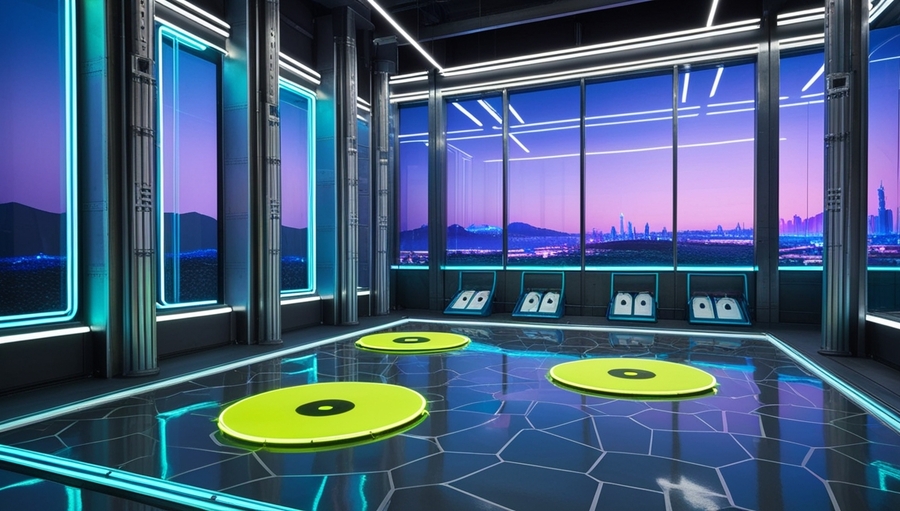
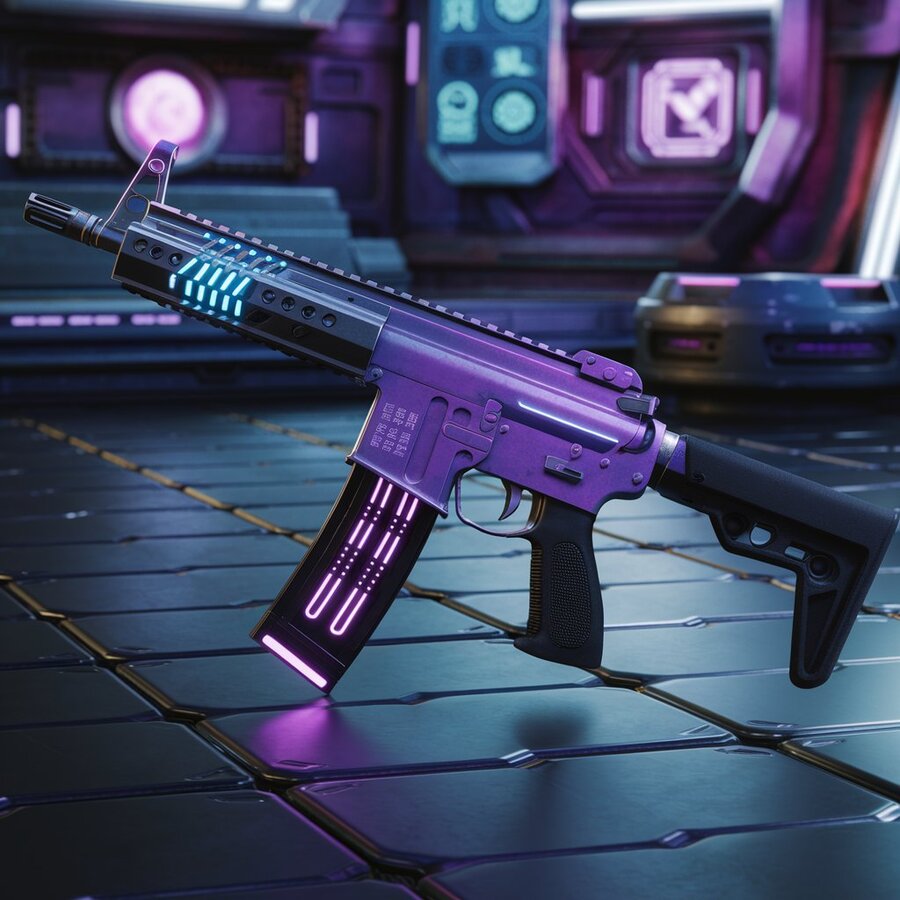
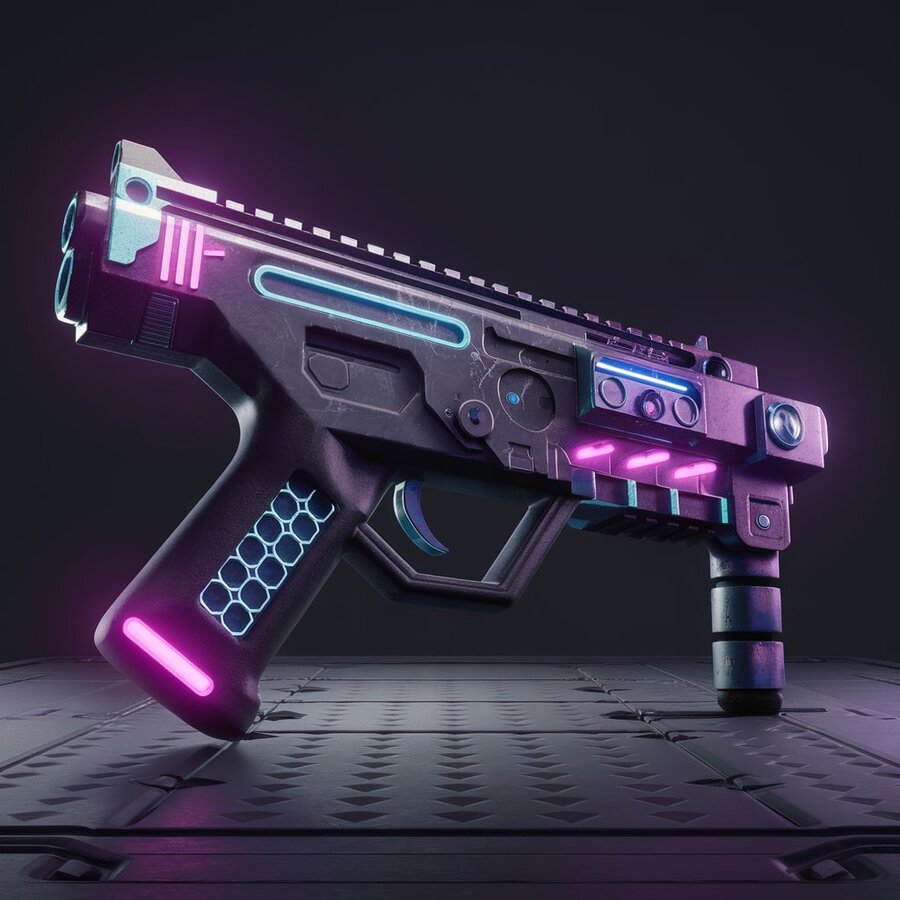
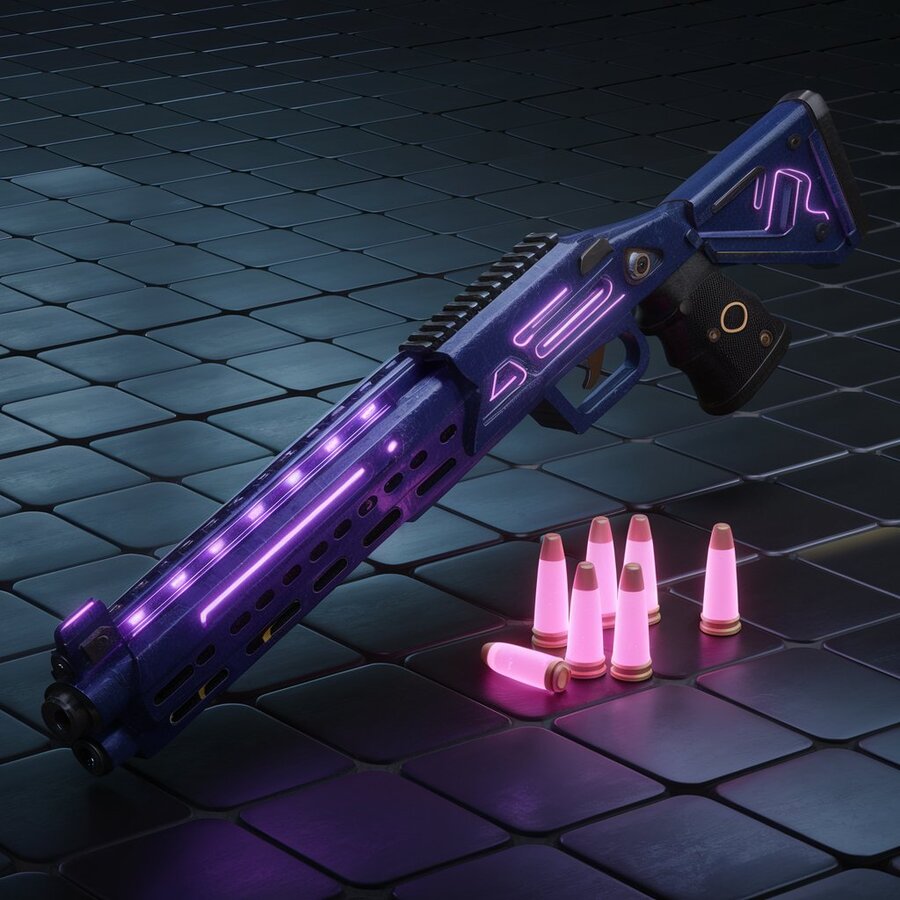
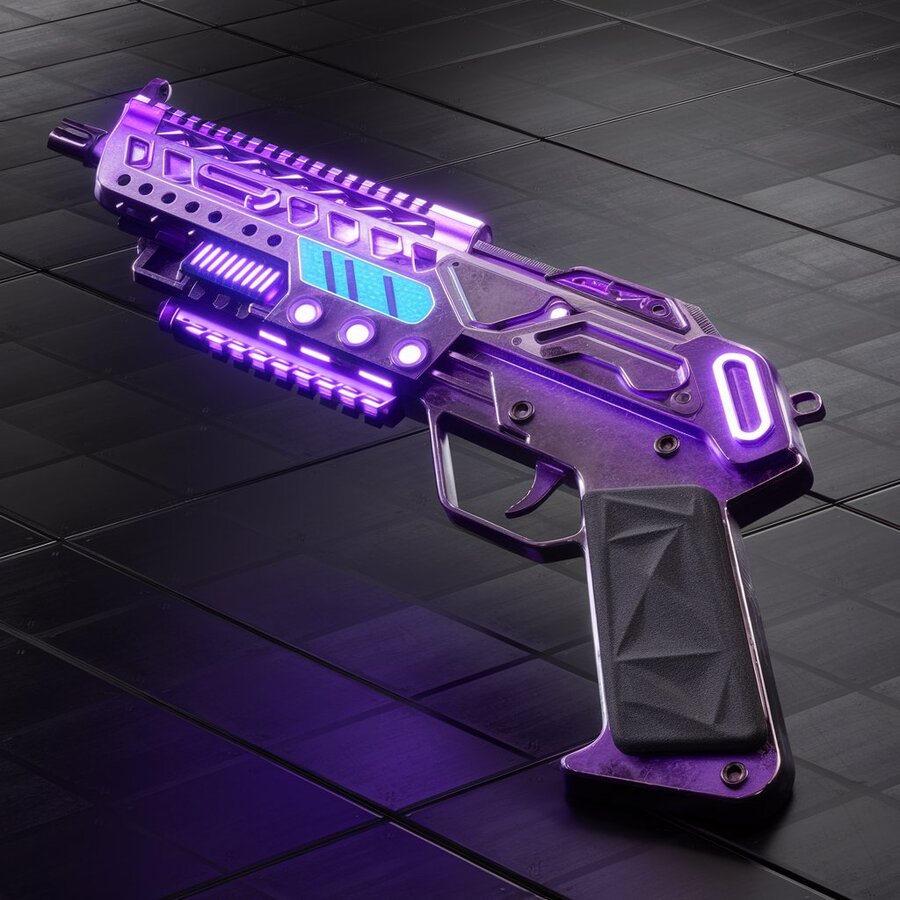
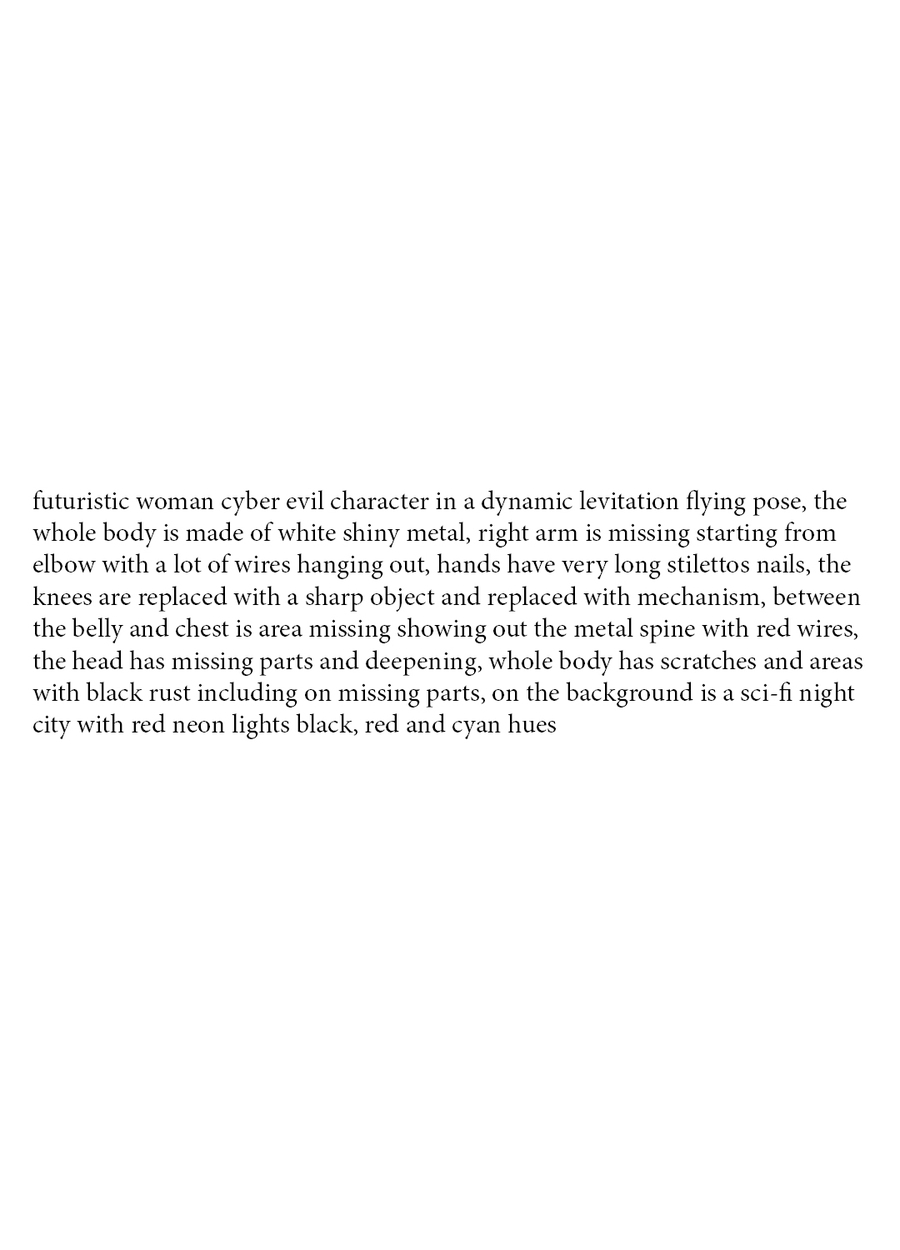
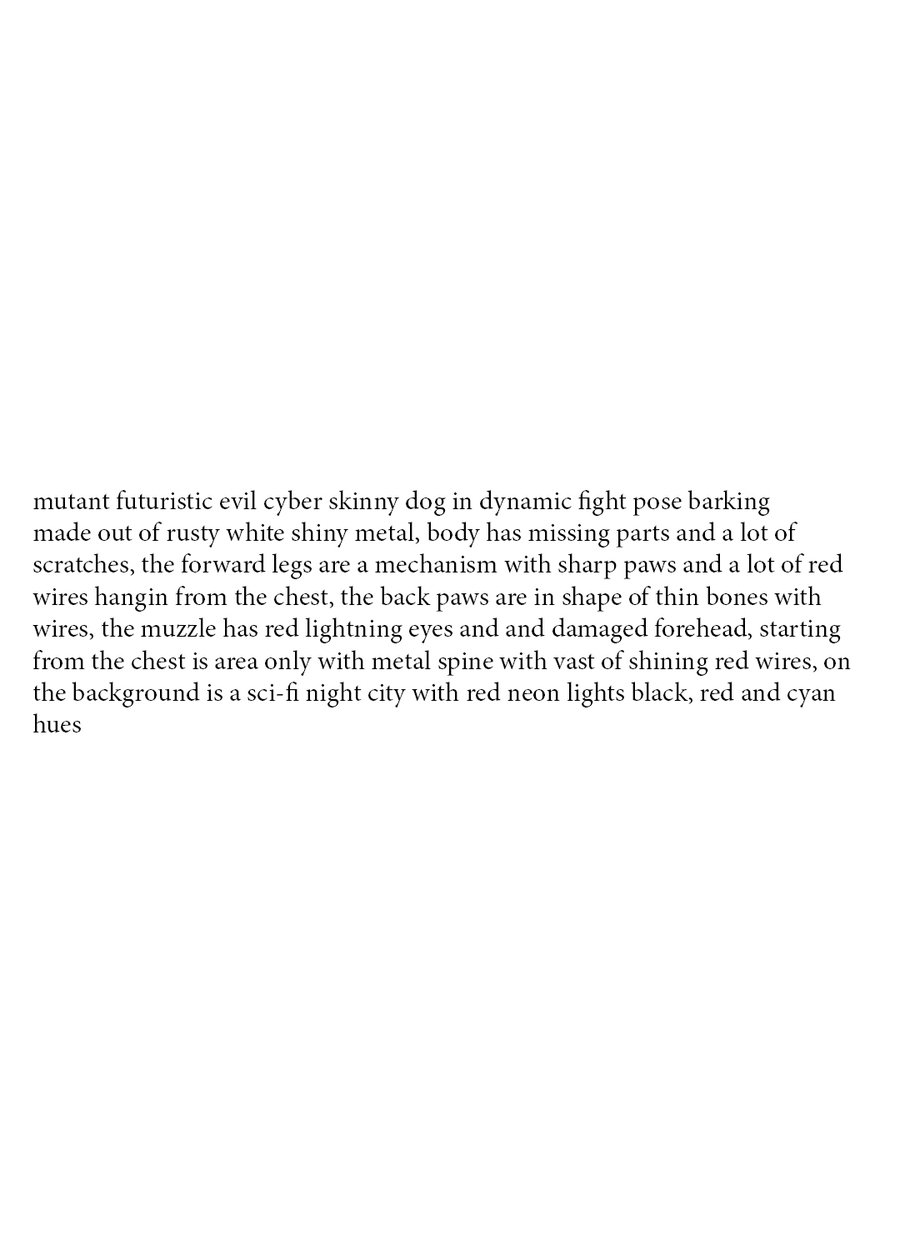
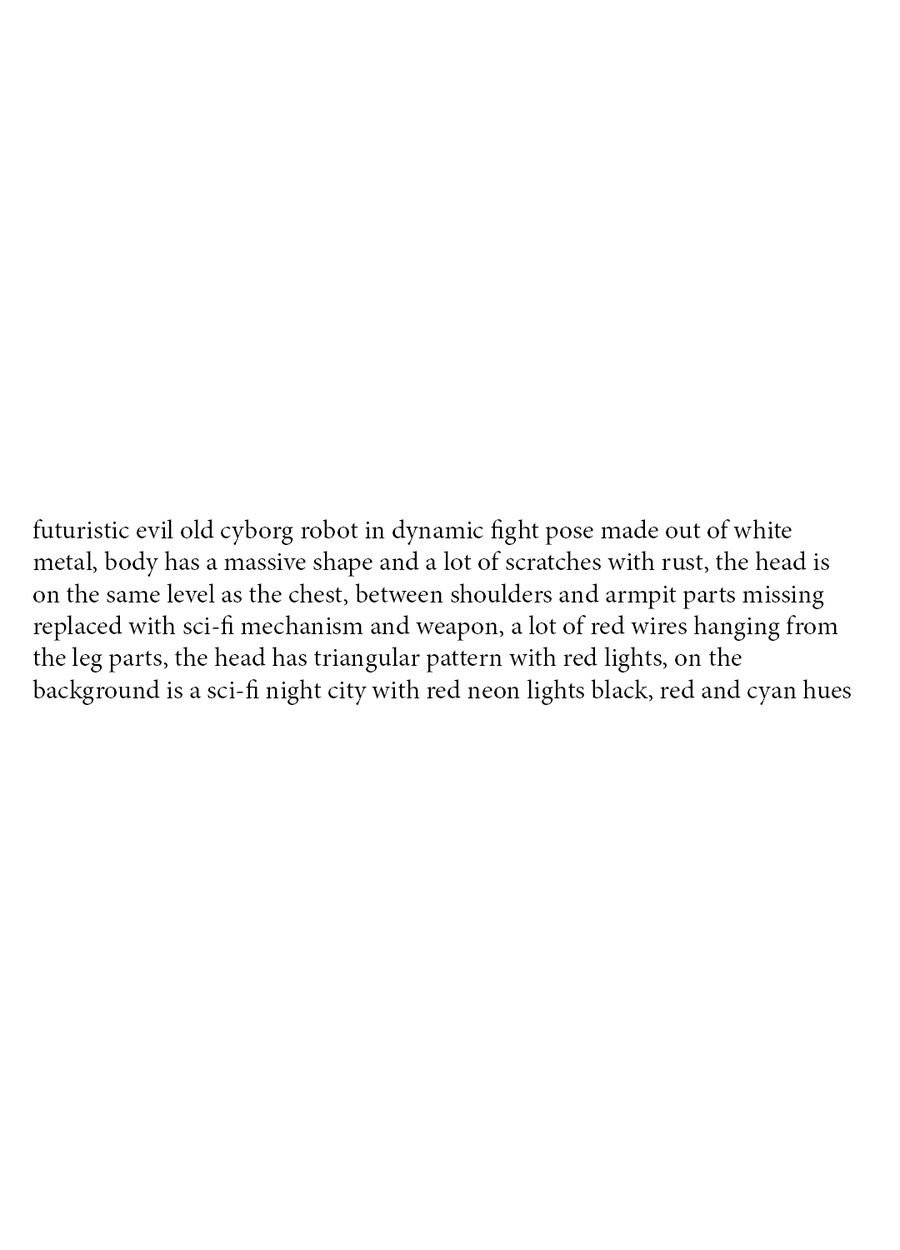
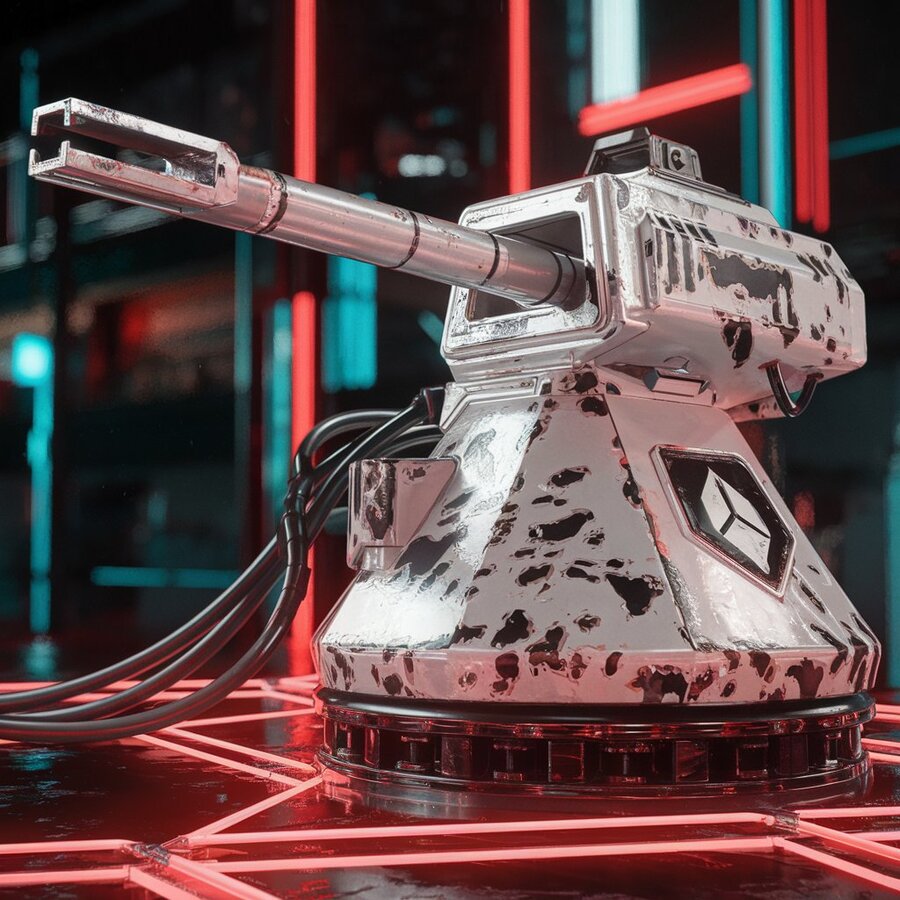
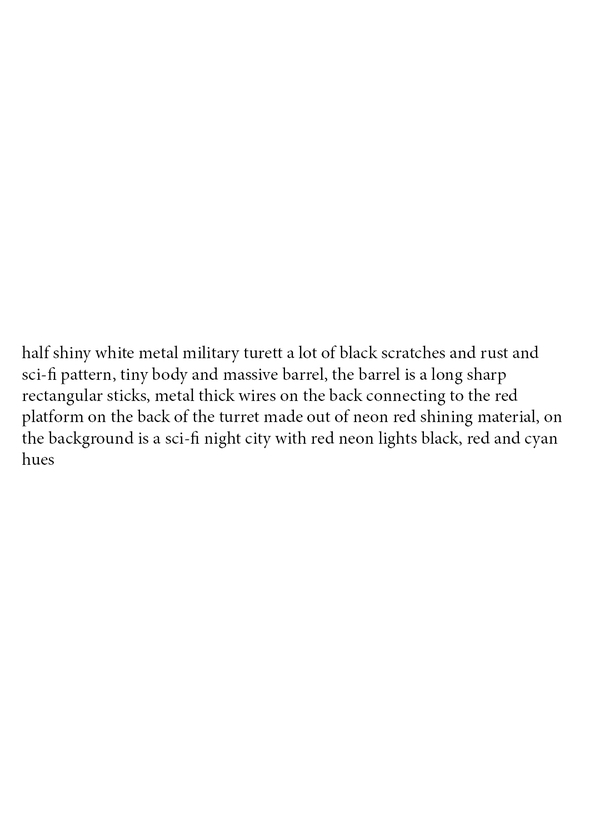
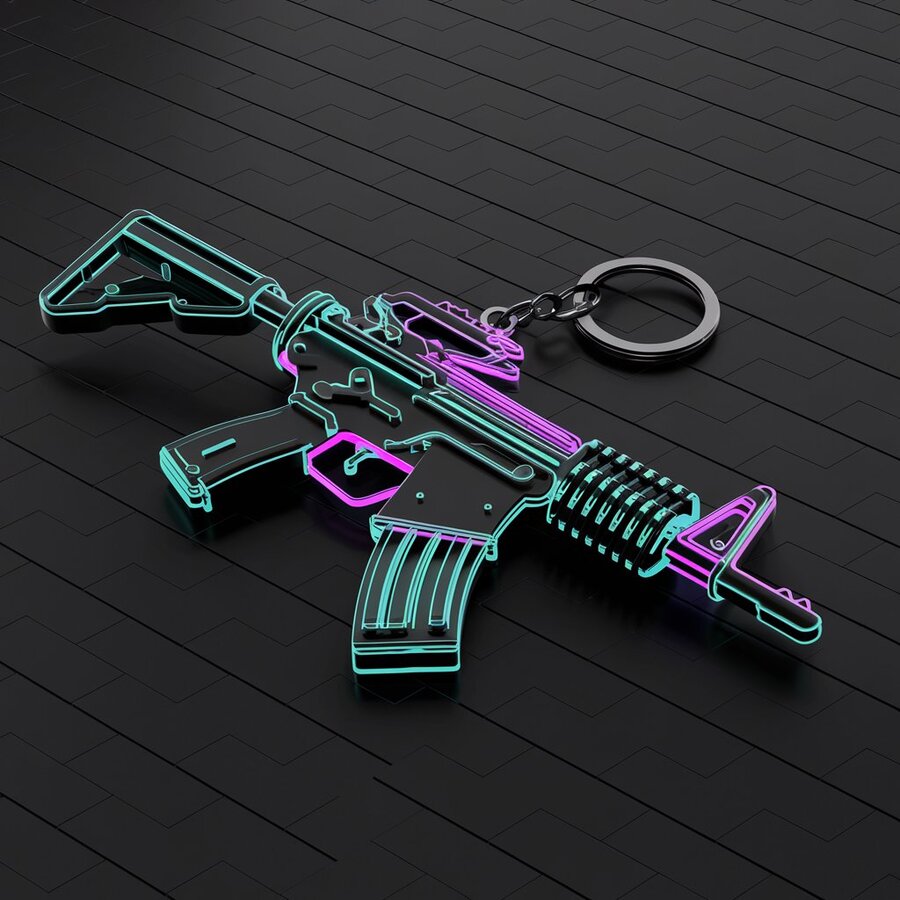
Арина Хайруллова создала аркадный Shoot’em up от первого лица под названием «System Reboot». Проект включает в себя сгенерированные логотип, локации, персонажа, оружие, врагов и постеры с использованием Ideogram и Leonardo AI.
Автор создала визуальный ребрендинг бренда напитков SHAN с использованием искусственного интеллекта, изменяя его идентику и добавляя детали. Проект включает генерацию логотипа, плакатов, упаковки и пространственных решений с элементами ингушских орнаментов и натуральных цветов.
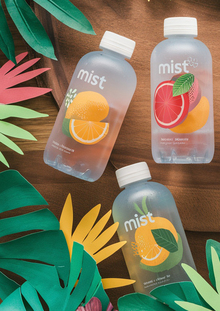
Анна Лесюис создала ребрендинг проекта MIST AI, используя искусственный интеллект для разработки визуальных элементов бренда минеральной воды с фруктами. В проекте были применены нейросети Leonardo Ai, Ideogram, MyFonts и OpenArt для генерации айдентики, упаковки и рекламных материалов бренда.
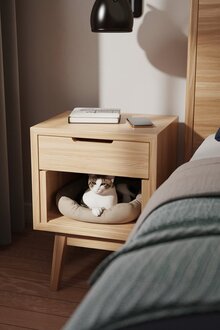
Анастасия Карманова создала проект, в котором исследует восприятие бренда мебели Paws&Pieces через применение искусственного интеллекта. Проект включает в себя 3D-модели мебели, варианты логотипов и рекламные материалы, созданные с использованием нейросетей Leonardo AI, Stable Diffusion XL и Ideogram.
Автор Александра Андреева создала бренд «Your Flavor», сочетающий минимализм и природные ароматы для создания гармоничной атмосферы в доме и духовных практиках. Проект включает в себя оригинальные продукты, созданные с помощью ИИ, такие как подарочные карты, чехлы для телефонов и постеры с элементами мандал и благовоний.
game.deziiign
Платформа для тех, кто играет в игры и тех, кто игры создает. Здесь можно опробовать новые идеи, найти художника или гейм-дизайнера для собственного проекта, и узнать об играх что-то новое и неожиданное.
лучшее
видеоигры
настольные игры
портфолио
об играх
Press space bar to start a drag.
When dragging you can use the arrow keys to move the item around and escape to cancel.
Some screen readers may require you to be in focus mode or to use your pass through key
Press space bar to start a drag.
When dragging you can use the arrow keys to move the item around and escape to cancel.
Some screen readers may require you to be in focus mode or to use your pass through key
Press space bar to start a drag.
When dragging you can use the arrow keys to move the item around and escape to cancel.
Some screen readers may require you to be in focus mode or to use your pass through key
Press space bar to start a drag.
When dragging you can use the arrow keys to move the item around and escape to cancel.
Some screen readers may require you to be in focus mode or to use your pass through key
Press space bar to start a drag.
When dragging you can use the arrow keys to move the item around and escape to cancel.
Some screen readers may require you to be in focus mode or to use your pass through key
Press space bar to start a drag.
When dragging you can use the arrow keys to move the item around and escape to cancel.
Some screen readers may require you to be in focus mode or to use your pass through key
Press space bar to start a drag.
When dragging you can use the arrow keys to move the item around and escape to cancel.
Some screen readers may require you to be in focus mode or to use your pass through key
Press space bar to start a drag.
When dragging you can use the arrow keys to move the item around and escape to cancel.
Some screen readers may require you to be in focus mode or to use your pass through key
Press space bar to start a drag.
When dragging you can use the arrow keys to move the item around and escape to cancel.
Some screen readers may require you to be in focus mode or to use your pass through key
Press space bar to start a drag.
When dragging you can use the arrow keys to move the item around and escape to cancel.
Some screen readers may require you to be in focus mode or to use your pass through key
Press space bar to start a drag.
When dragging you can use the arrow keys to move the item around and escape to cancel.
Some screen readers may require you to be in focus mode or to use your pass through key
Press space bar to start a drag.
When dragging you can use the arrow keys to move the item around and escape to cancel.
Some screen readers may require you to be in focus mode or to use your pass through key
Press space bar to start a drag.
When dragging you can use the arrow keys to move the item around and escape to cancel.
Some screen readers may require you to be in focus mode or to use your pass through key
Press space bar to start a drag.
When dragging you can use the arrow keys to move the item around and escape to cancel.
Some screen readers may require you to be in focus mode or to use your pass through key
Press space bar to start a drag.
When dragging you can use the arrow keys to move the item around and escape to cancel.
Some screen readers may require you to be in focus mode or to use your pass through key
Press space bar to start a drag.
When dragging you can use the arrow keys to move the item around and escape to cancel.
Some screen readers may require you to be in focus mode or to use your pass through key
Press space bar to start a drag.
When dragging you can use the arrow keys to move the item around and escape to cancel.
Some screen readers may require you to be in focus mode or to use your pass through key
Press space bar to start a drag.
When dragging you can use the arrow keys to move the item around and escape to cancel.
Some screen readers may require you to be in focus mode or to use your pass through key
Press space bar to start a drag.
When dragging you can use the arrow keys to move the item around and escape to cancel.
Some screen readers may require you to be in focus mode or to use your pass through key
Press space bar to start a drag.
When dragging you can use the arrow keys to move the item around and escape to cancel.
Some screen readers may require you to be in focus mode or to use your pass through key