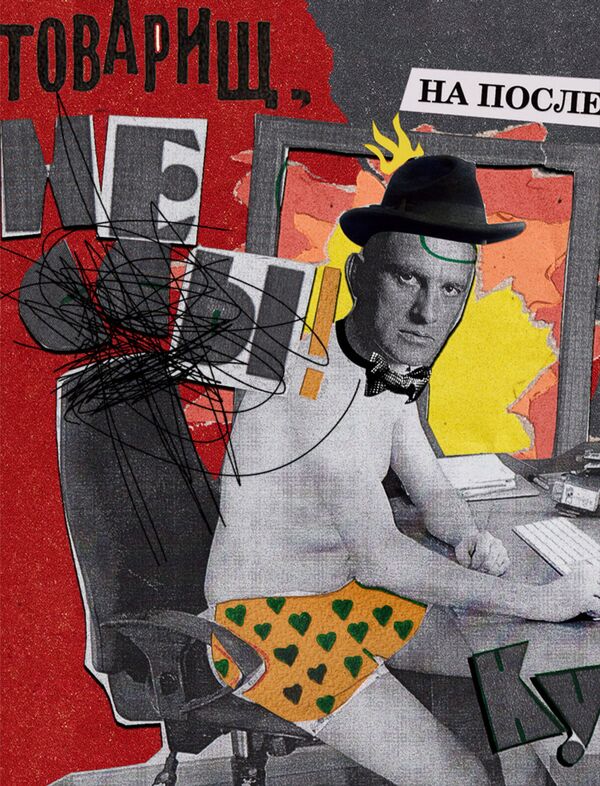
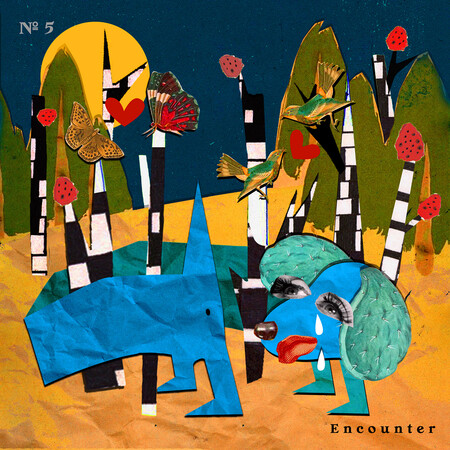
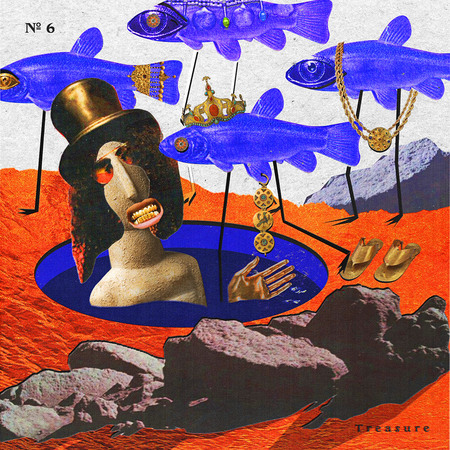
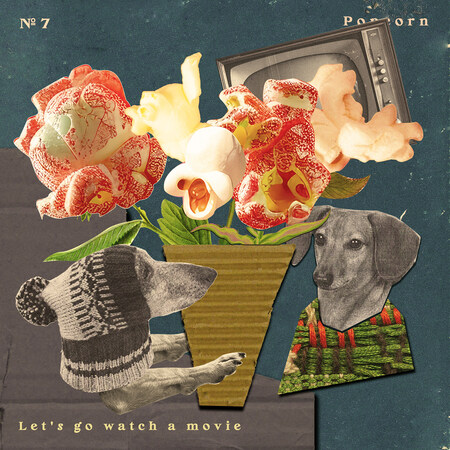
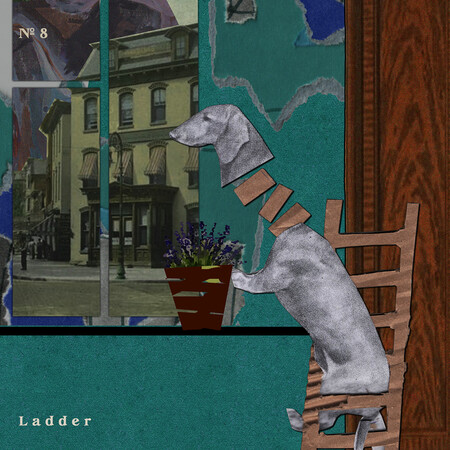
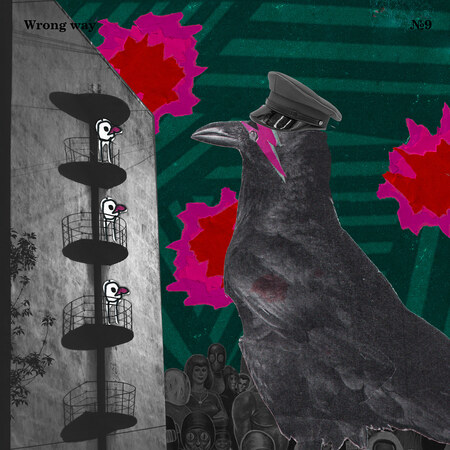
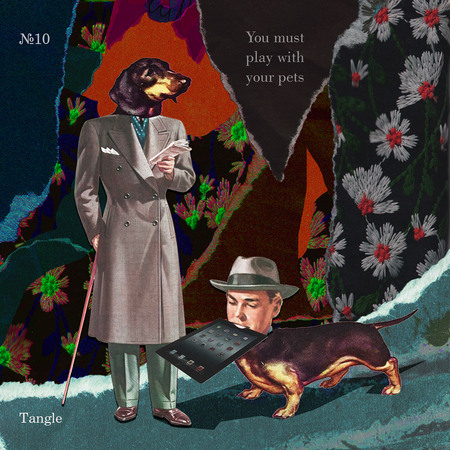
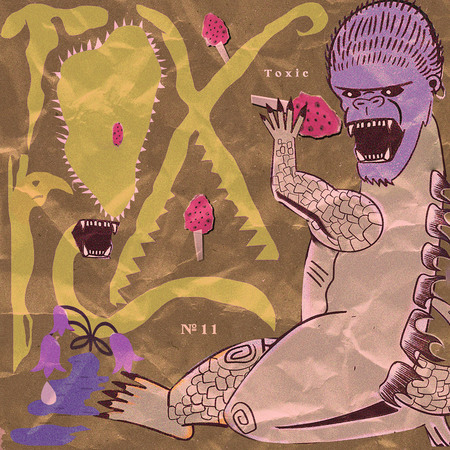
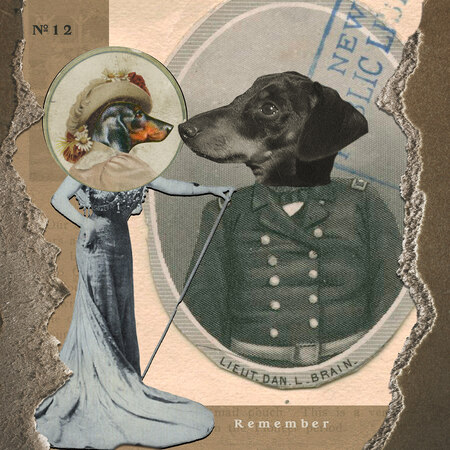
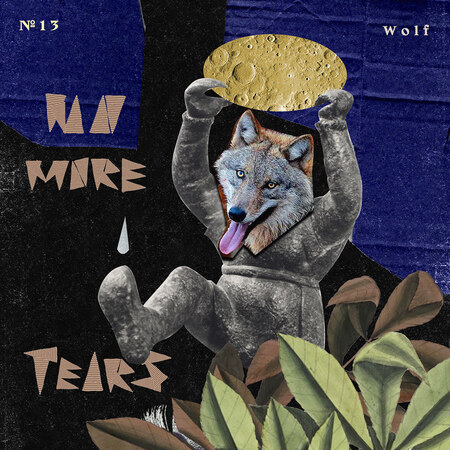
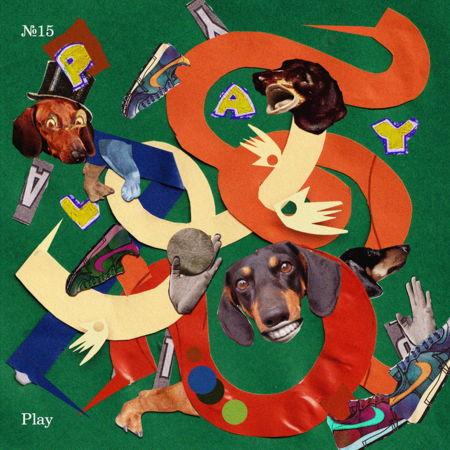
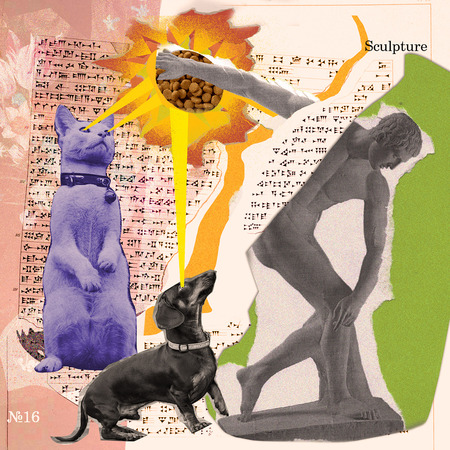
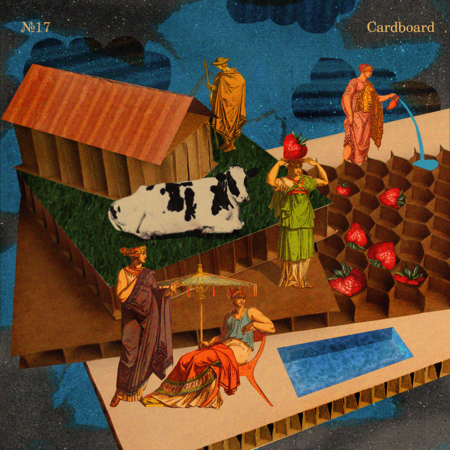
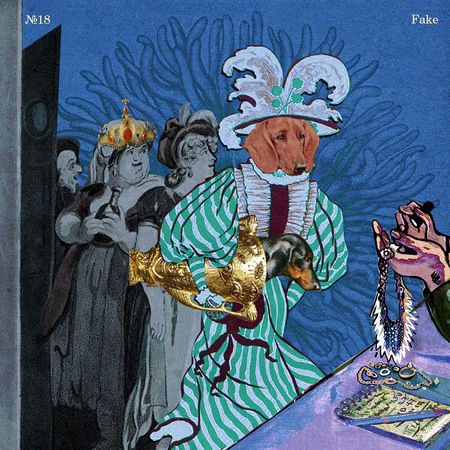
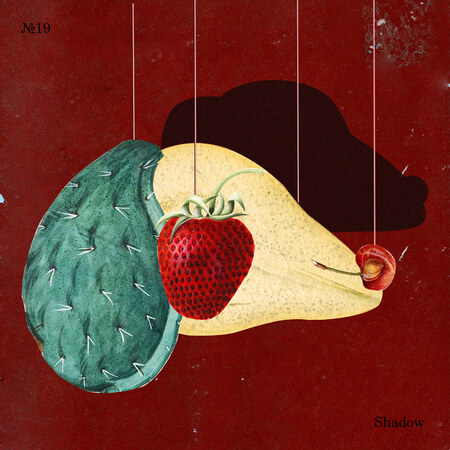
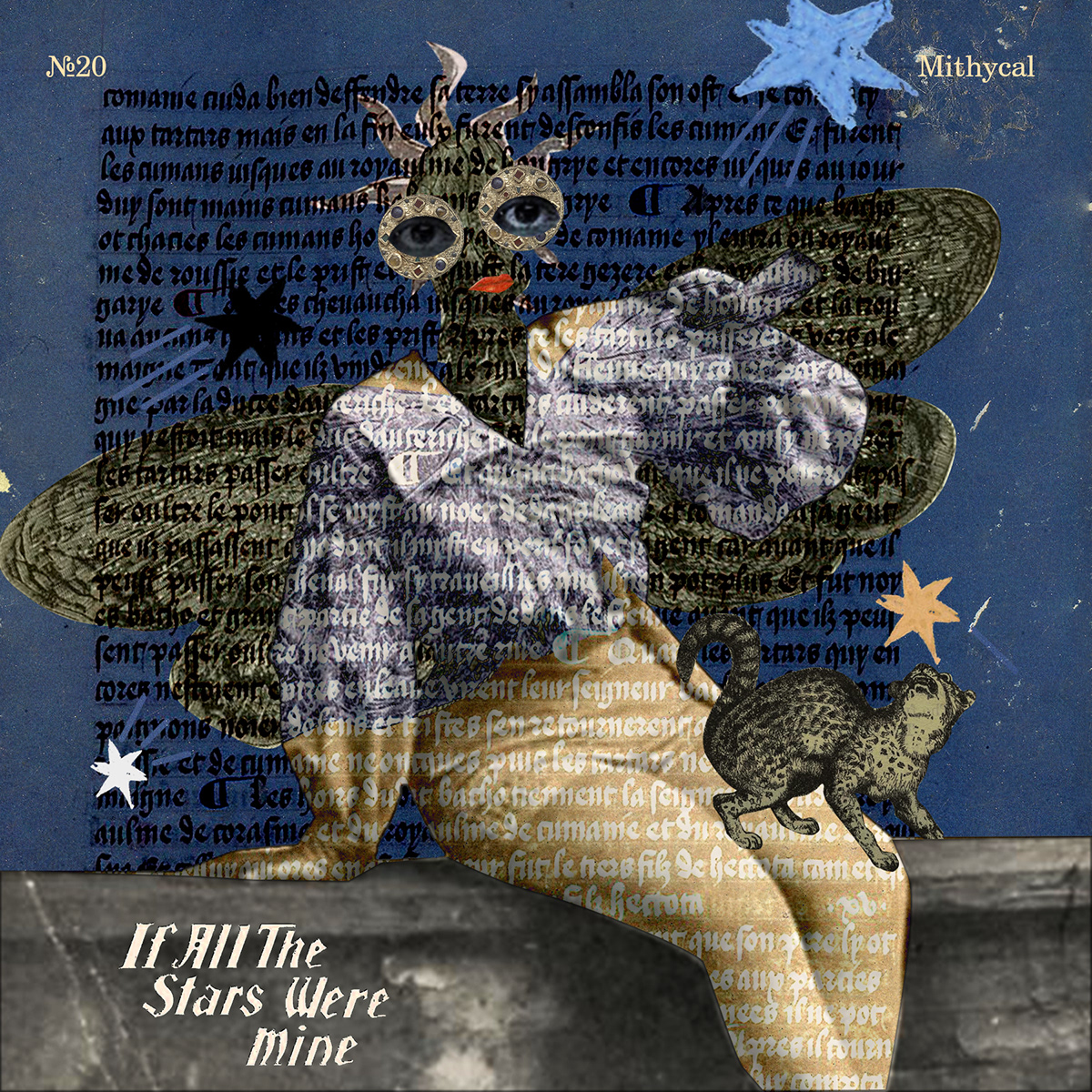
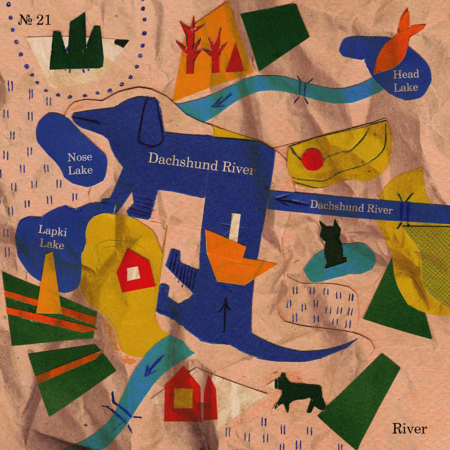
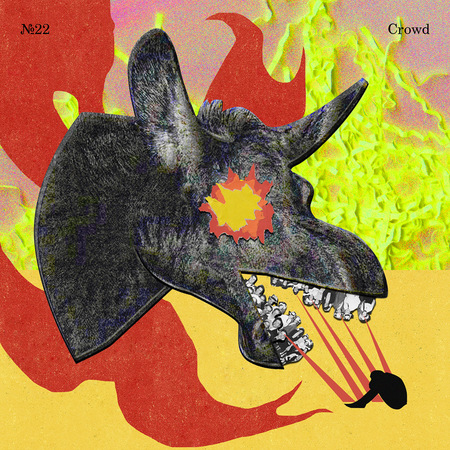
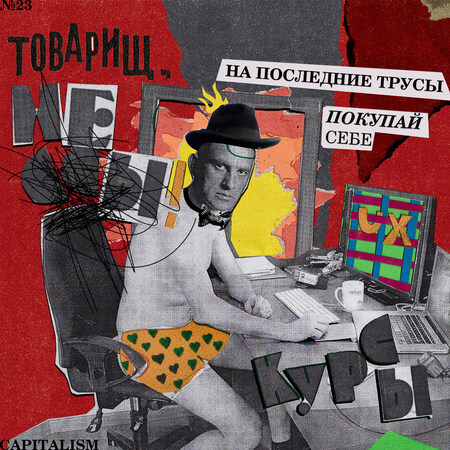
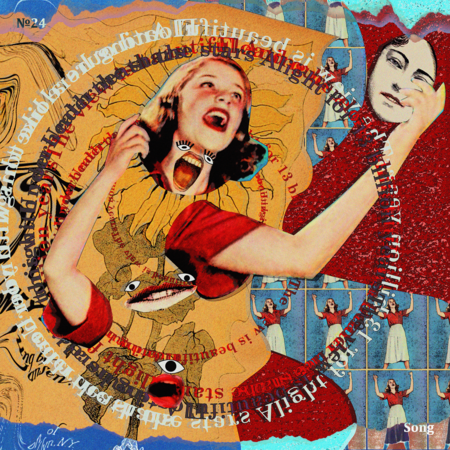
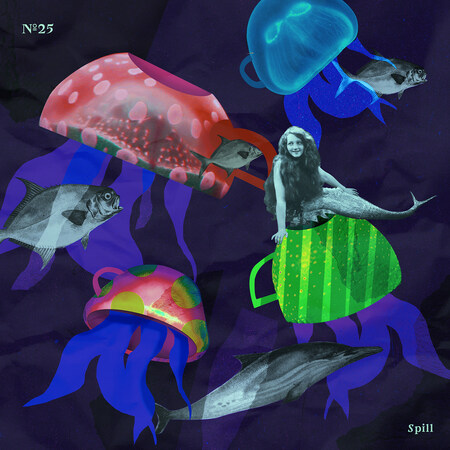
Фебруллаж — ежегодный челлендж для коллажистов, графических дизайнеров и просто творческих людей, проводящийся с 2020 года.
В начале февраля дается список тем — нужно делать по одному коллажу каждодневно на заданное слово.
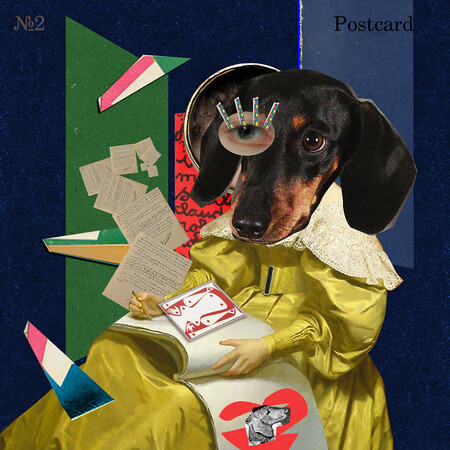
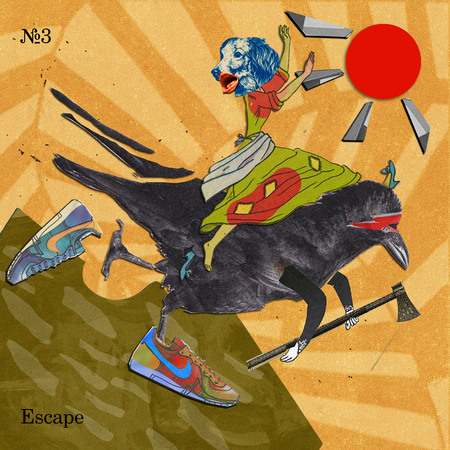
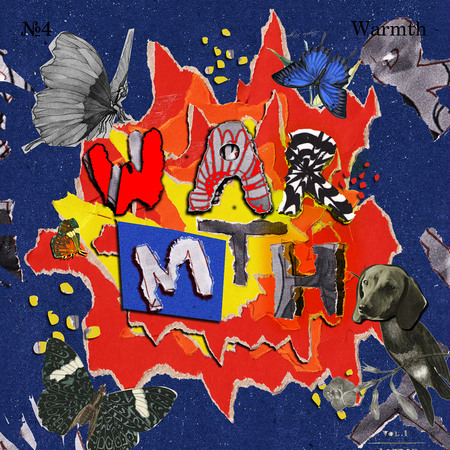
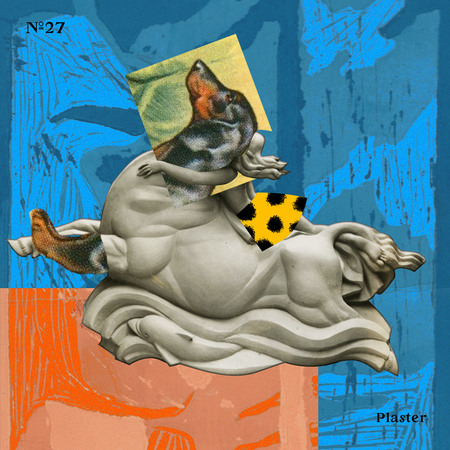
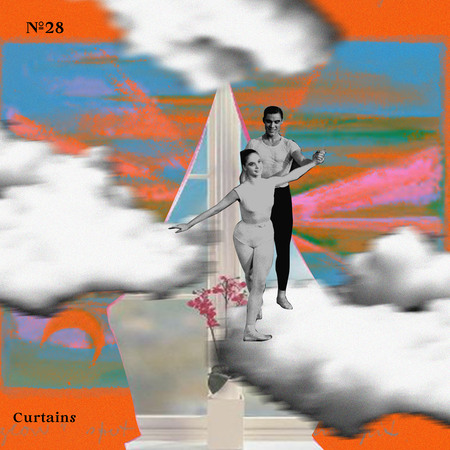
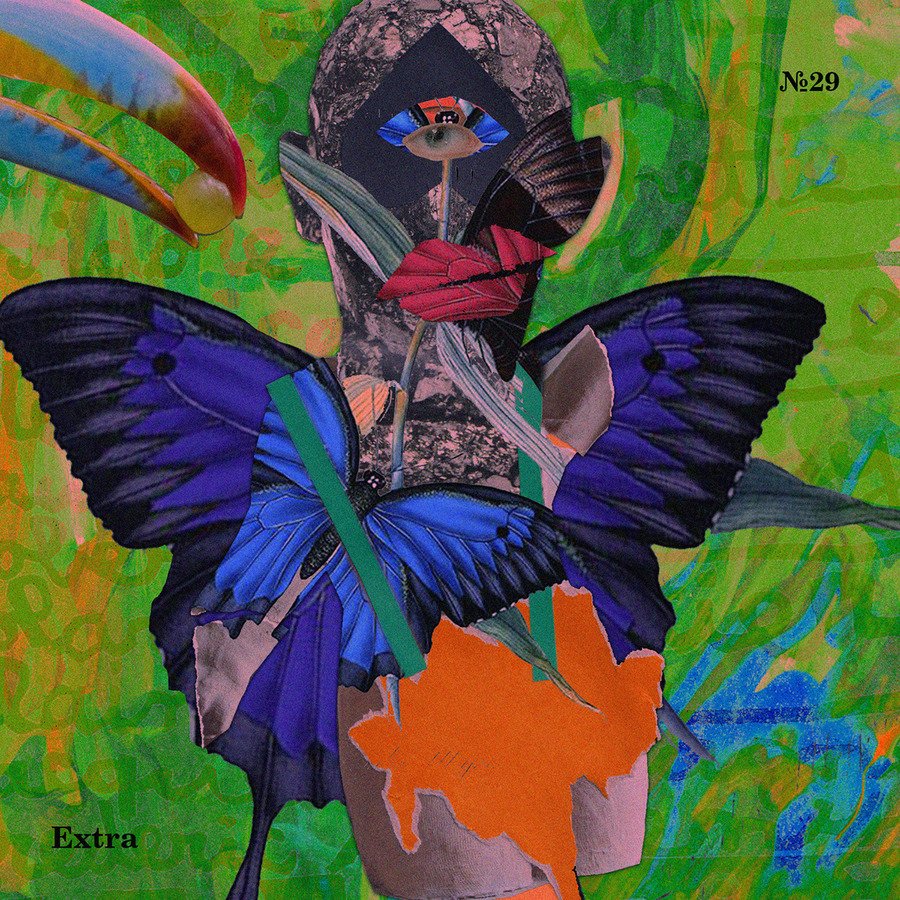
Основным героем своих коллажей я выбрала таксу — просто потому, что люблю эту породу собак. Но в целом, каждый коллаж делался под настроение, с использованием разных техник.
Основная техника — диджитал, с дорисовкой дополнительных элементов вручную и сканированием всего в финальный результат.
Каждая тема подписана на коллаже.
Номер на работе — дата определенного дня февраля.
Приятного просмотра!
Anastasia Kasyanova создала серию коллажей для ежегодного челленджа FEBRULLAGE 2024. Каждый коллаж был выполнен в диджитал-технике с ручной доработкой и включал тему и номер по дате февраля.
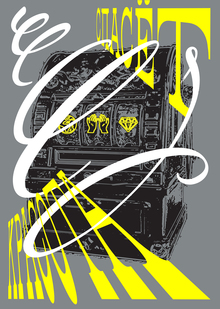
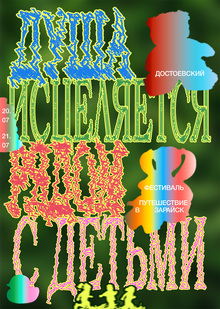
Екатерина Рыжкова создала плакат для фестиваля «Достоевский. Фестиваль-путешествие в Зарайск». Проект включает в себя описание визуального образа, вдохновлённого архитектурой и культурой Зарайска.
Анастасия Богдановская создала плакат для проекта «Достоевский. Фестиваль‑путешествие в Зарайск». В тексте плаката подчёркивается роль красоты как силы, объединяющей людей в трудные времена.
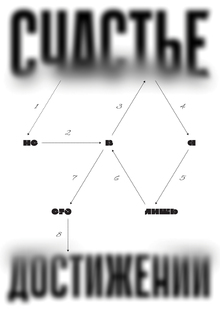
Анастасия Богдановская создала плакат для проекта «Достоевский. Фестиваль-путешествие в Зарайск». Плакат приглашает зрителя вместе с Фёдором Достоевским порассуждать о пути человека к счастью.
Press space bar to start a drag.
When dragging you can use the arrow keys to move the item around and escape to cancel.
Some screen readers may require you to be in focus mode or to use your pass through key
Press space bar to start a drag.
When dragging you can use the arrow keys to move the item around and escape to cancel.
Some screen readers may require you to be in focus mode or to use your pass through key
Press space bar to start a drag.
When dragging you can use the arrow keys to move the item around and escape to cancel.
Some screen readers may require you to be in focus mode or to use your pass through key
Press space bar to start a drag.
When dragging you can use the arrow keys to move the item around and escape to cancel.
Some screen readers may require you to be in focus mode or to use your pass through key
Press space bar to start a drag.
When dragging you can use the arrow keys to move the item around and escape to cancel.
Some screen readers may require you to be in focus mode or to use your pass through key
Press space bar to start a drag.
When dragging you can use the arrow keys to move the item around and escape to cancel.
Some screen readers may require you to be in focus mode or to use your pass through key
Press space bar to start a drag.
When dragging you can use the arrow keys to move the item around and escape to cancel.
Some screen readers may require you to be in focus mode or to use your pass through key
Press space bar to start a drag.
When dragging you can use the arrow keys to move the item around and escape to cancel.
Some screen readers may require you to be in focus mode or to use your pass through key
Press space bar to start a drag.
When dragging you can use the arrow keys to move the item around and escape to cancel.
Some screen readers may require you to be in focus mode or to use your pass through key
Press space bar to start a drag.
When dragging you can use the arrow keys to move the item around and escape to cancel.
Some screen readers may require you to be in focus mode or to use your pass through key
Press space bar to start a drag.
When dragging you can use the arrow keys to move the item around and escape to cancel.
Some screen readers may require you to be in focus mode or to use your pass through key
Press space bar to start a drag.
When dragging you can use the arrow keys to move the item around and escape to cancel.
Some screen readers may require you to be in focus mode or to use your pass through key
Press space bar to start a drag.
When dragging you can use the arrow keys to move the item around and escape to cancel.
Some screen readers may require you to be in focus mode or to use your pass through key
Press space bar to start a drag.
When dragging you can use the arrow keys to move the item around and escape to cancel.
Some screen readers may require you to be in focus mode or to use your pass through key